For this assignment, I used the Application called Snapeseed. I downloaded the other apps Sister Esplin suggested, but I feel this one is the best. I will be showing the finished product and then the before photos, just to show you my edits. You can also find one of my photos on my Instagram.
pano
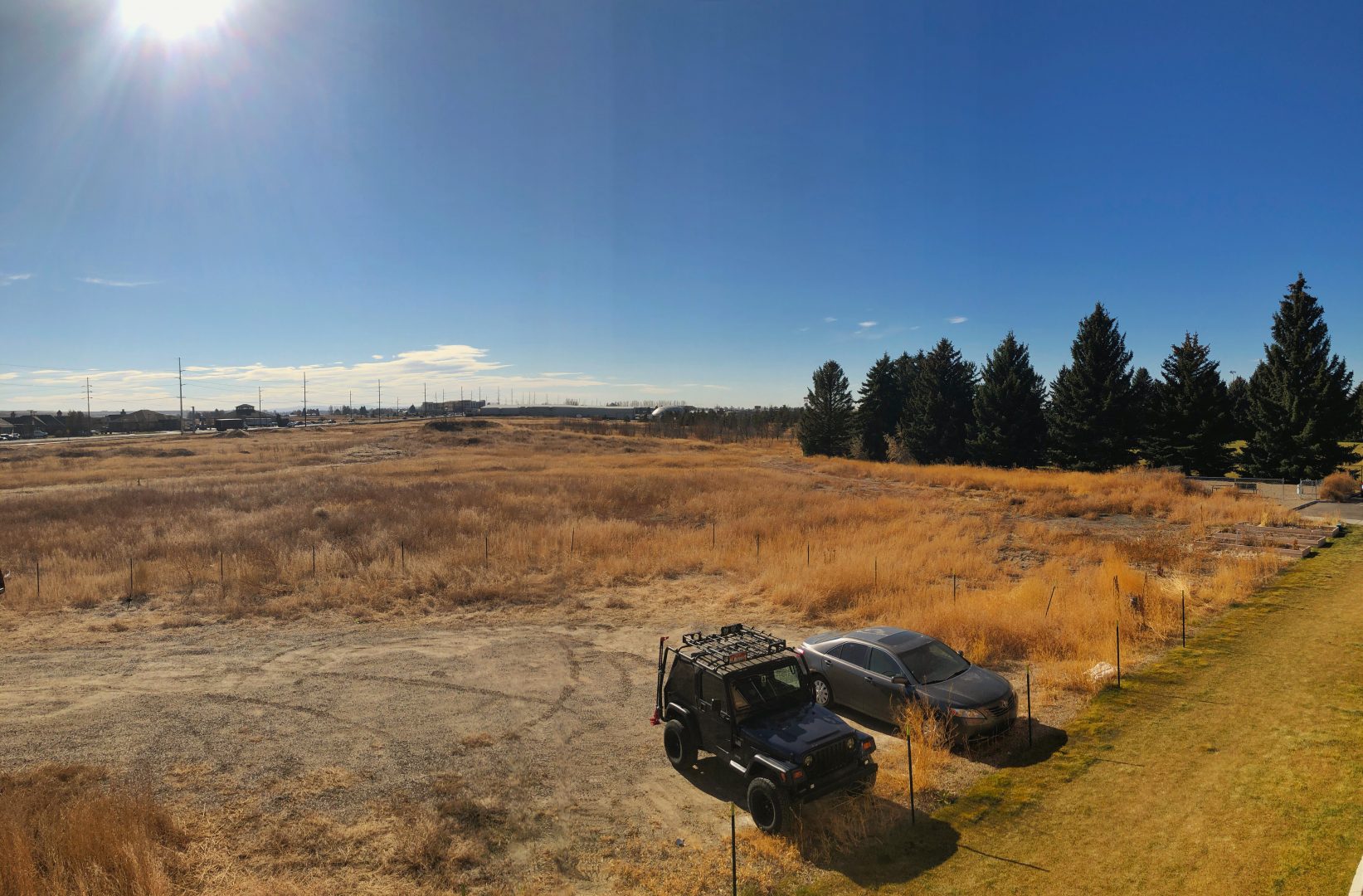
I like the edits I did to this picture, I took it off the balcony at my apartment. I warmed up the image, took out some of the dung in the grass. I love the sun flare i was able to capture.
Before
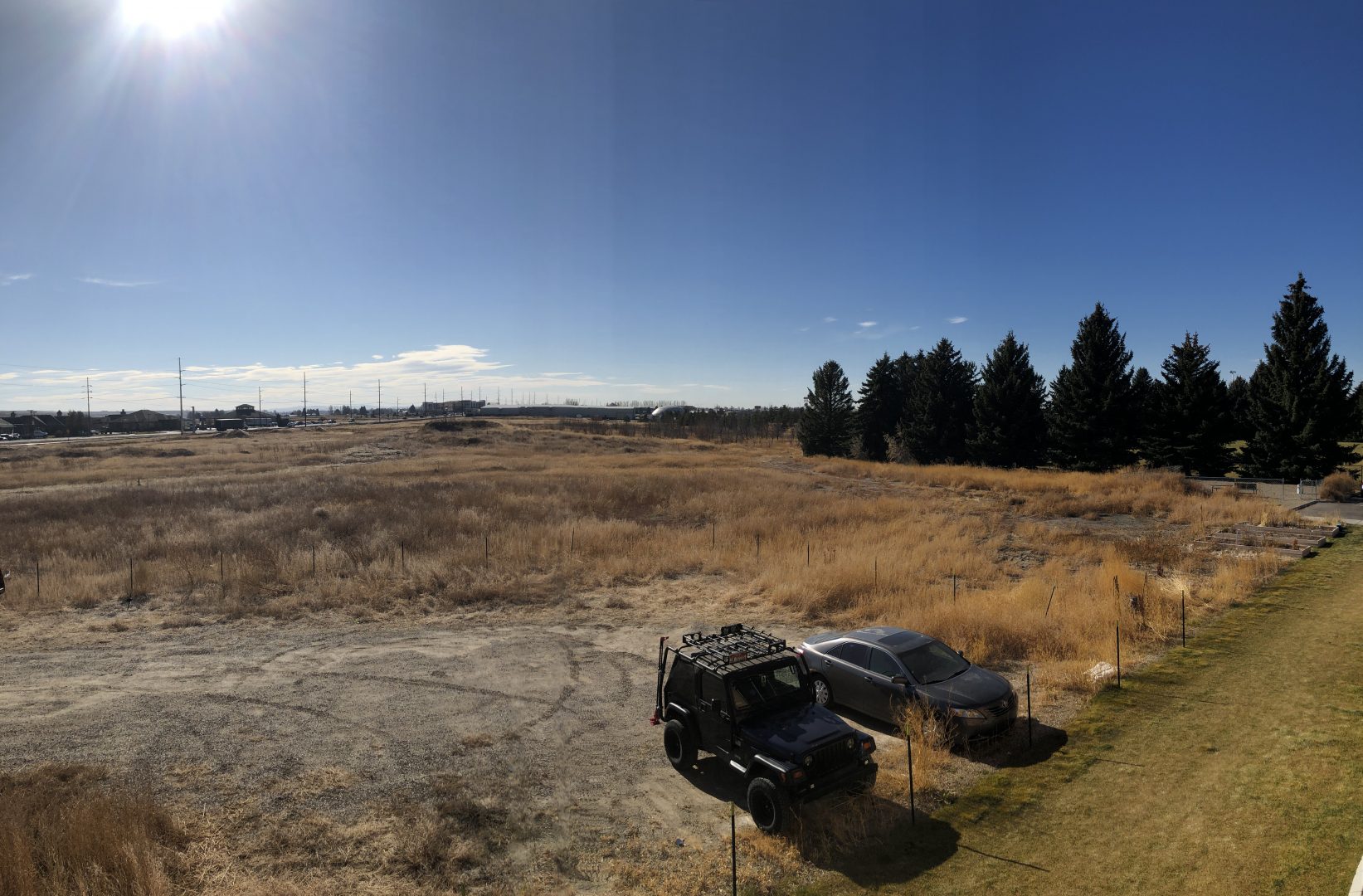
This is the before photo, I just felt like it was dull and the trees didn’t stand out at all. I also didn’t like the color of the bushes, looking at the bushes with your eyes, they are much more vibrant.
Hawaiian Sun
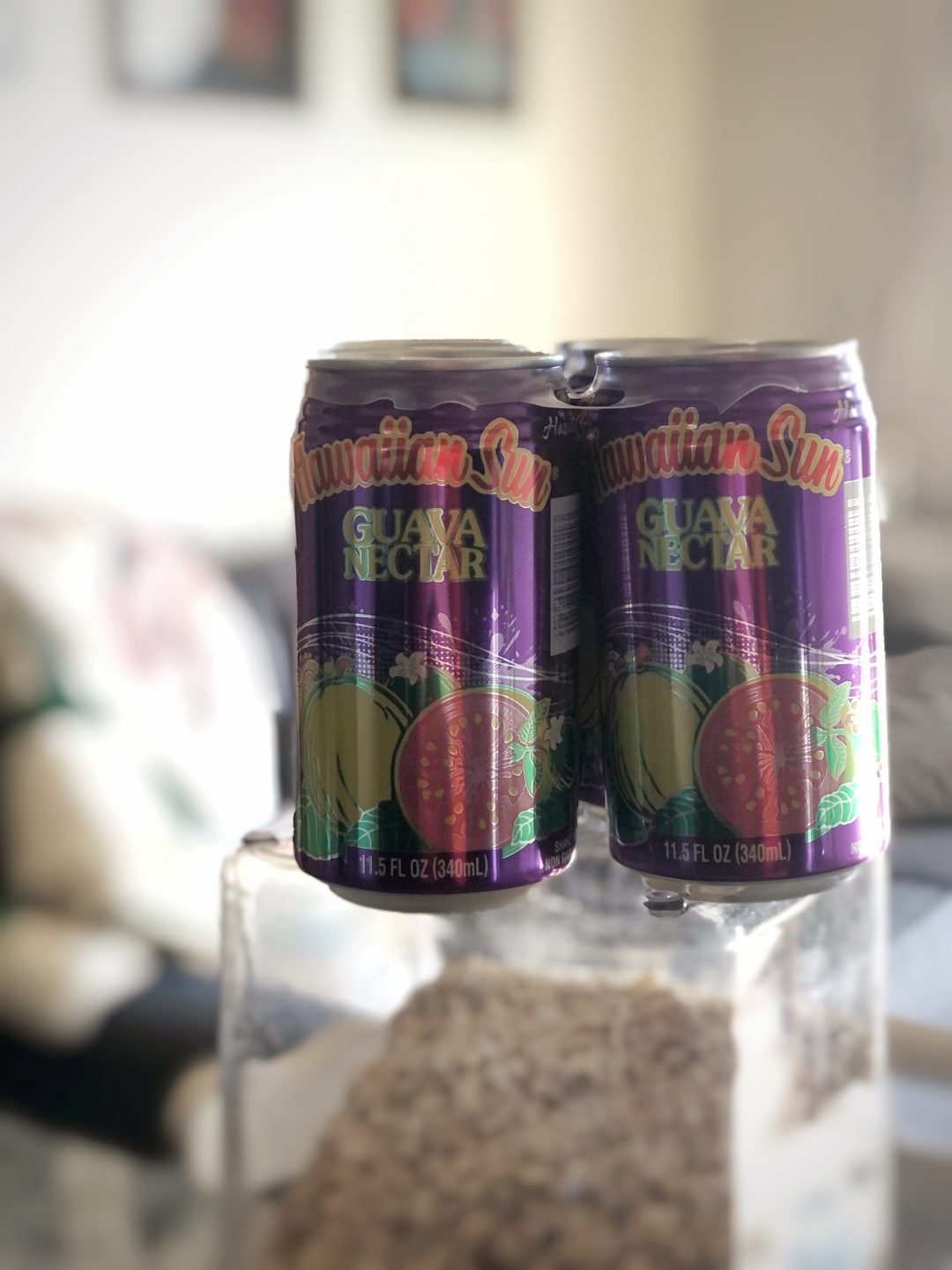
This is my portrait photo, I thought everyone would do a person for this shot. I thought out side the box and decided to take a picture of my favorite drink Hawaiian Sun Guava Nectar. This is after edits.
sunhawaiin nectar guava before
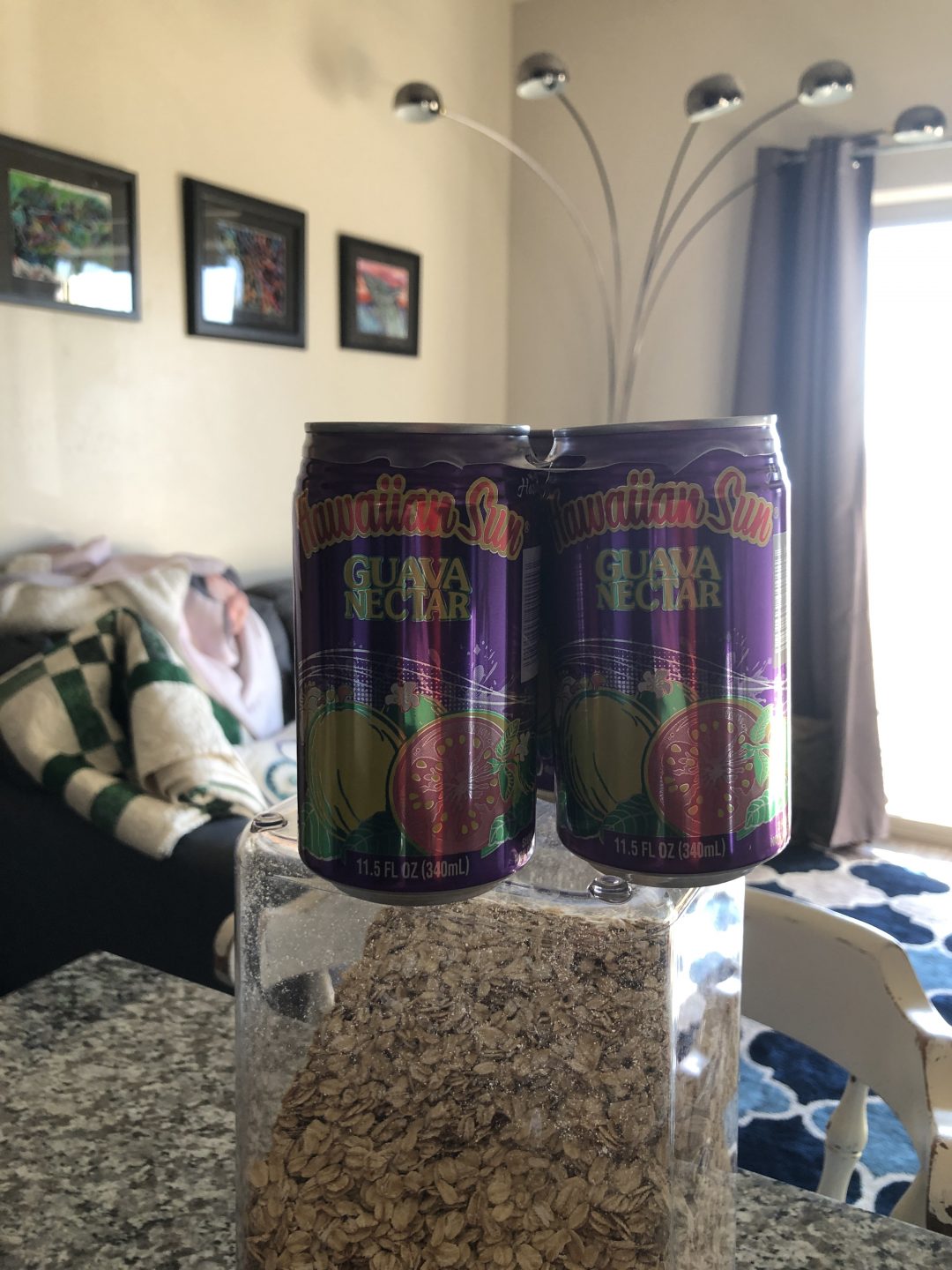
So in the Snapeseed application, I was able to blur the back ground just a little more after using portrait mode on my phone. I also yet again changed the warmth on my photo. What a great app, thank you for showing us it Sister Esplin
A new Point of View
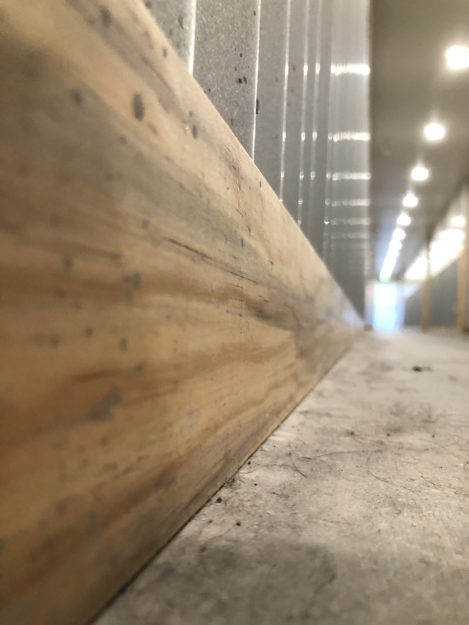
This was taken in the hallway of my apartment building, it feels industrial and I love the lighting. I warmed up this photo and took out some of the dust and hair on the ground. I left a little bit for you there.
Worse Point of View
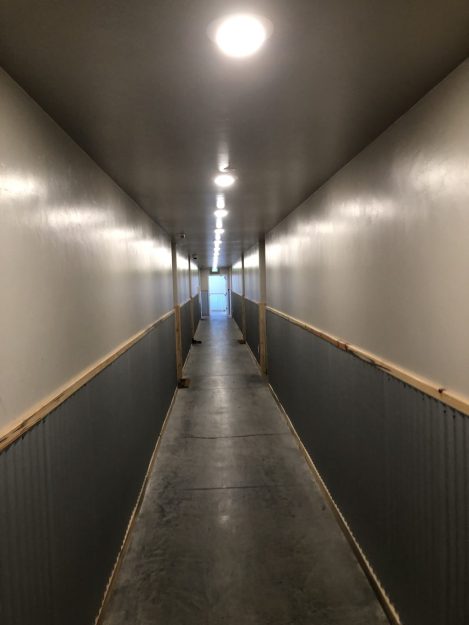
This is the unedited point of view from the center of my hallway. This looks like a gross, storage unit place. But none the less, I live here. I like how in this photo you can see the texture of the wood slightly but above you can really make it out.
 Alex Loveridge