Featured

Swim Trunks

My Patterning

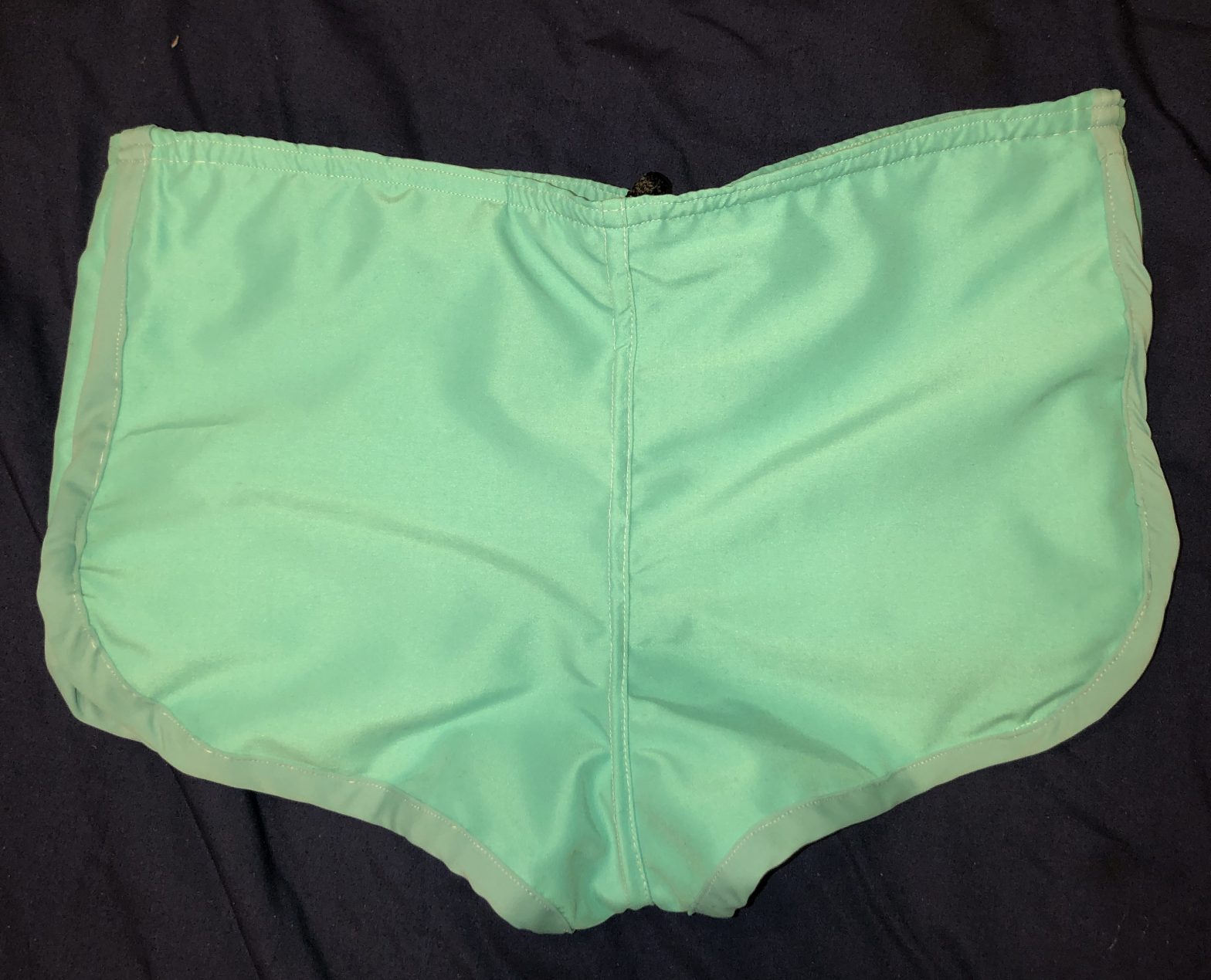
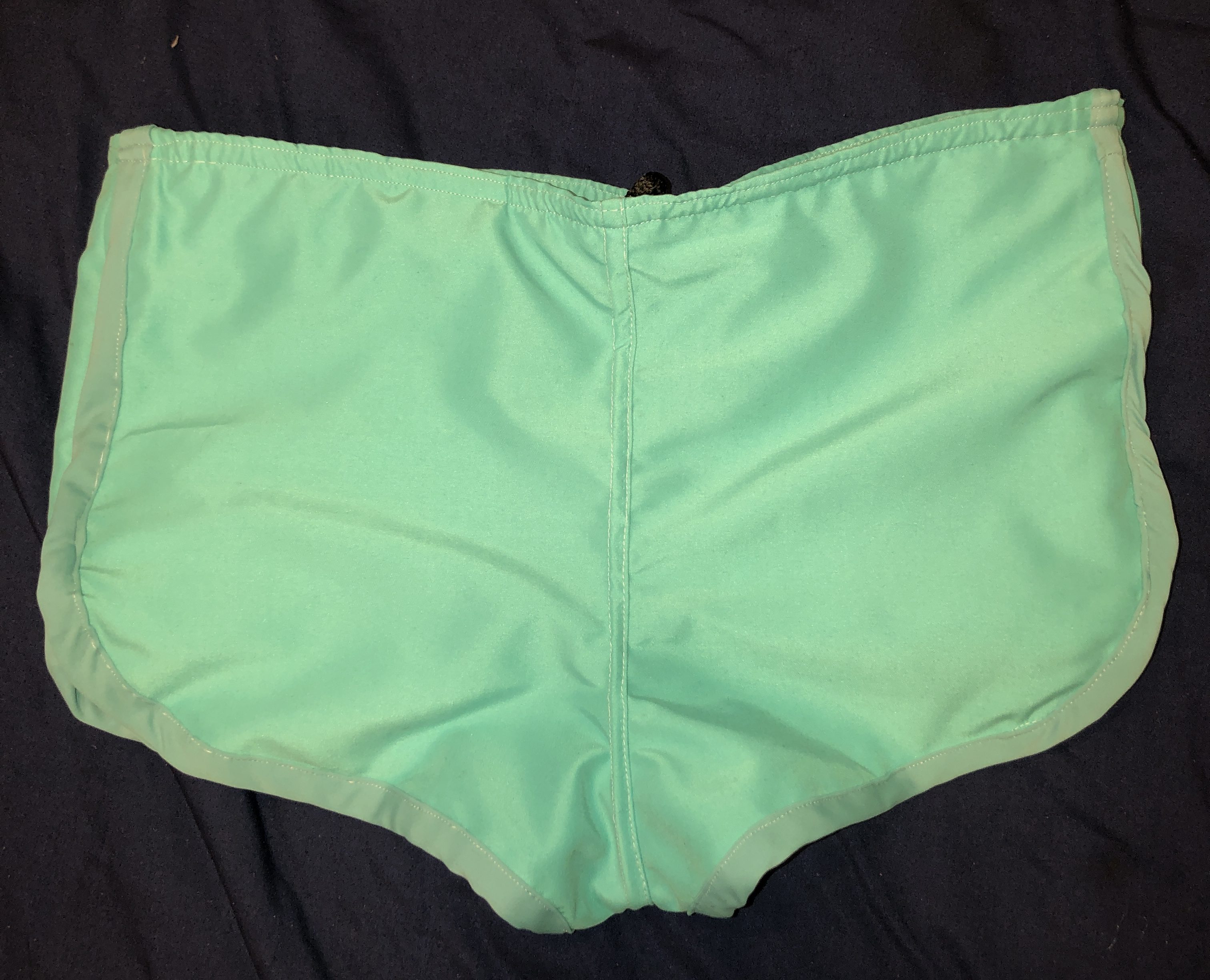
I made men’s 70s swim trunks based on a McCall’s Pattern from the 1970s. I had learned so much while doing this project with trimming seams, learning how to take in patterns and how to use good finishings on the product. In this blog post, I will show you how I made these shorts and what I learned. Make sure to click on each image to enlarge it and take a closer look.

McCalls Patterns

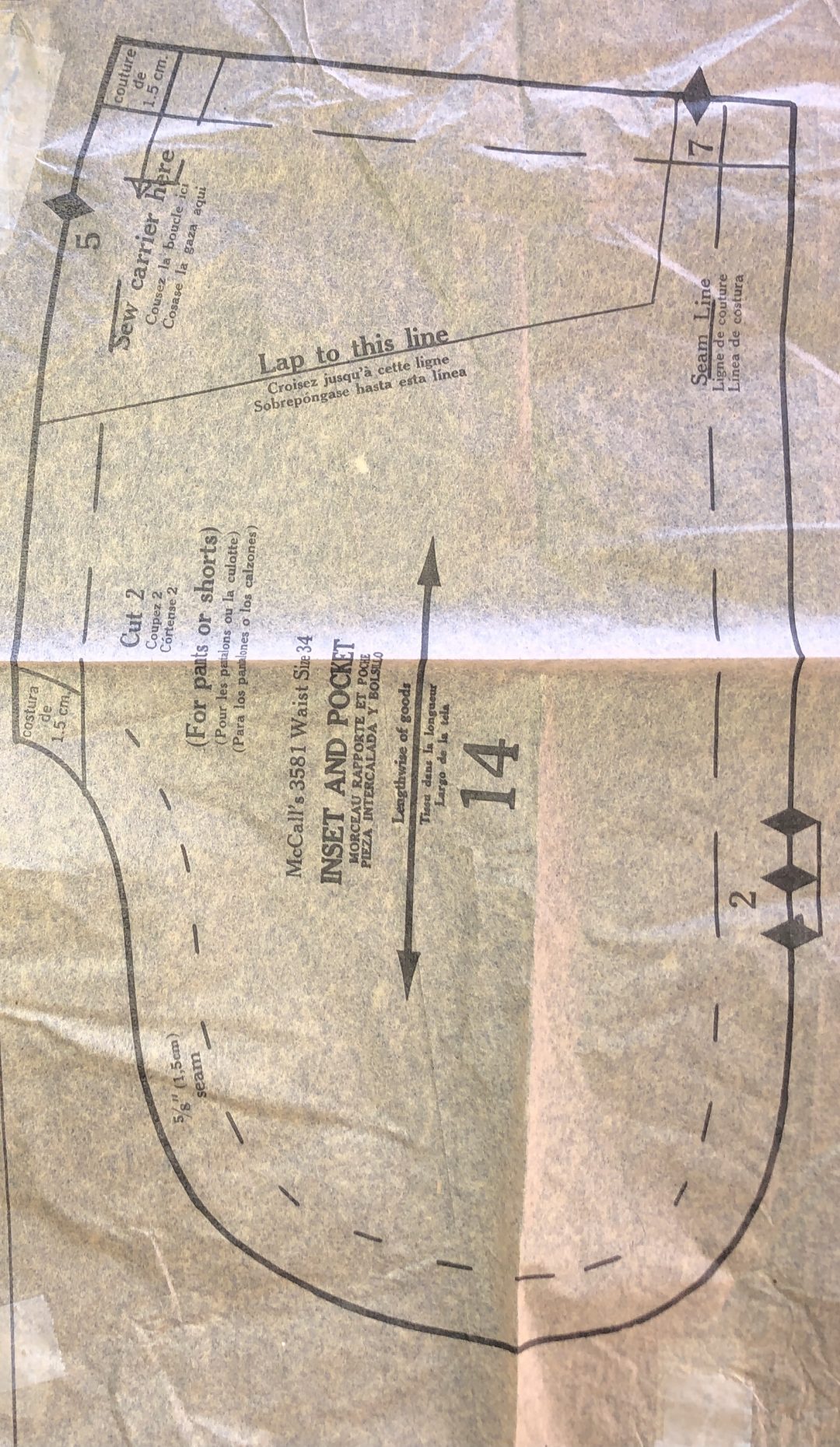
I used a 1972 McCall’s Pattern as my base for this project. I use the word base losly because this pattern was about 4 sizes to large for me, so I had to stink the pattern, which I have never done before. I wanted to add a few things as well, put in side seam pockets as well as lining the shorts. Below you will see the original McCalls Pattern that i bought on Etsy for 7.92.
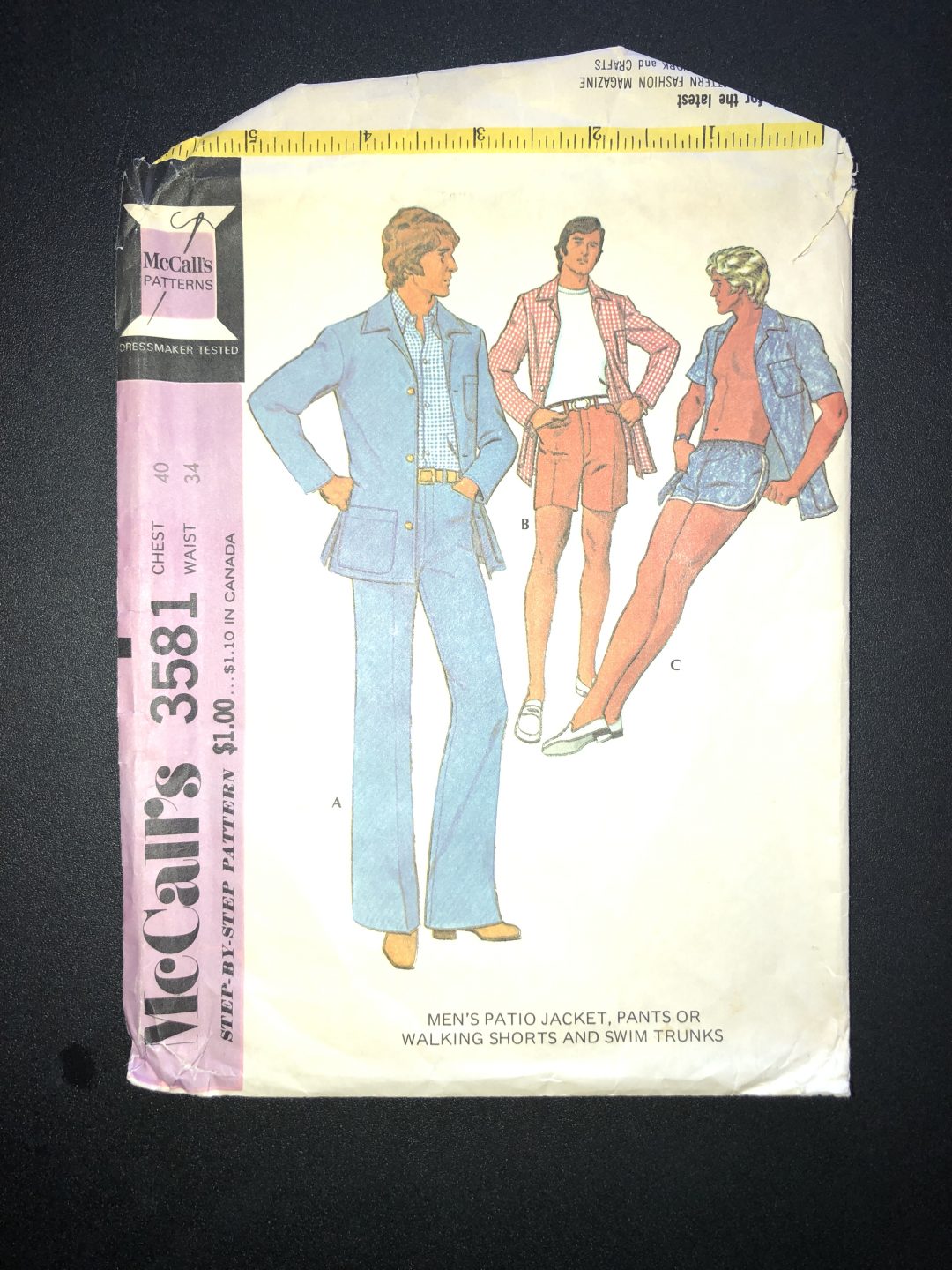
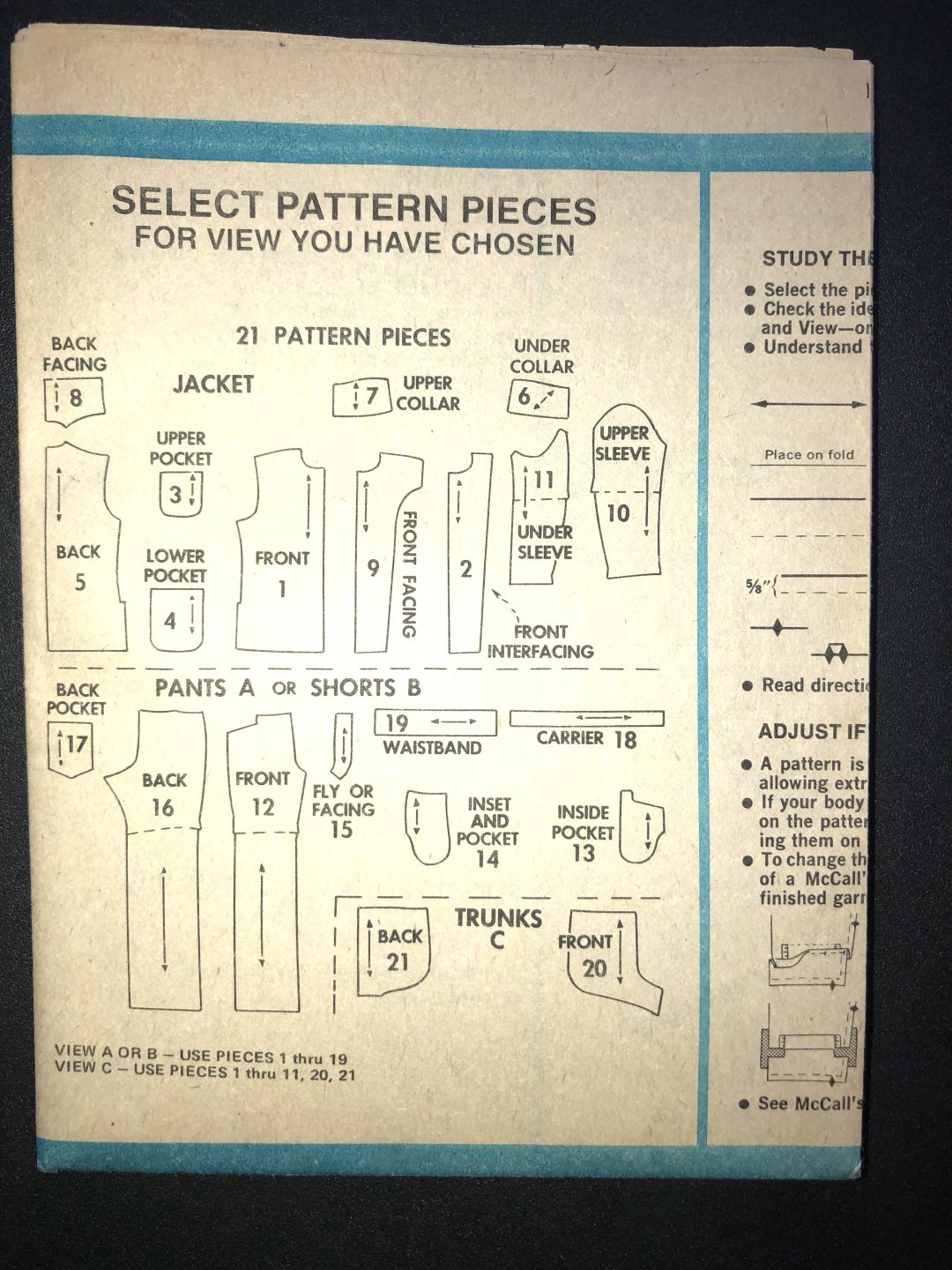
Front of McCalls Pattern

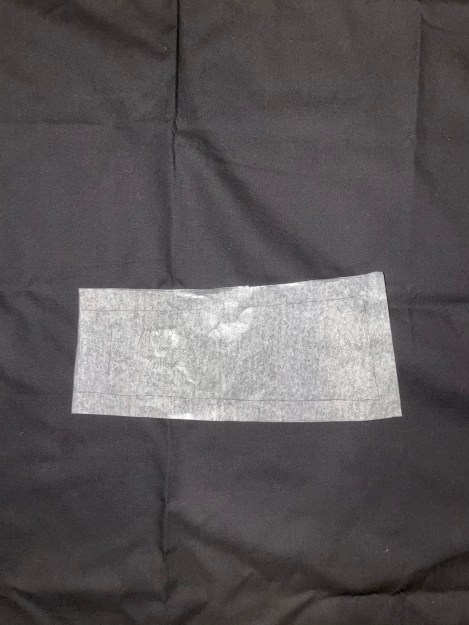
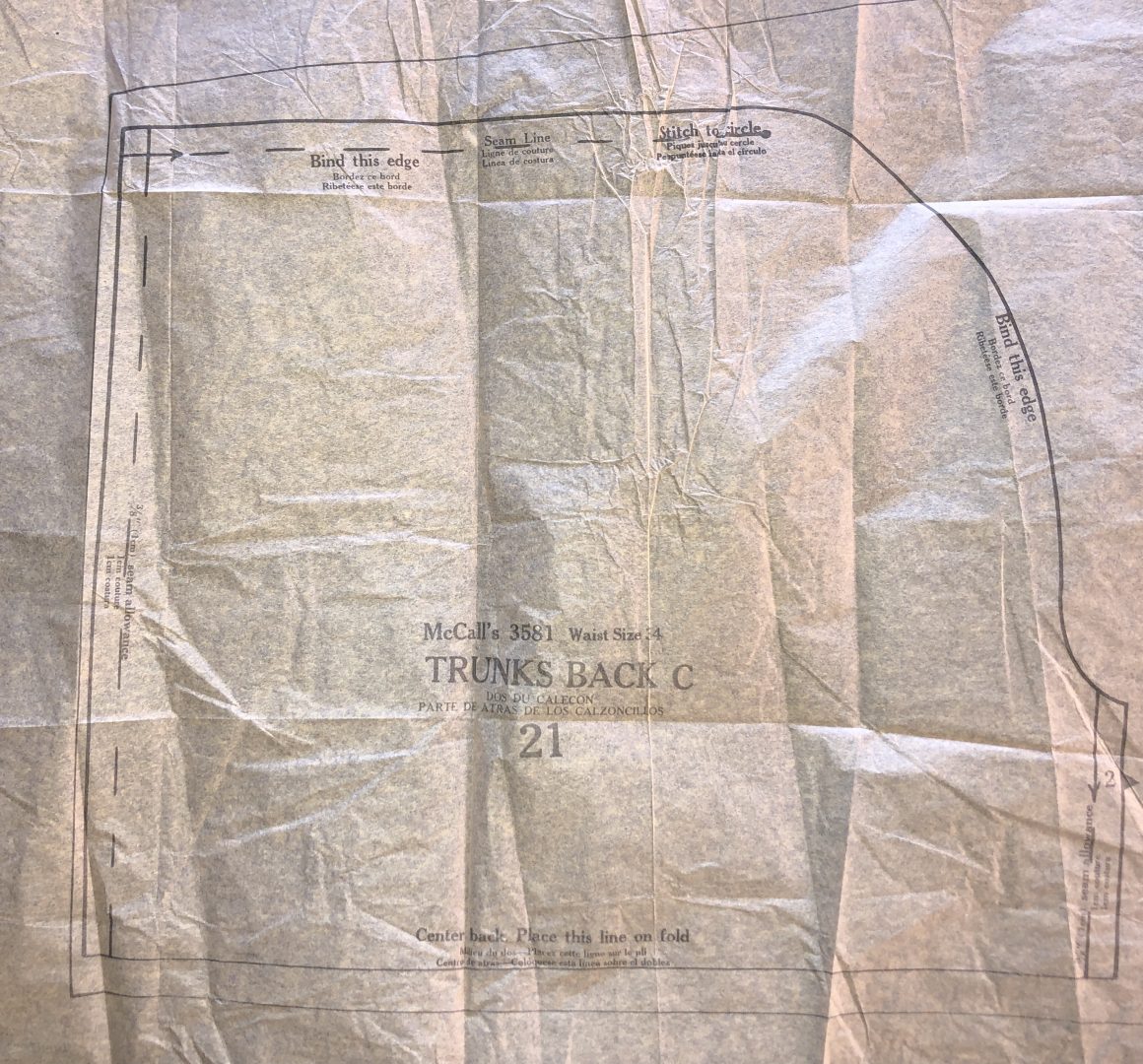
For this project, I used the Inset and Pocket number 14 for my pocket base. I also used Numbers 20 and 21 for the front and back of the trunks themselves.
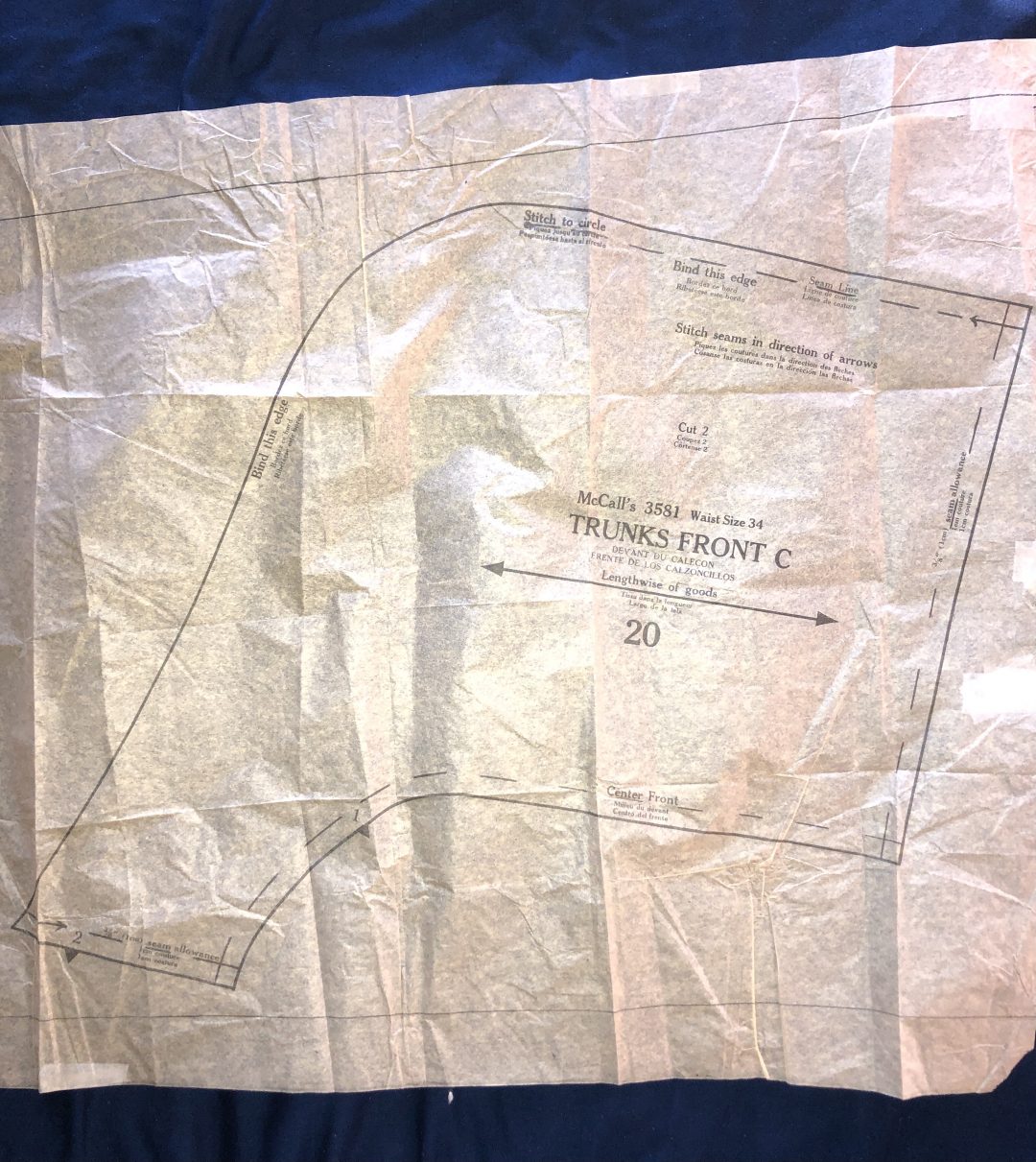
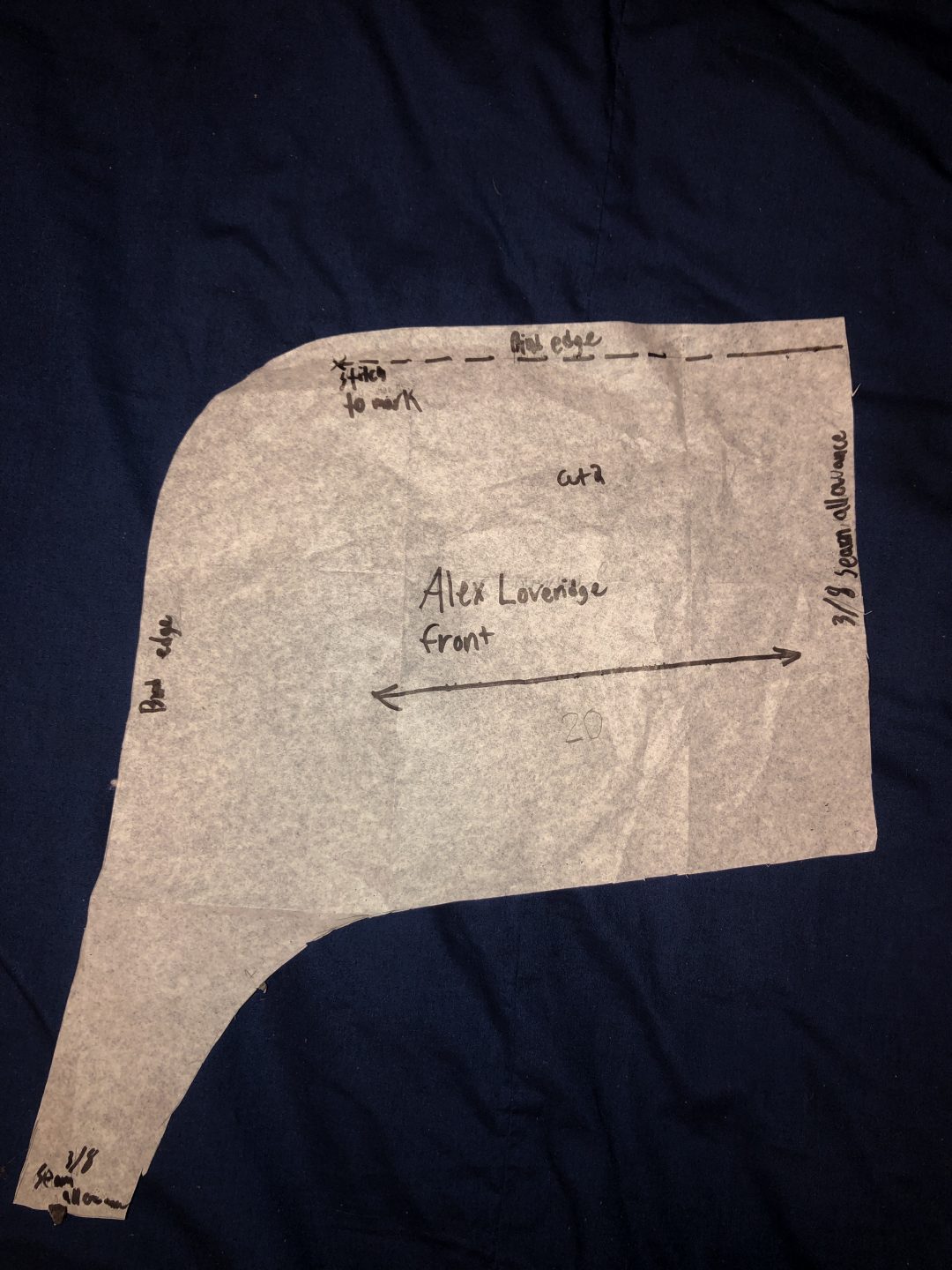
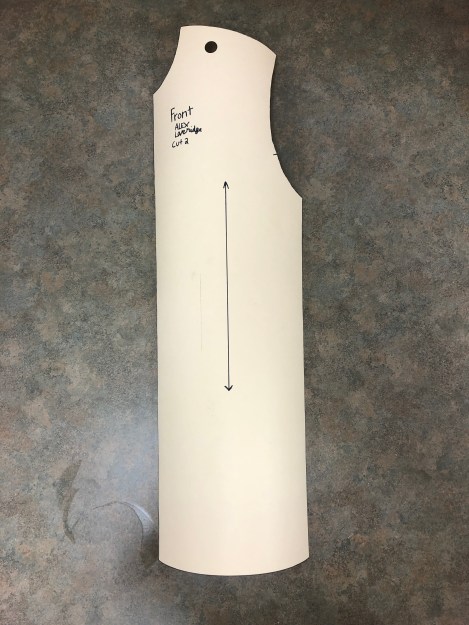
Front Trunk Base Pattern
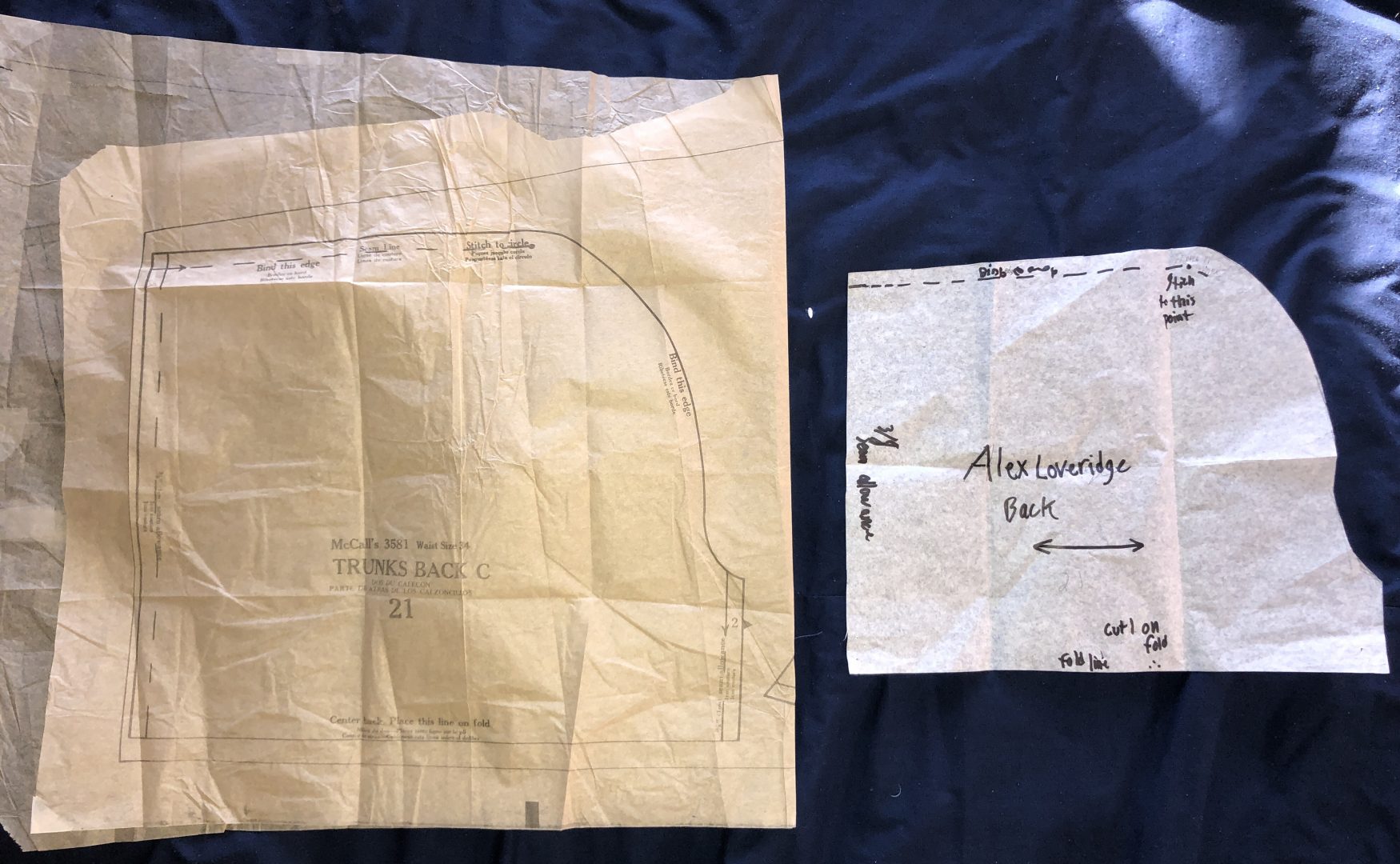
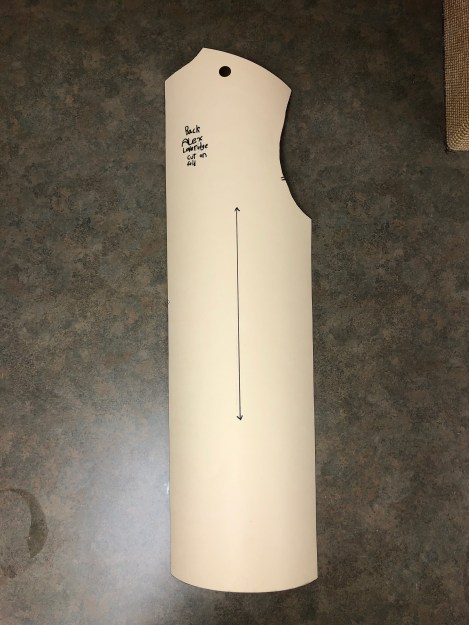
Back Trunk Base Pattern
Pocket Pattern

My Patterning

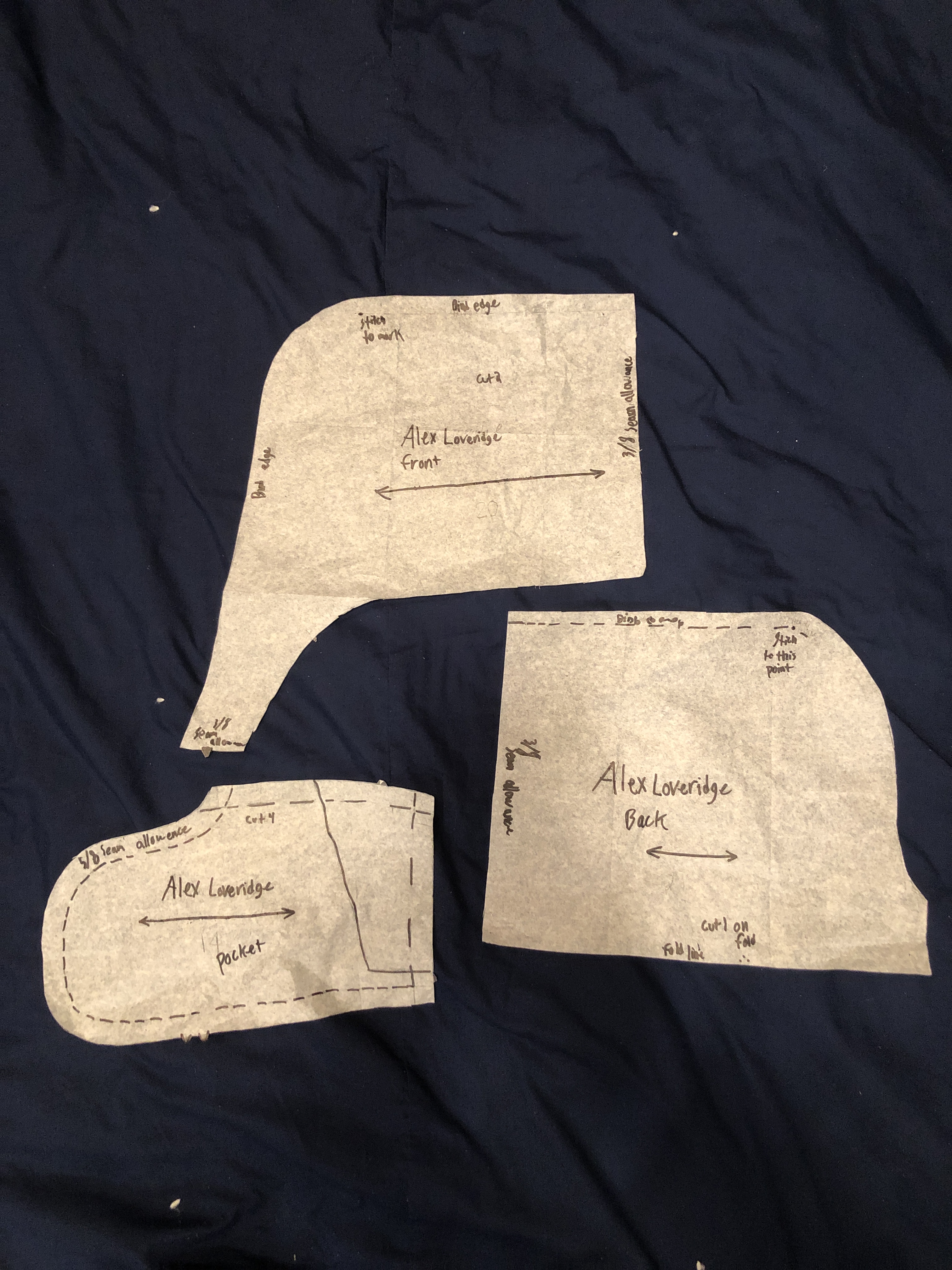
Notice the difference in sizing between the McCall’s Pattern and the one I shrank to better fit my body. I ended up taking in my pattern pieces an inch on all sides. This worked for this project but I can see how I should have only taken half of that on the crotch area.

Front
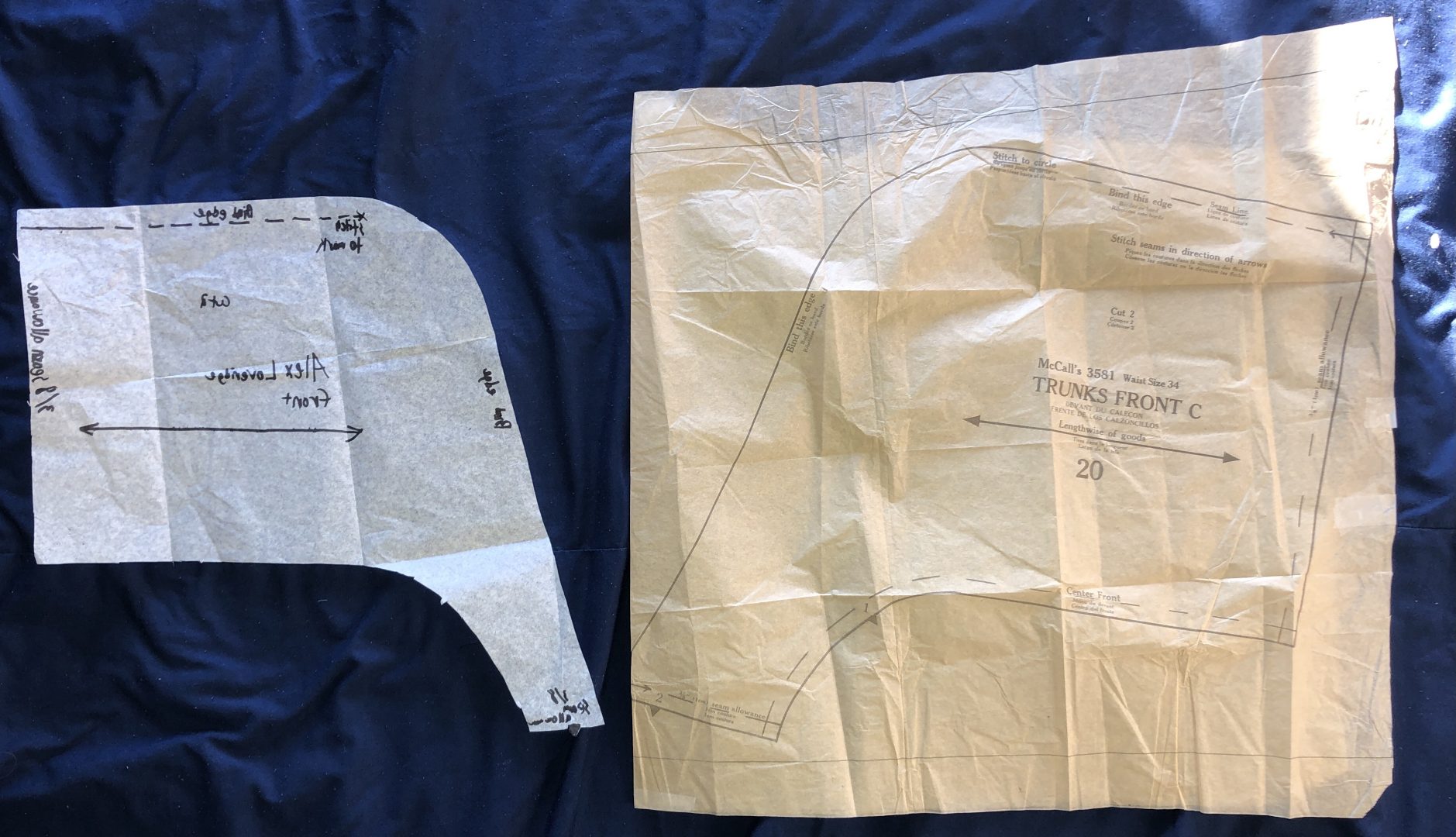
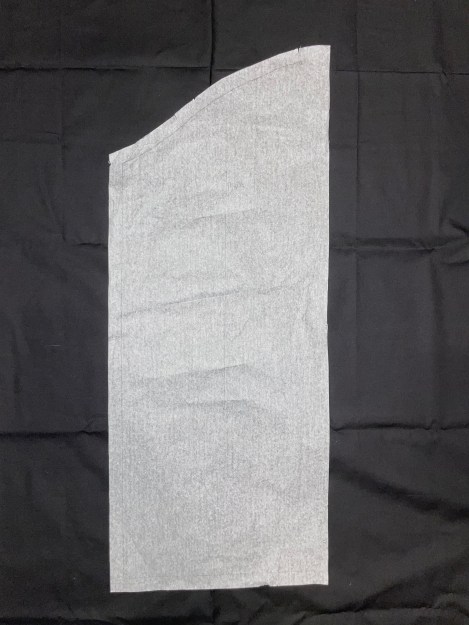
The Different between my pattern and McCalls Pattern. Notice how much smaller mine is verses McCall’s
Changed Front Pattern

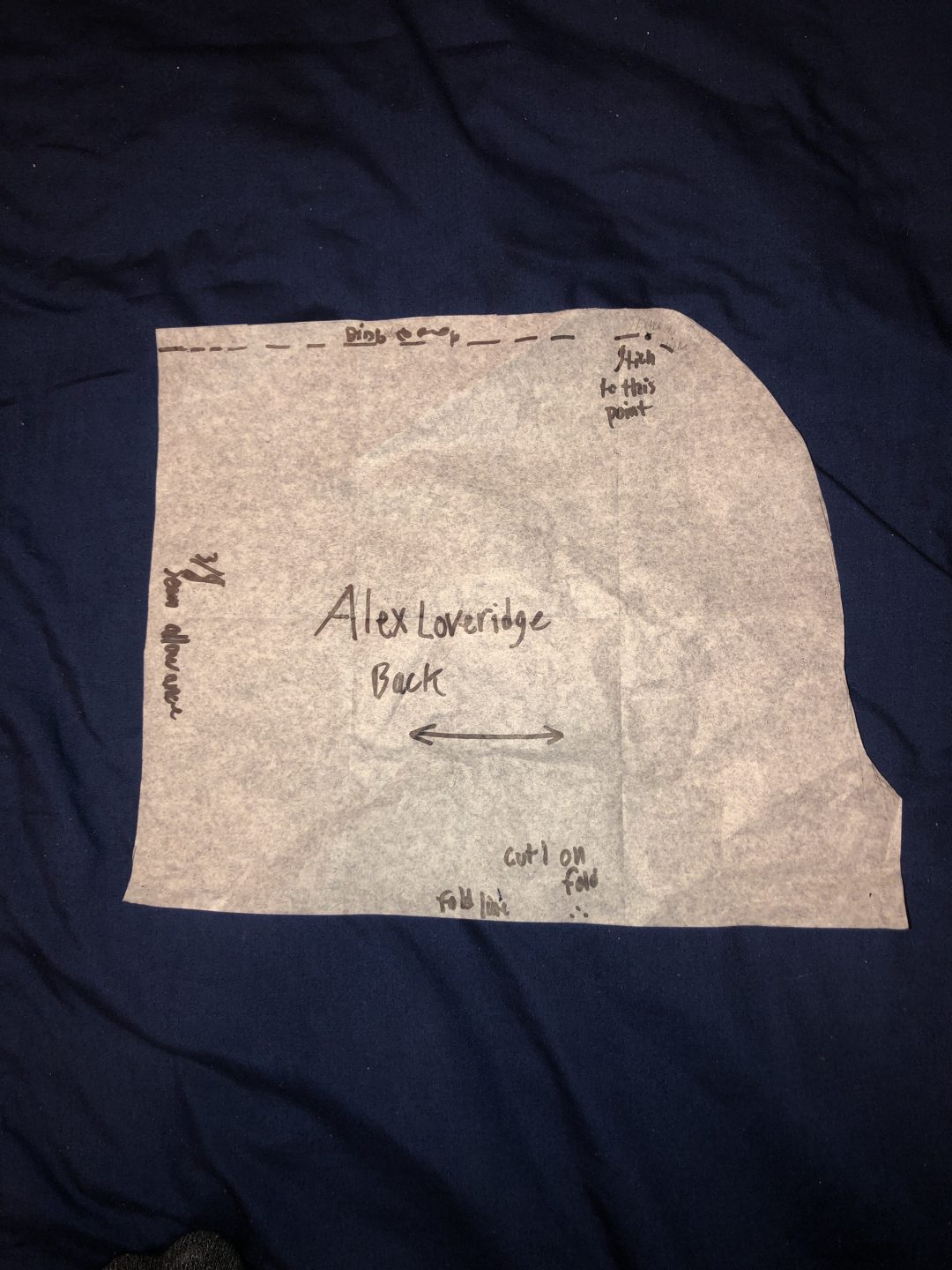
Back

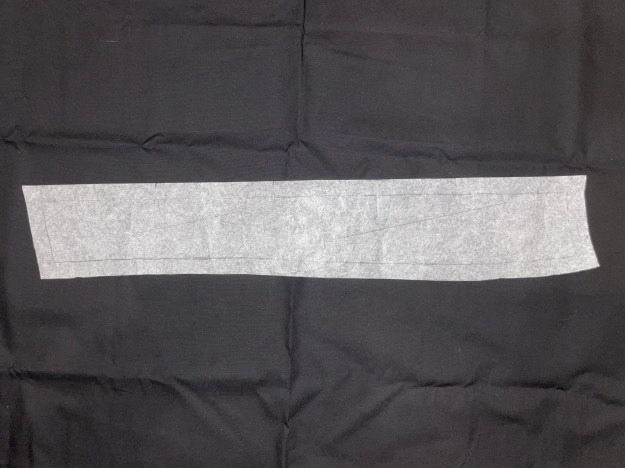
Back trunk comparison between McCall’s Pattern and the one I took in
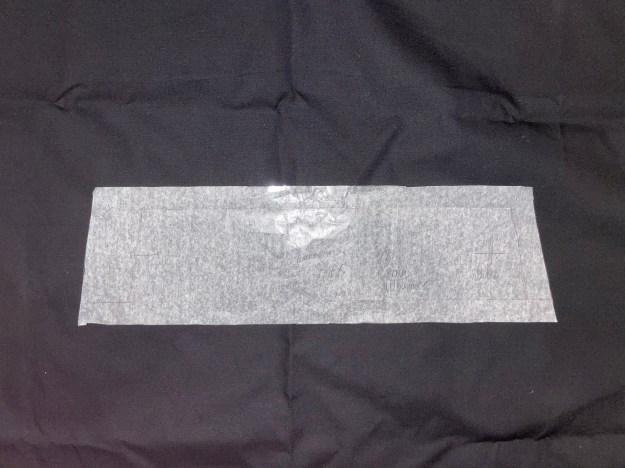
Back pattern, shown with points of where to sew and seam allowance

All three of my patterns

This is all three of my patterns side by side, they are smaller that I thought I would need

Mock Up

While making this mock up, I discovered how large this pattern really was. I too it in an inch on all sides, this enabled me to make the smaller changes to fit it better to my body. Notice below that I put the bias tape on to test the best way to put it on. By the end of this project, I feel that I am a master at bias tape and how it should look. I also put in 1 of the side seam pockets on the right hand side. I didn’t see a point in putting in both pockets, that just seemed redundant and time wasting . I also tested the steps needed to complete this project. I tested when and how to put on the bias tape, how to put in the pocket, and went to connect all of these pieces together.

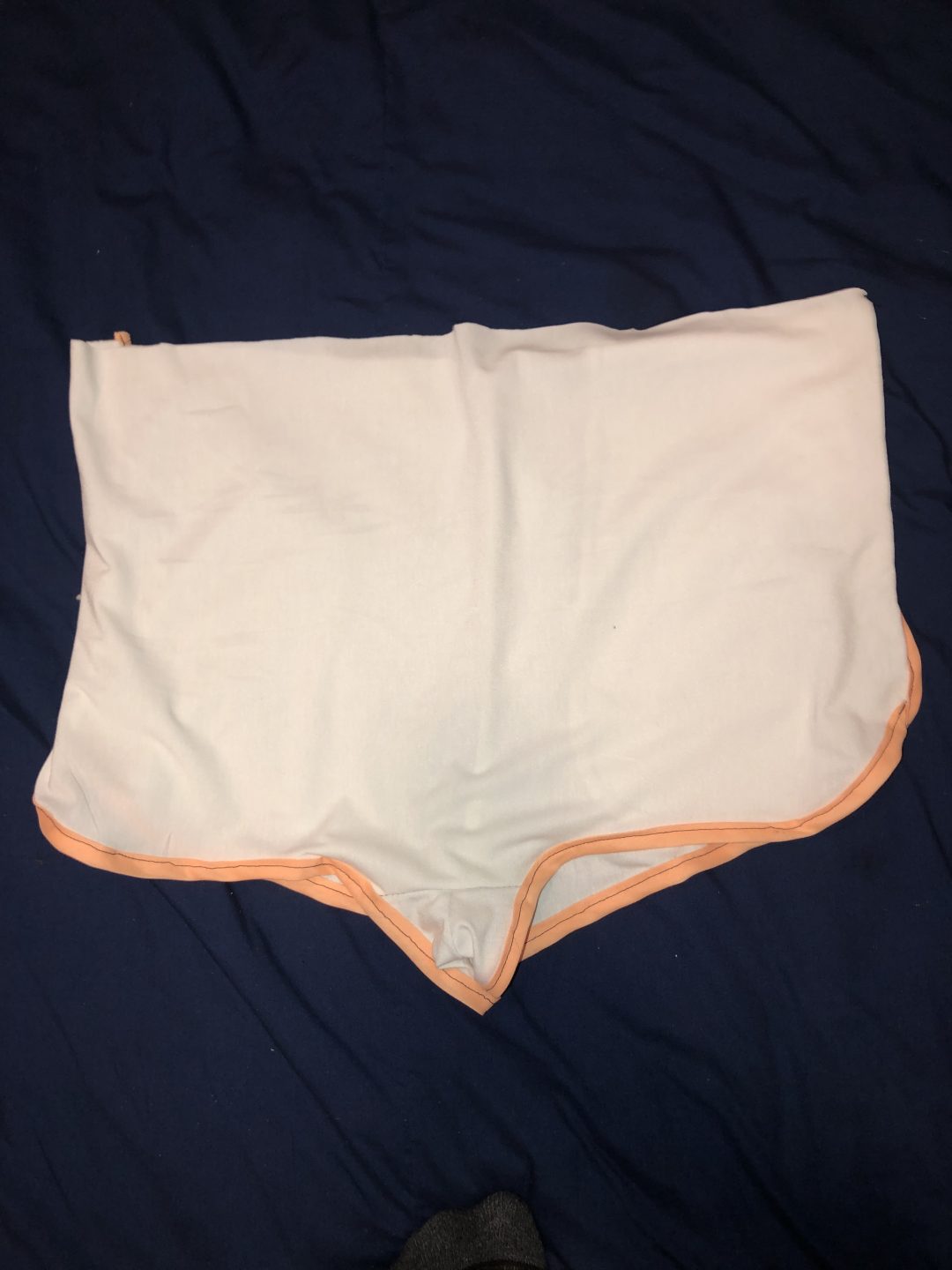
Front Mock up with side seam bias tape finish
Mock up back with Bias tape hem and seam finish
Bias tape

Pocket

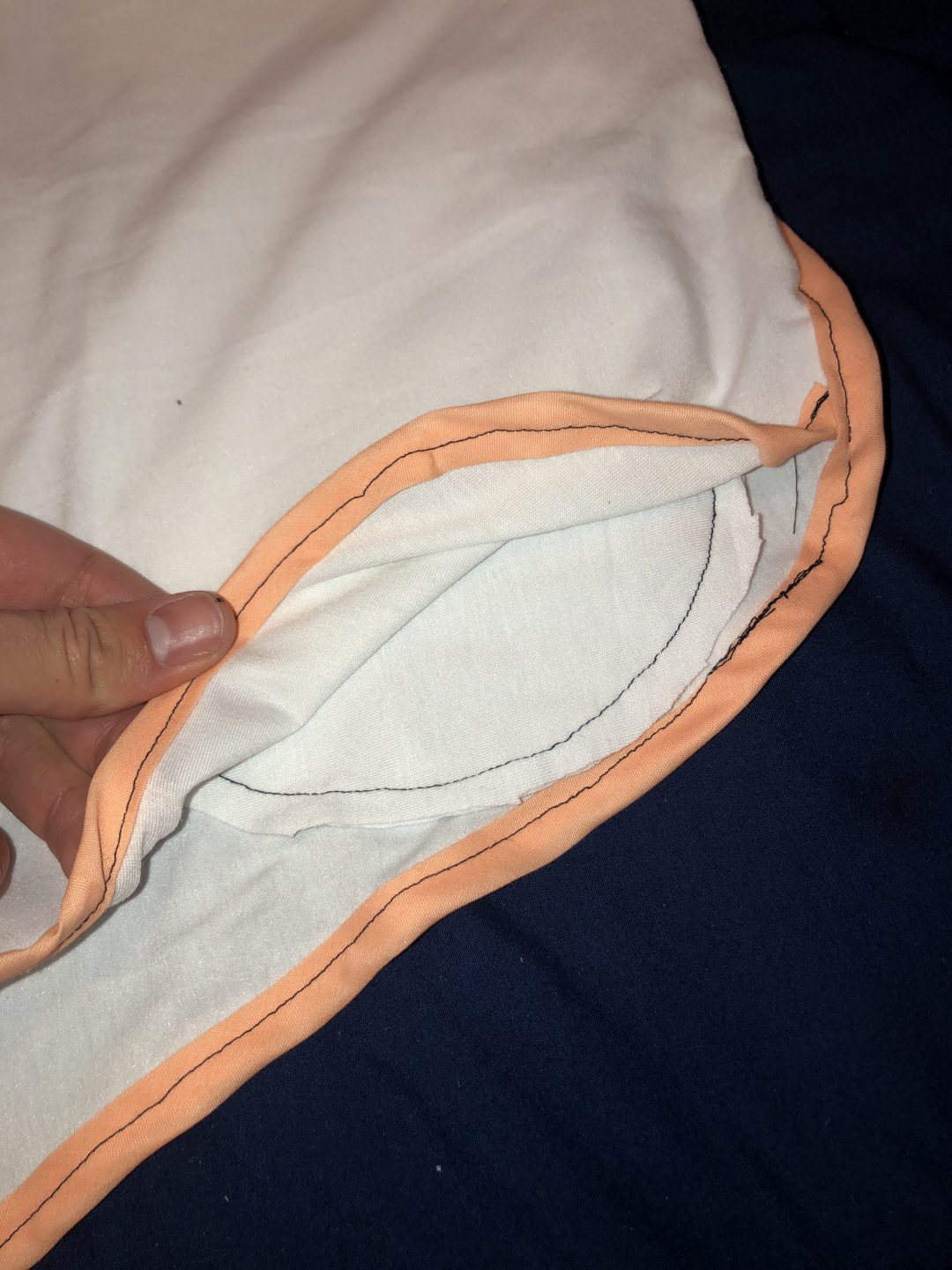
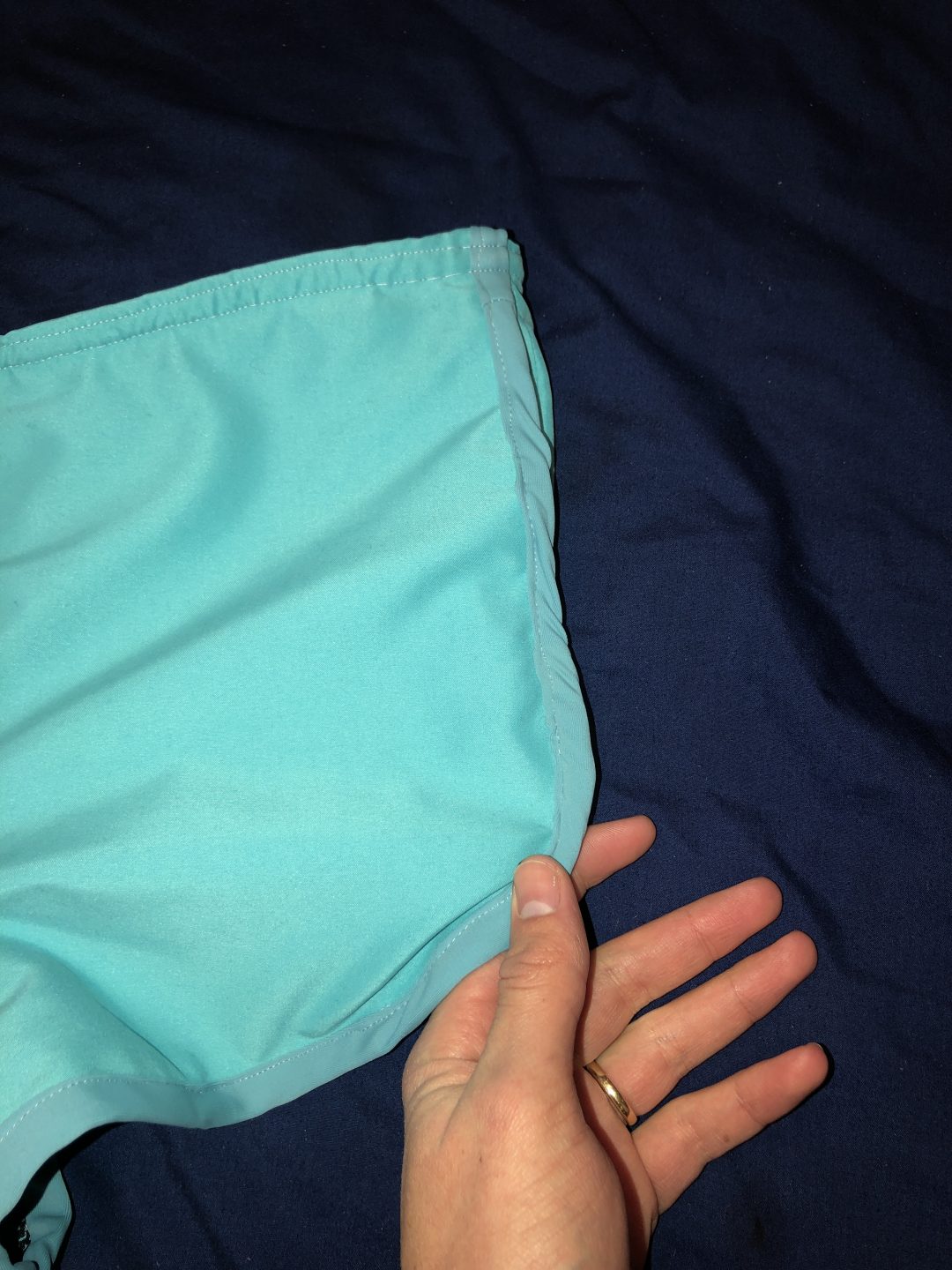
side seam pocket, you can see inside
pocket as seen from the hem line at the bias tape
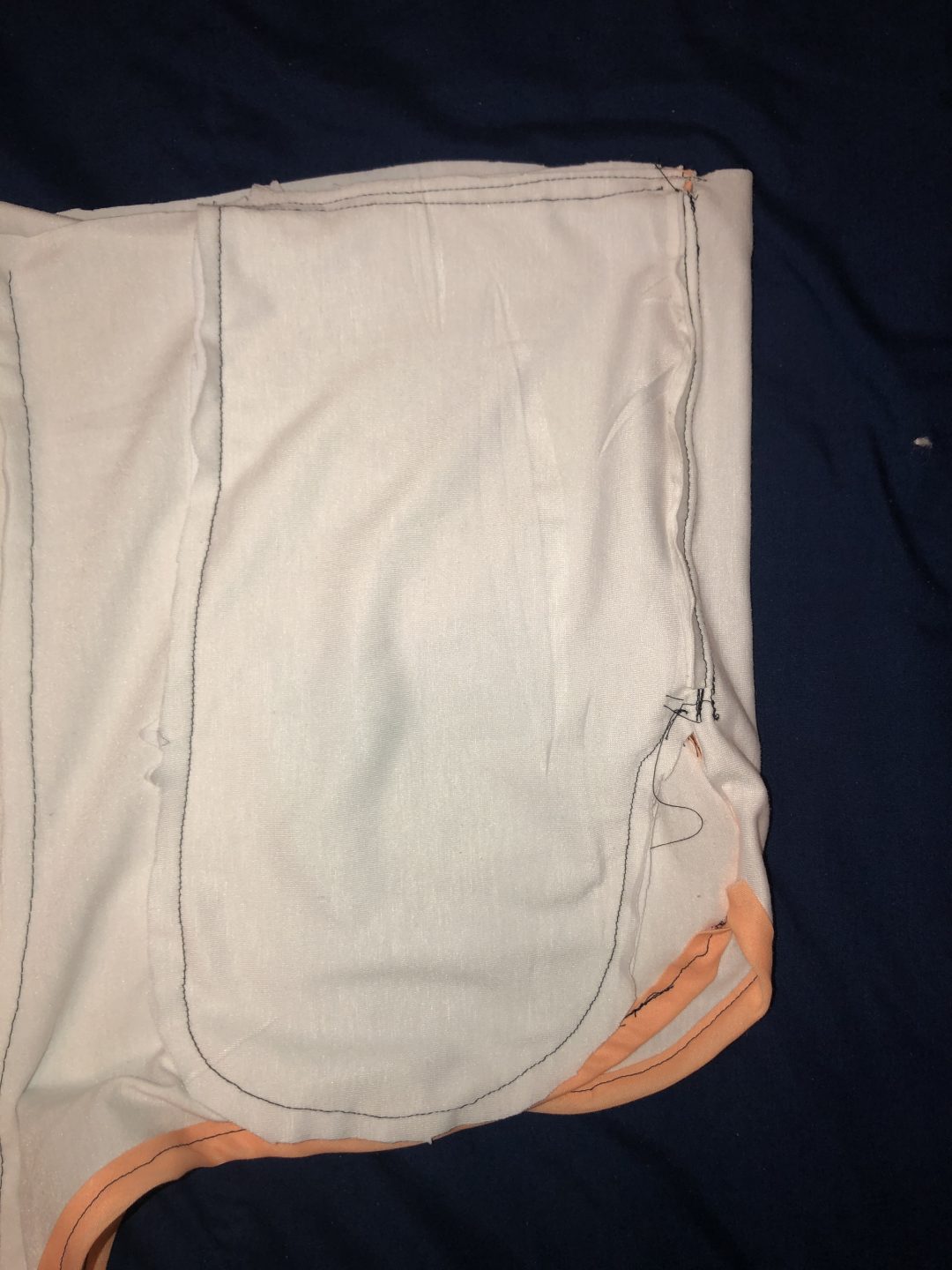
Pocket as seen with the mock up inside out, this shows how large the pocket is

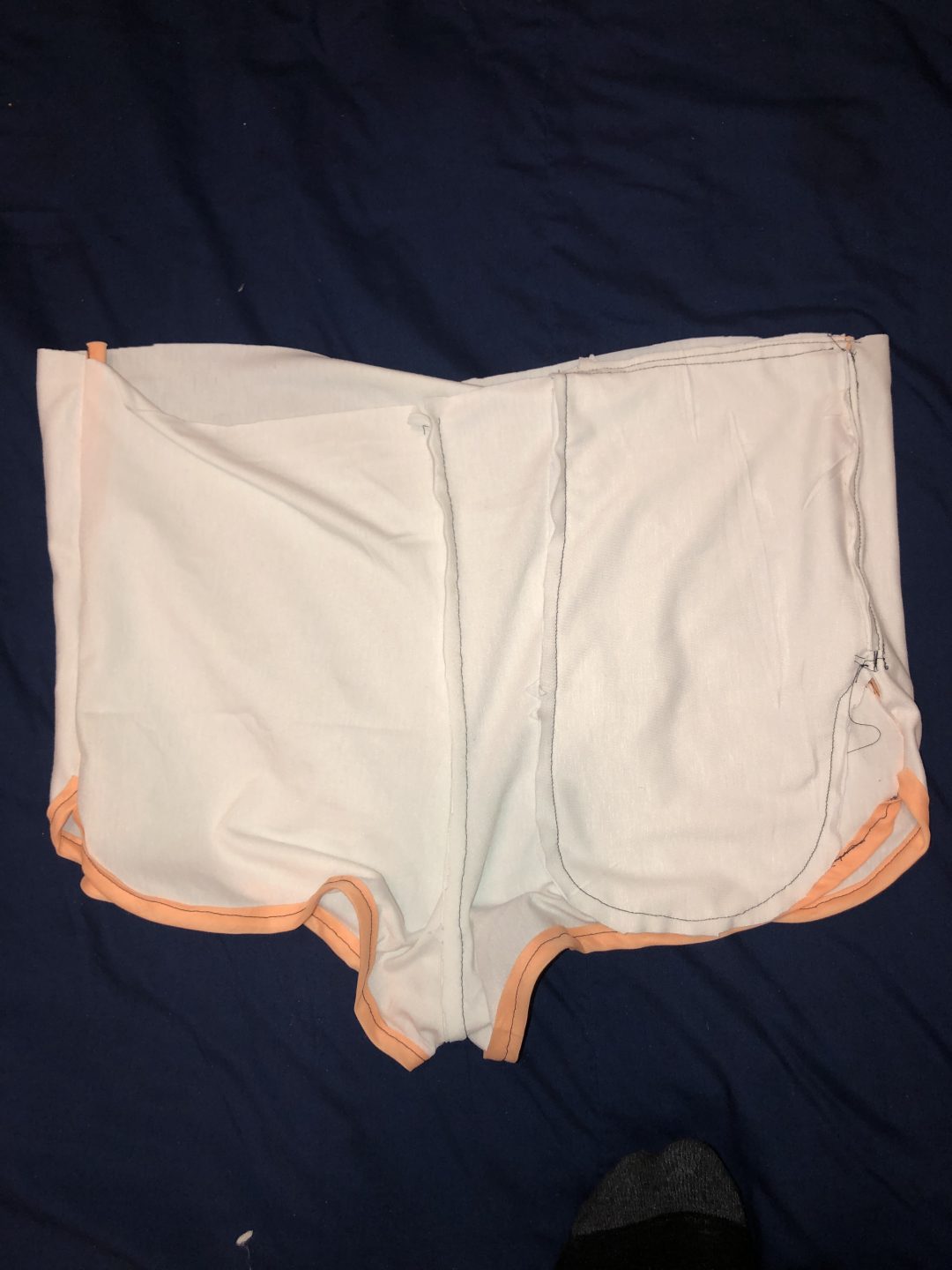
Inside Mock up

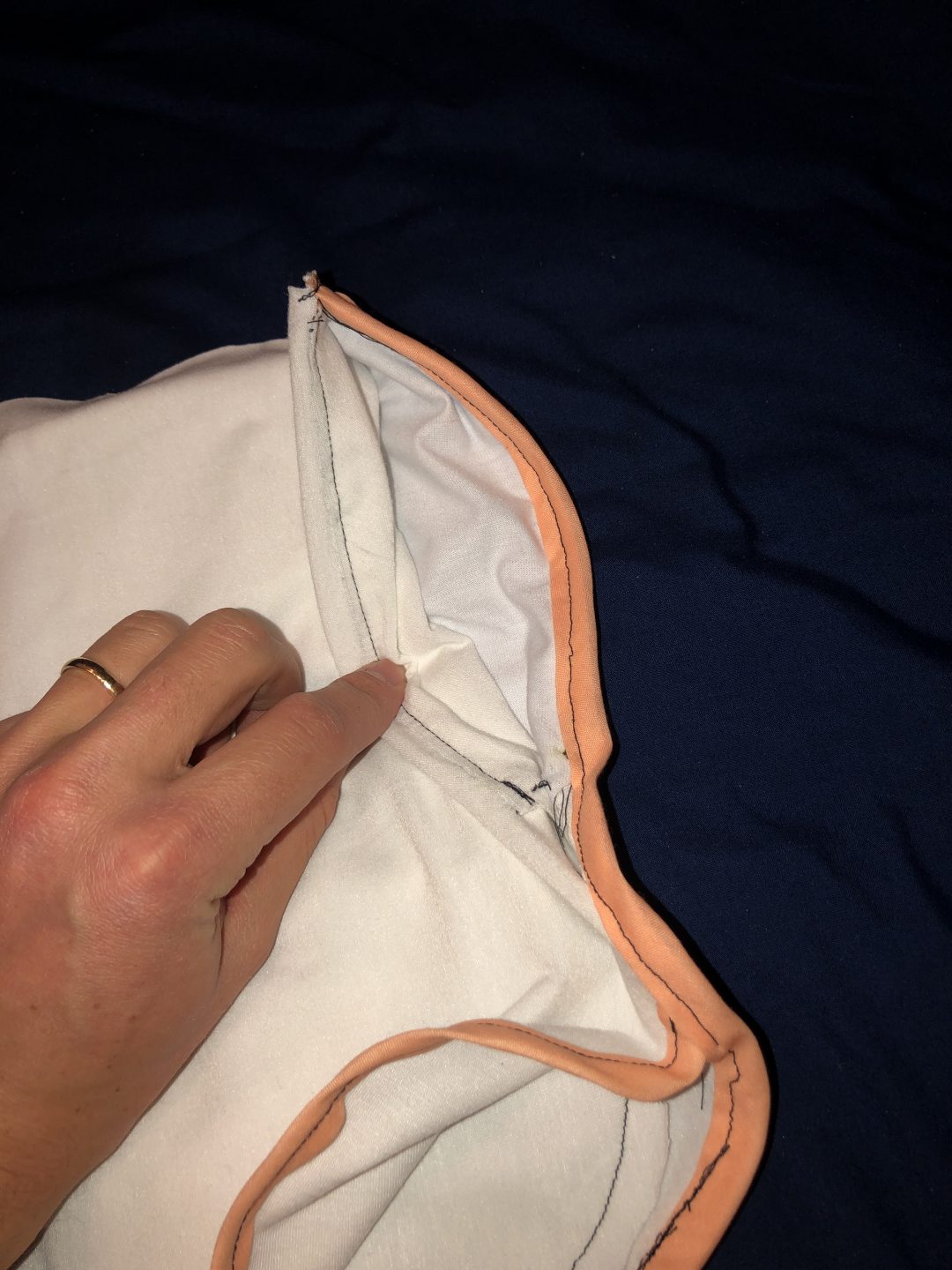
This picture shows the inside of the front mock with pocket shown to the right
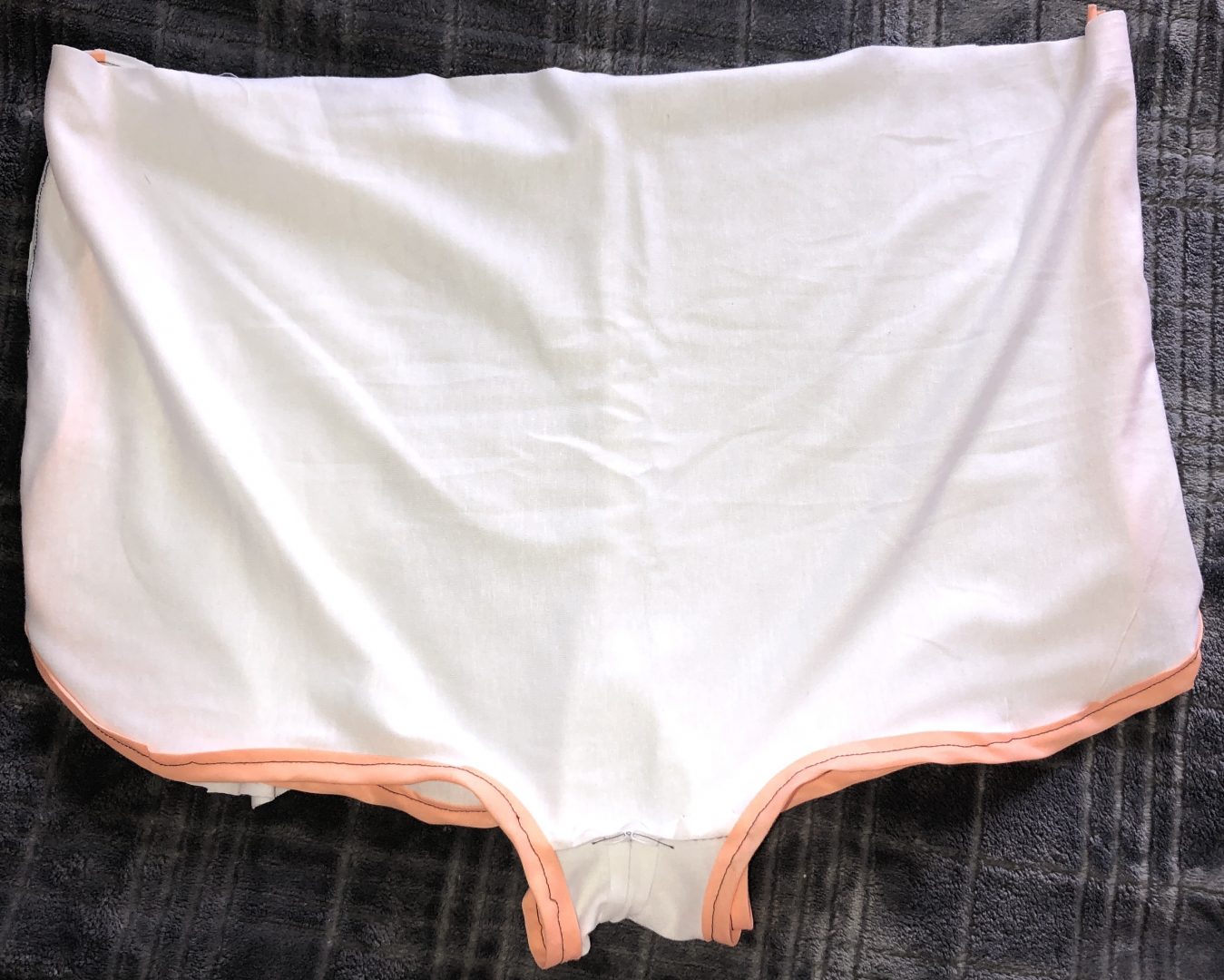
mock up back
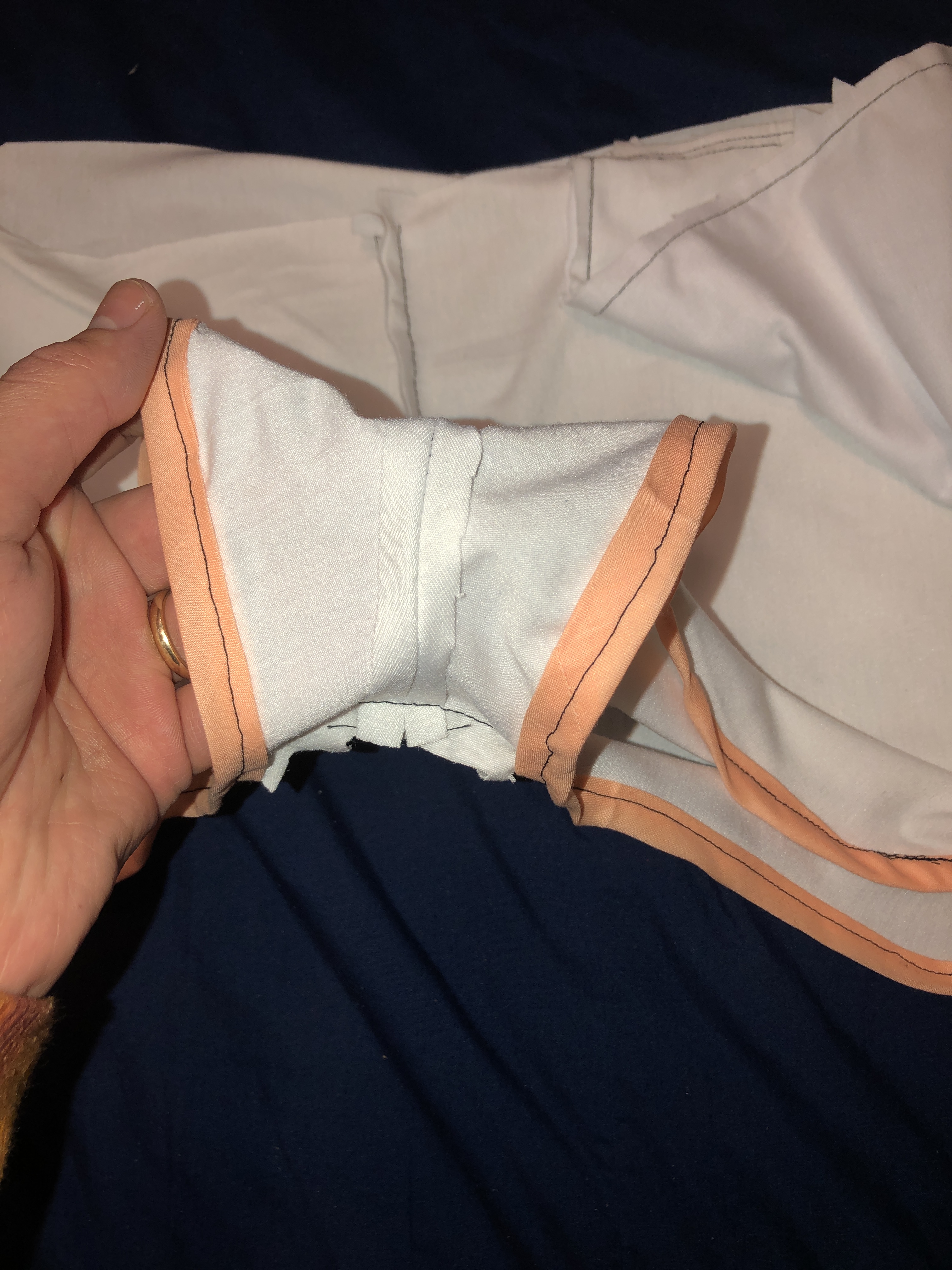
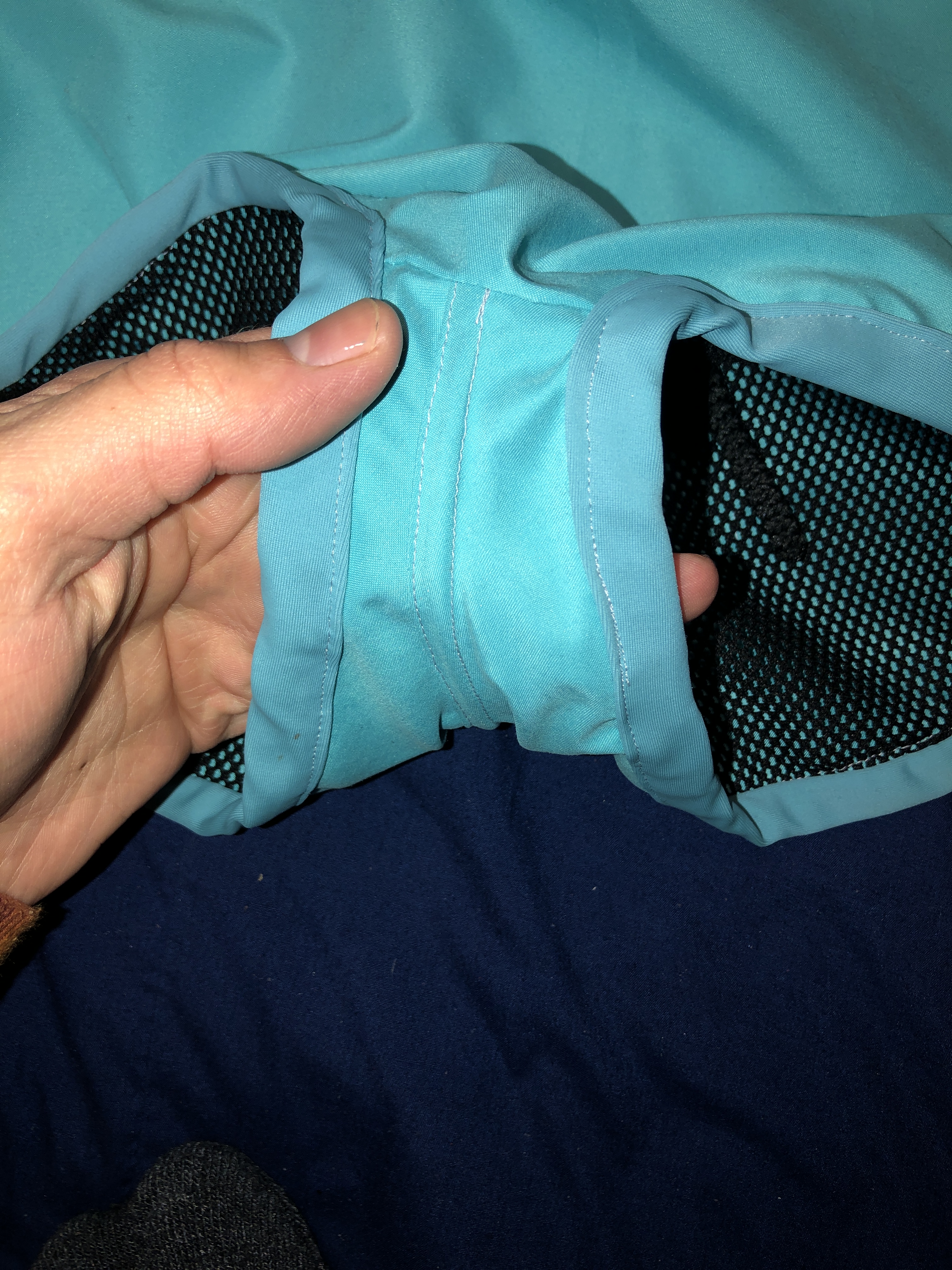
inside crotch of mock up with seem ironed open

The Finished Product

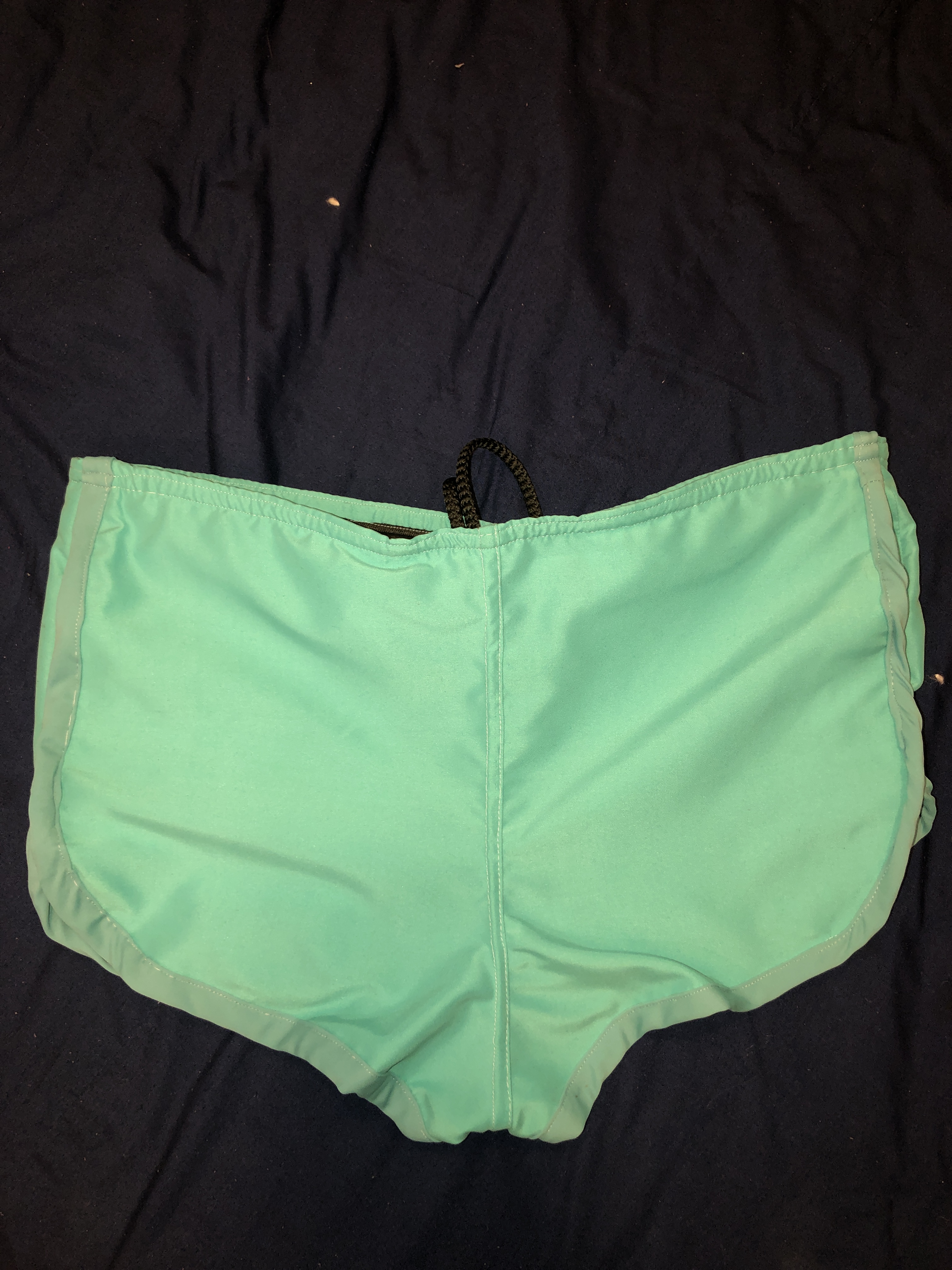
This second shows the final product, my mens swim trunks.

Front of the final swim trunks
The back, they look great, the bias tape looks amazing
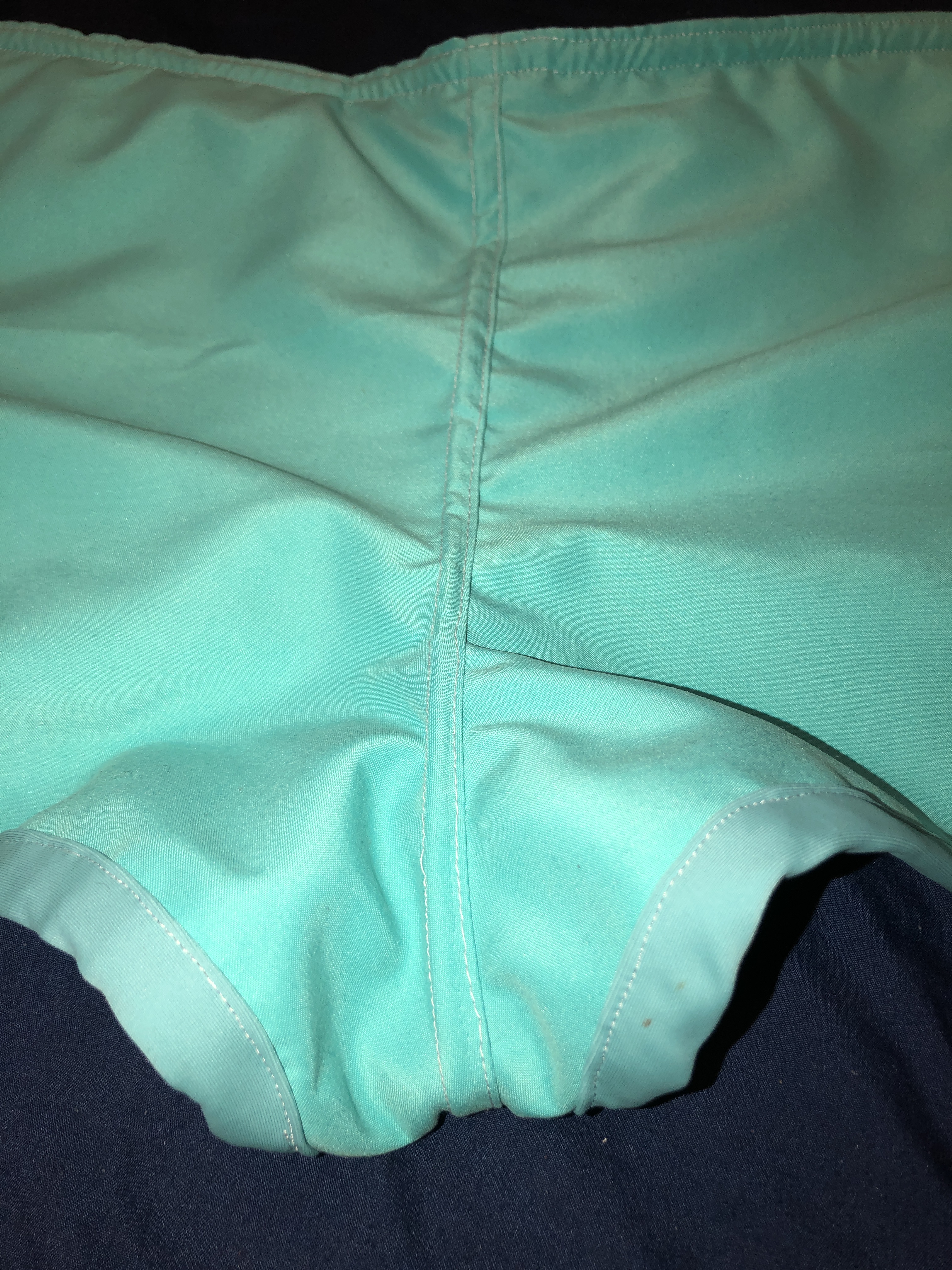
Crotch Area
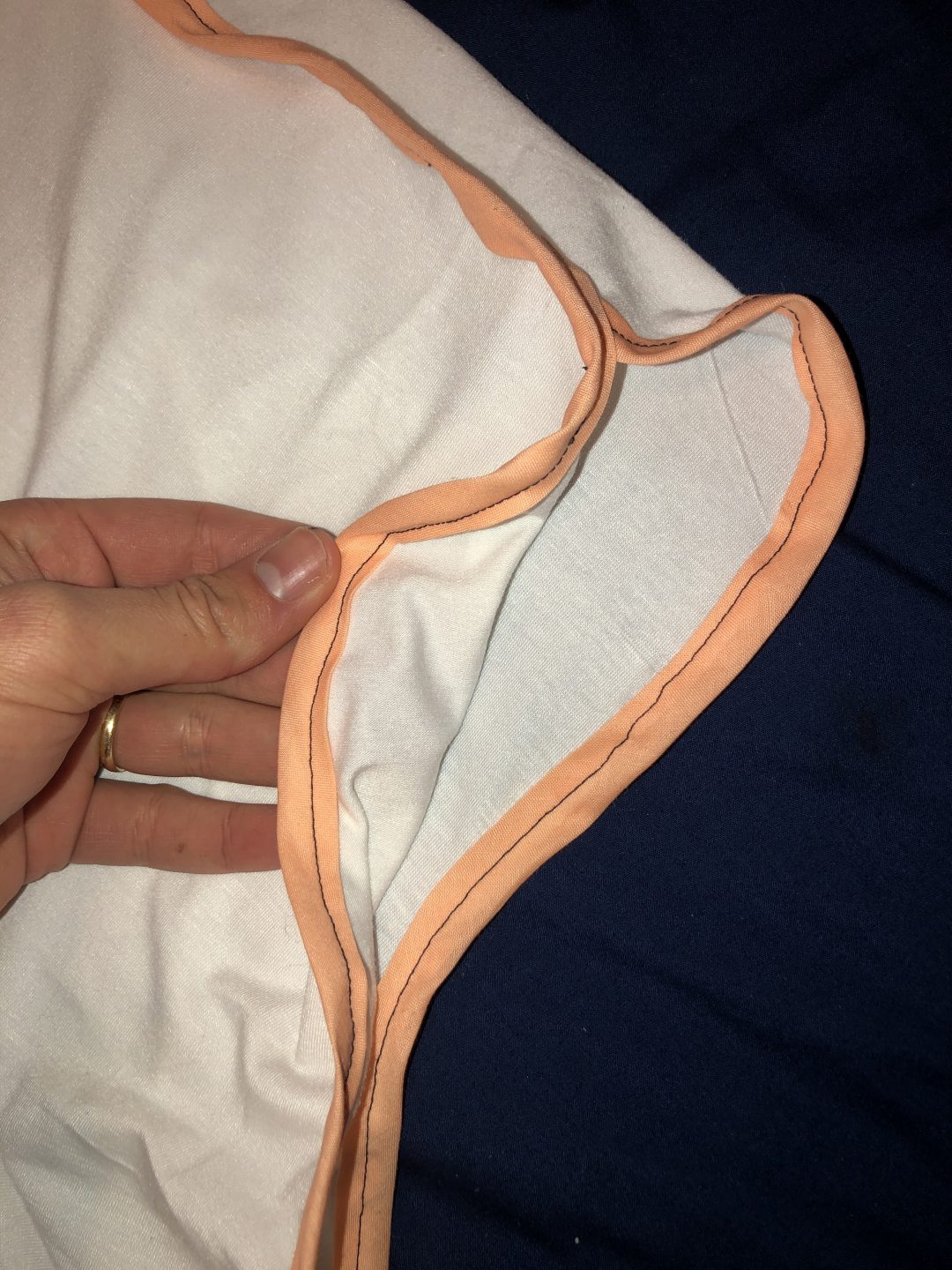
Right side of Bias Tape
front Left bias tape
front of close

Pockets

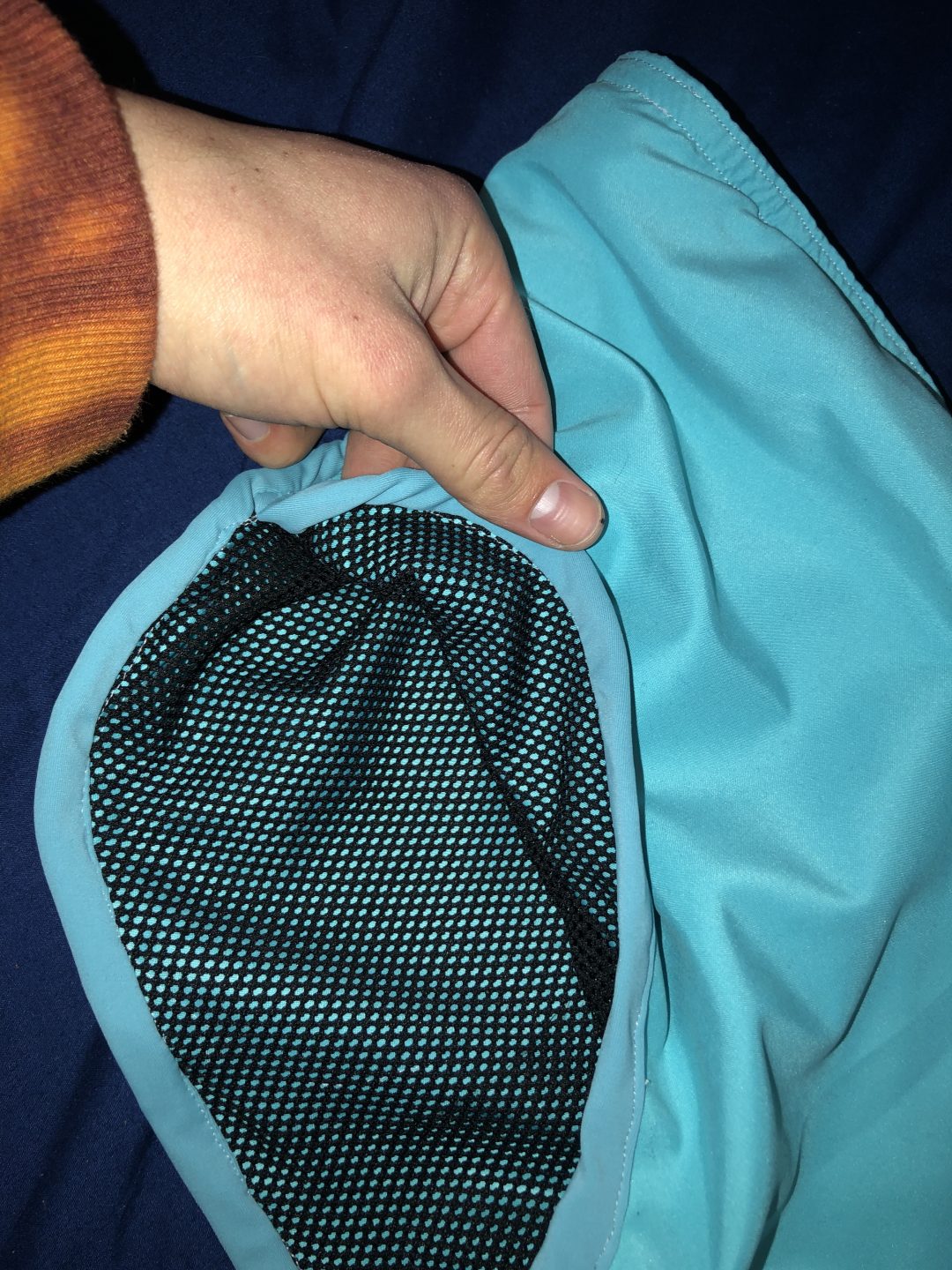
Right pocket view from front
Left pocket front view
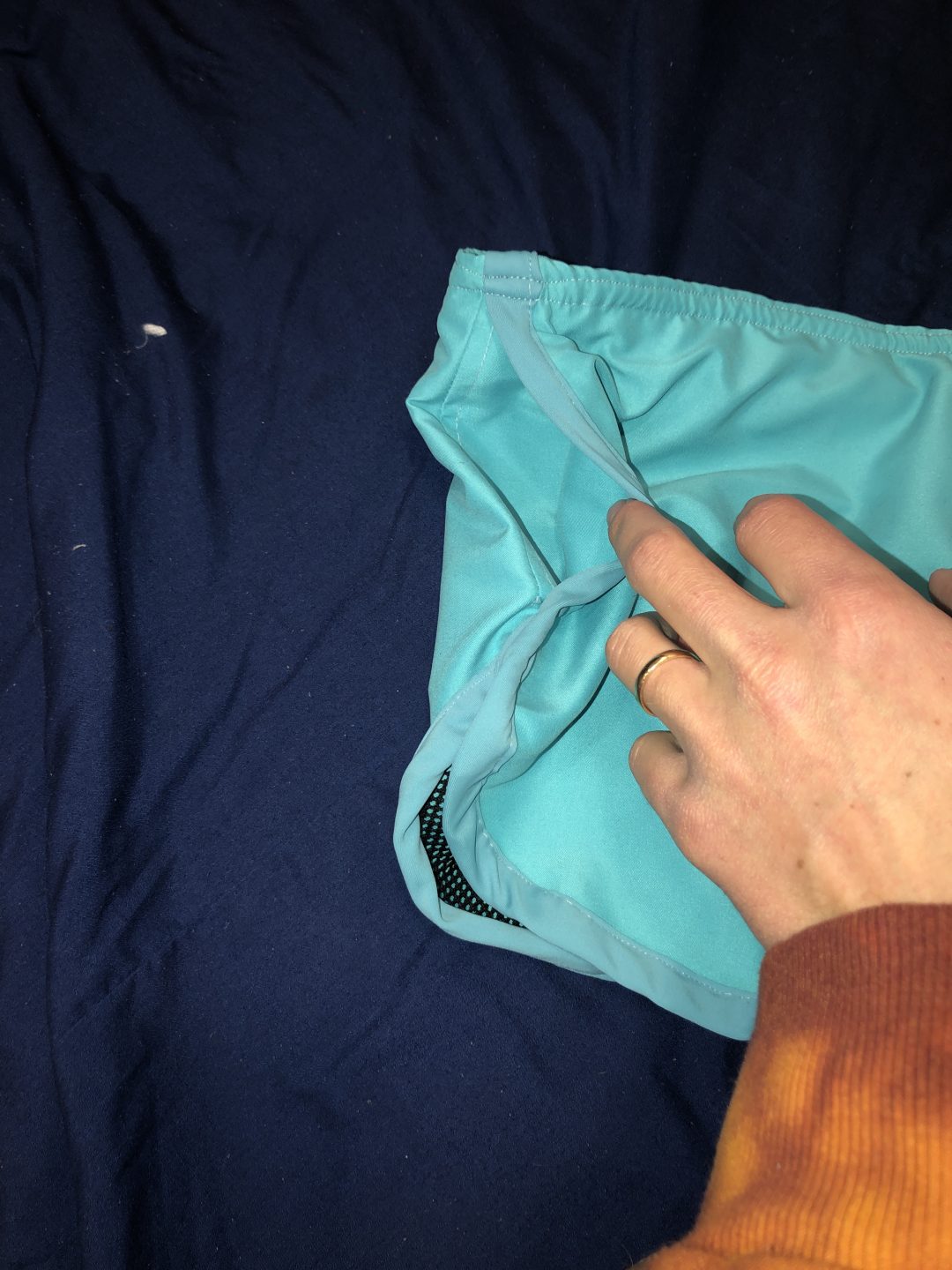
look closely and you’ll be able to see the pocket that is inside the lining

Linning

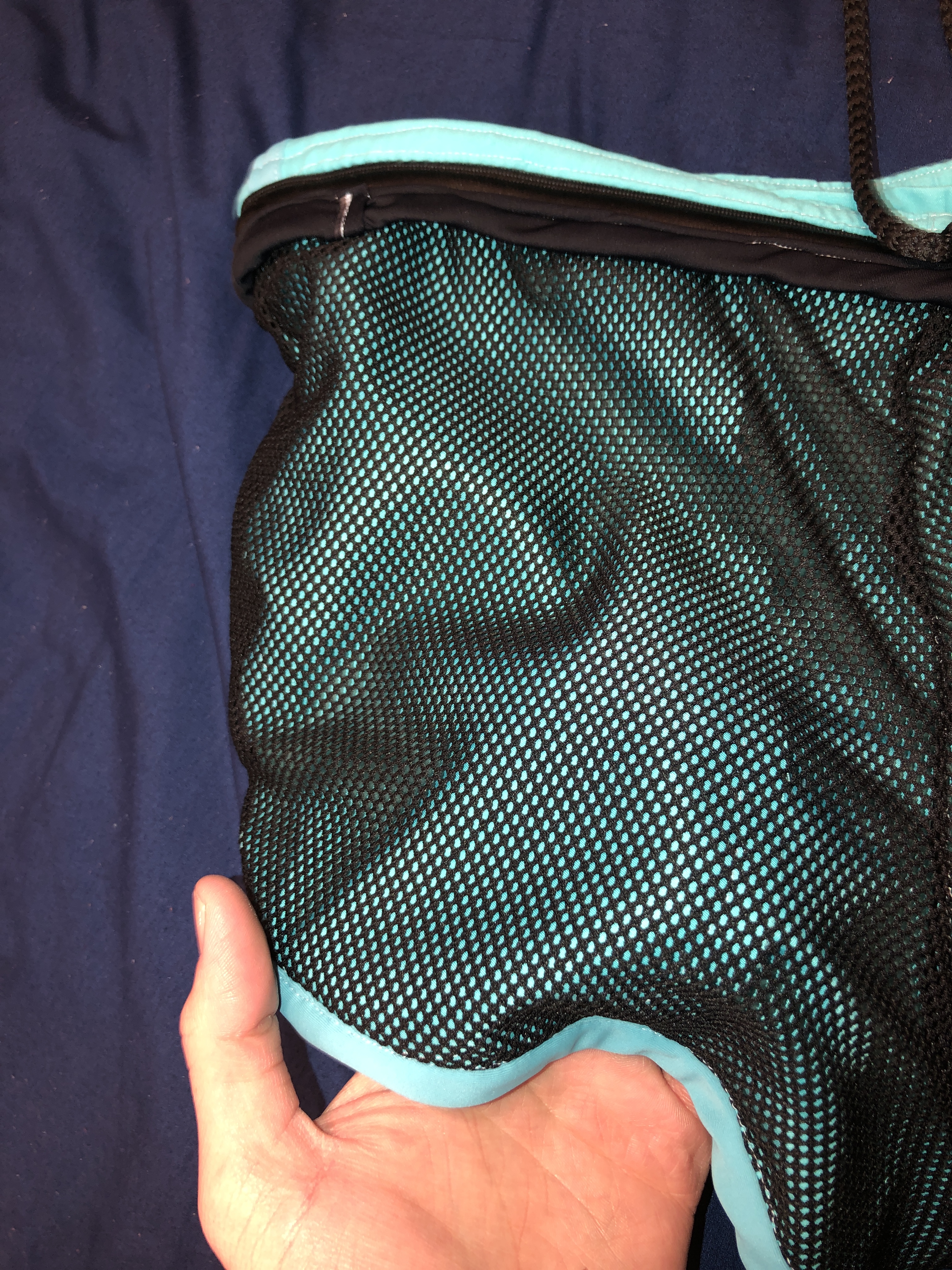
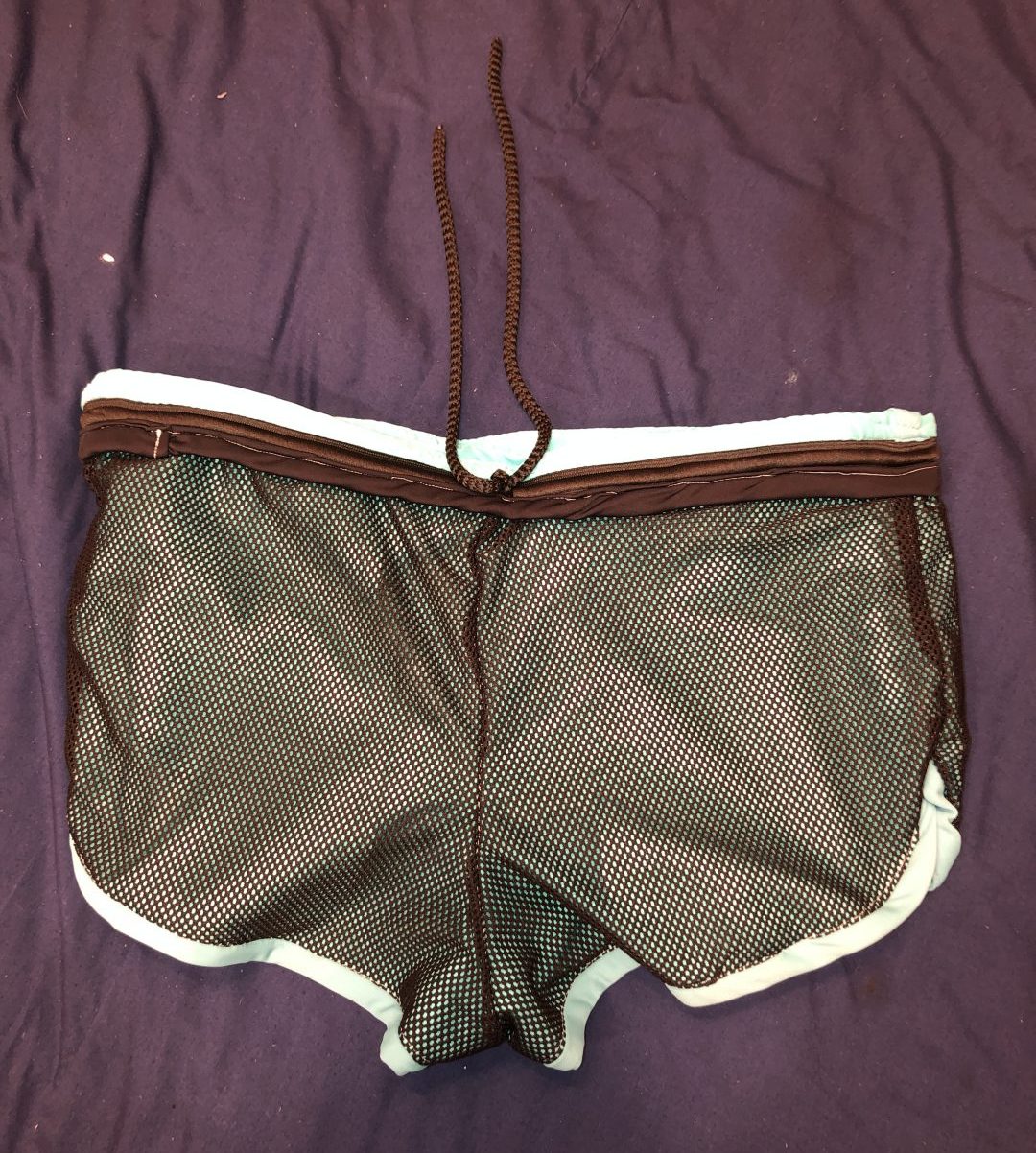
Front Inside Linning
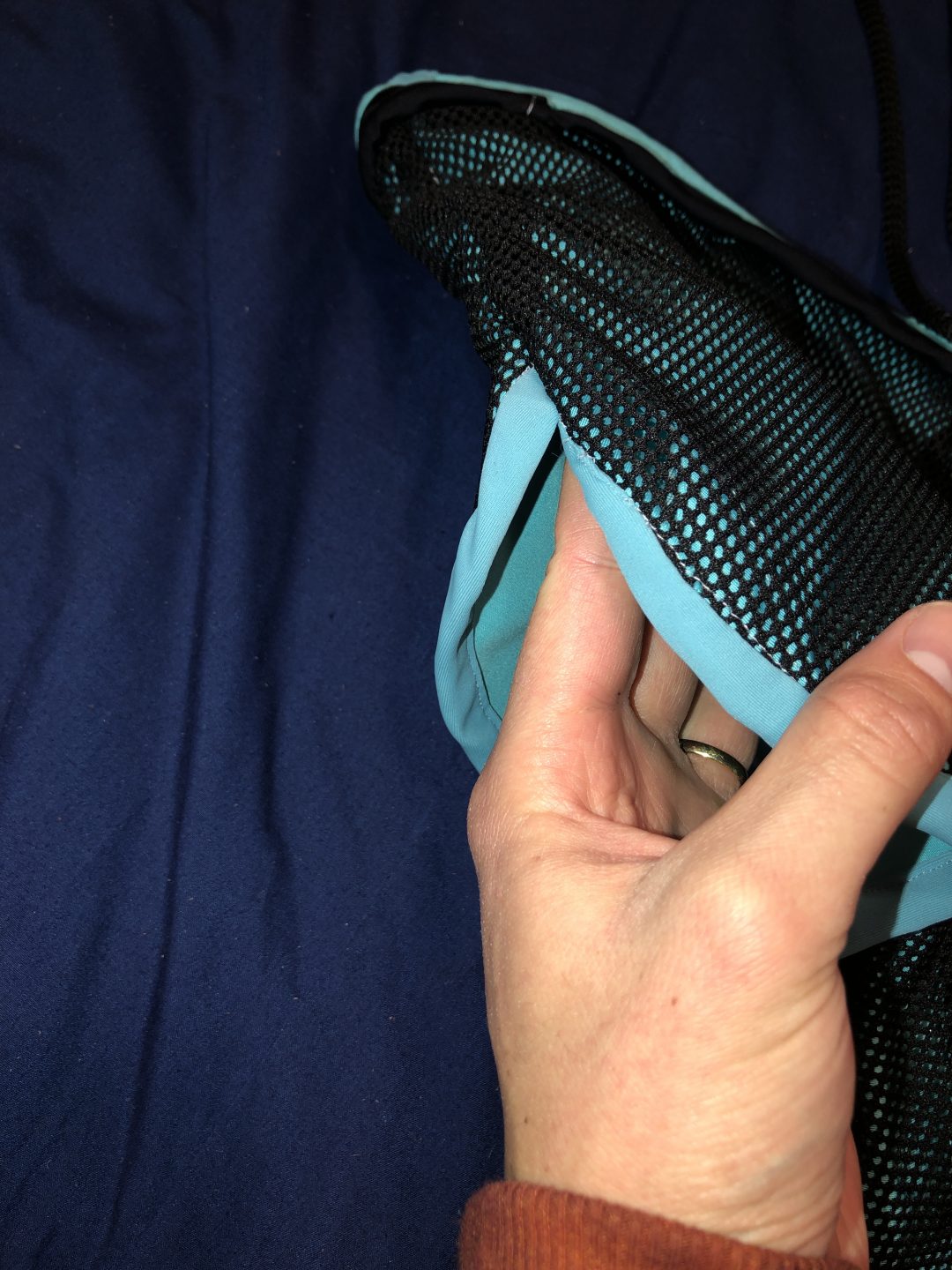
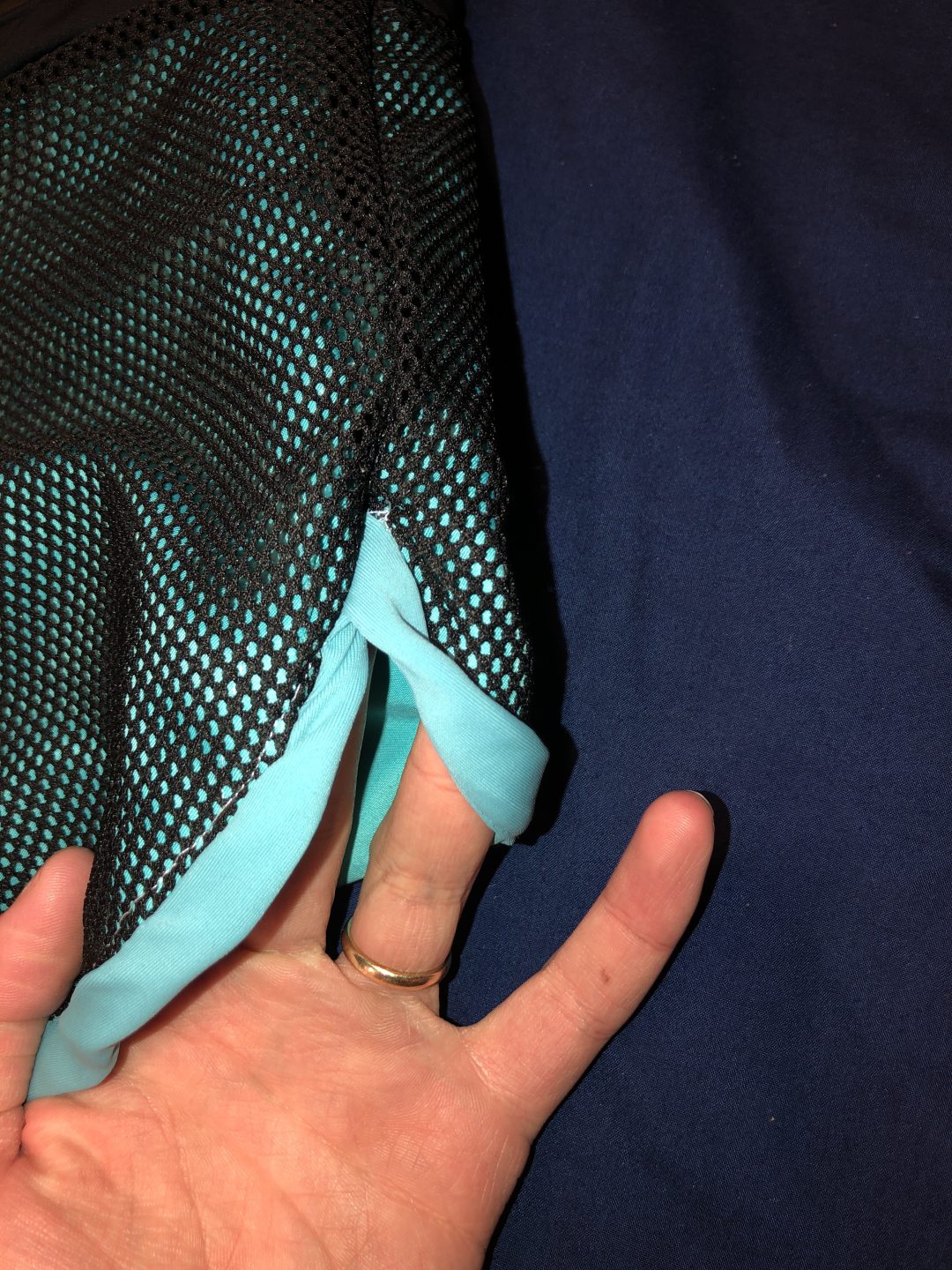
View of left leg lining, it looks great and fits inside very well.
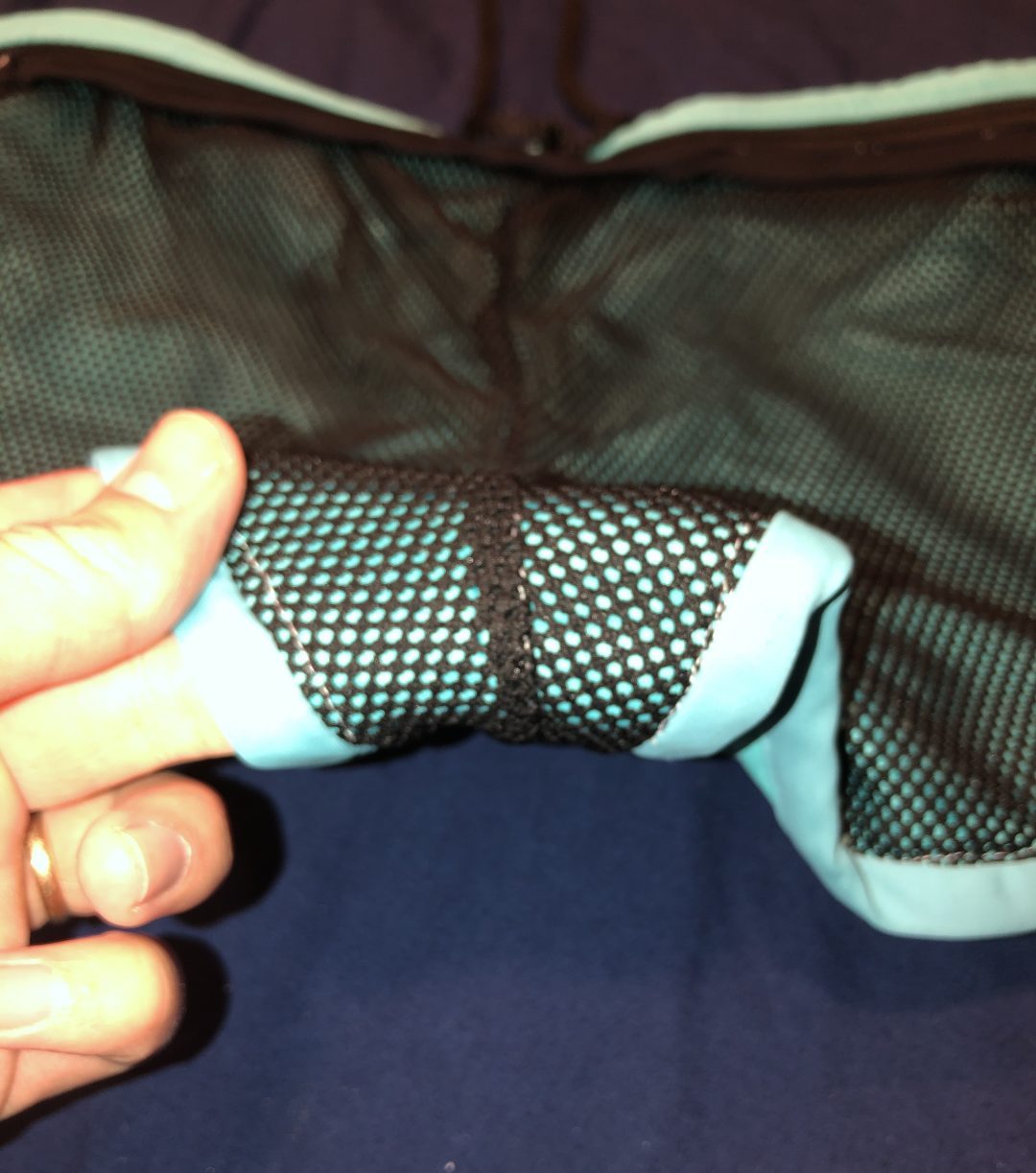
Crotch lining, notice how both seams have been ironed before put together so it is as flat as possible.
Left leg lining viewed from back side
Right side lining viewed from the back
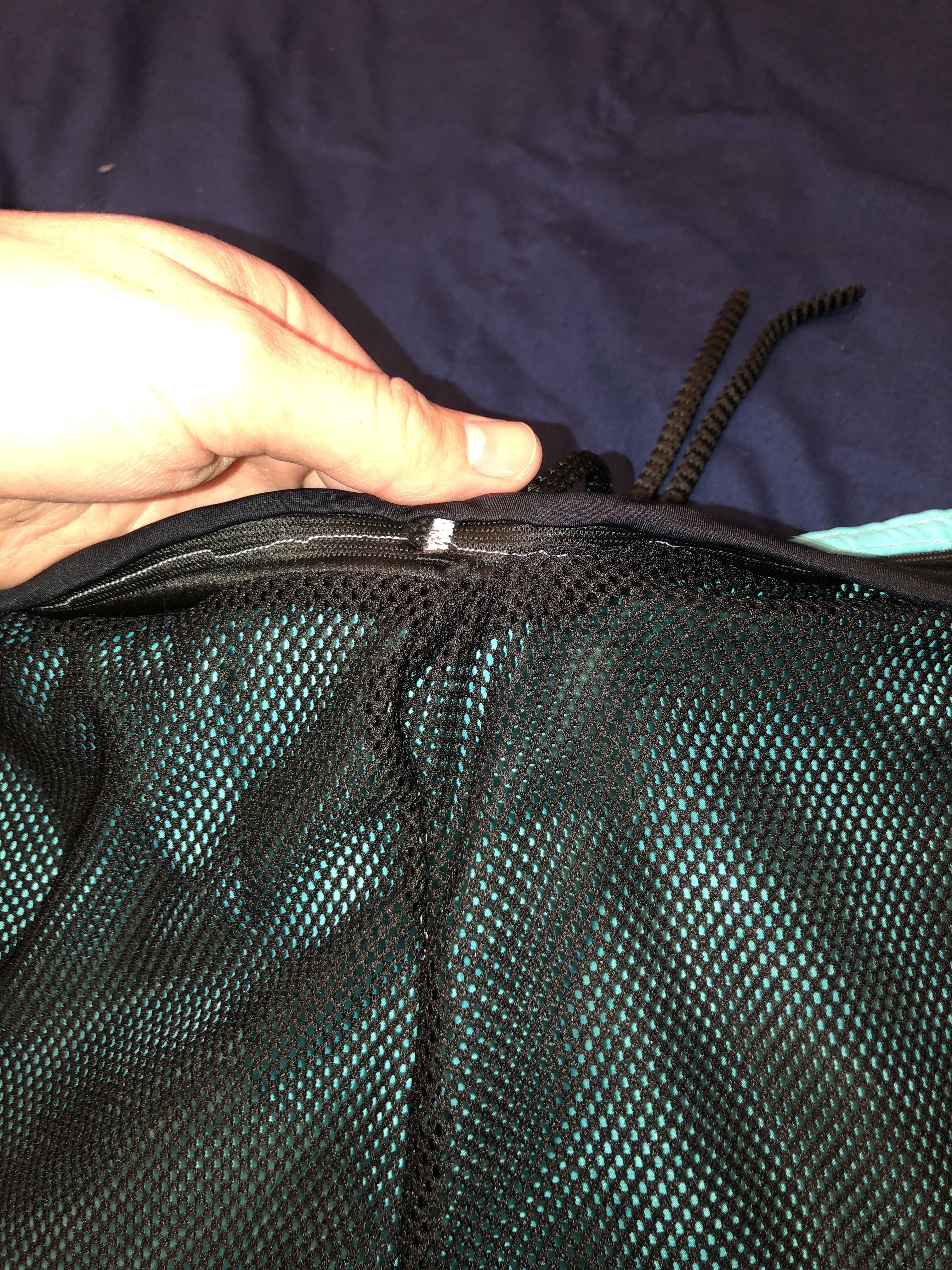
lining up the front to the draw strings

Waste band and Draw strings

UNFINISHED PART
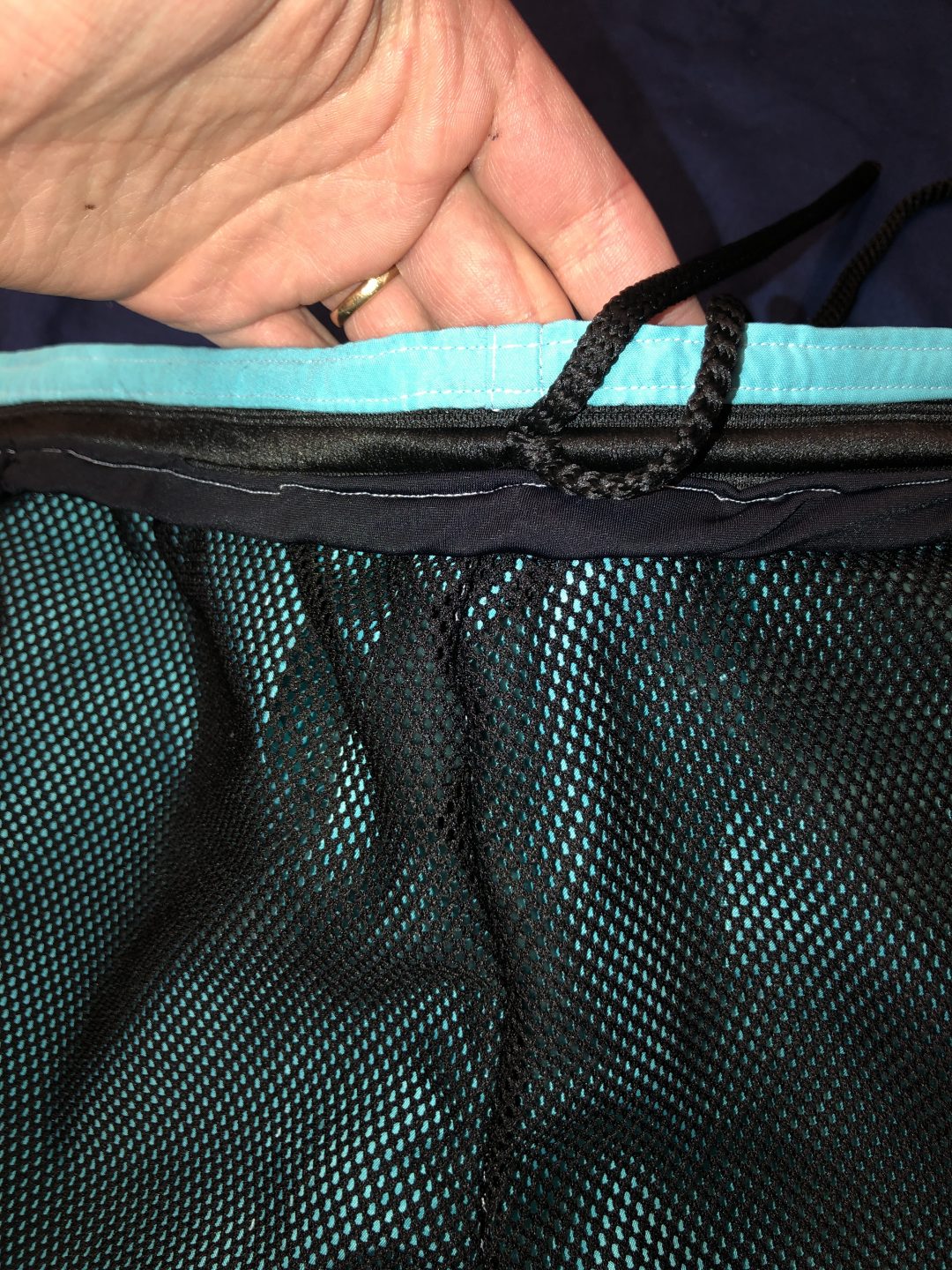
front waist band

This is the end, make sure that you have clicked on each photo you would like to take a closer look at. I have enabled that feature on this post. Let me know what you think in the comments below
Reverse Engineer Post

Week 4

Colour

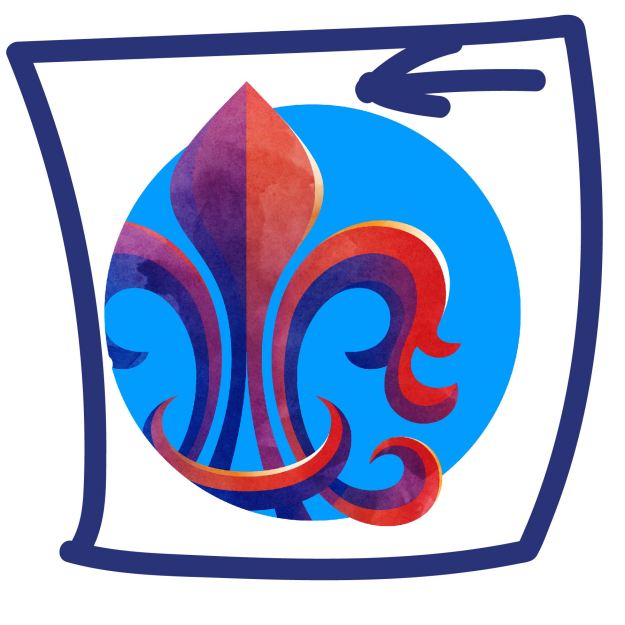
Image from DKMG studios

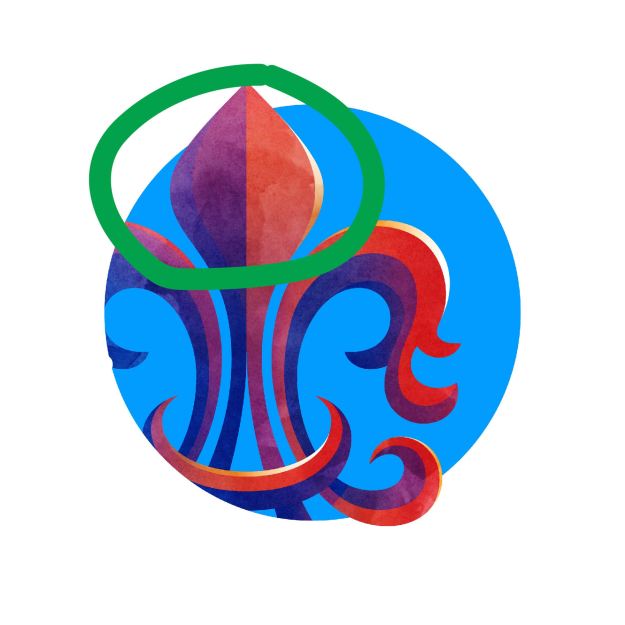
The colours that the designer used are very intentional. The red represents passion, angerer or hunger. Whereas the blue represents calmness, peace, and tranquillity. These two colours are at odds with each other, but they are blended together to give us a few emotions at the same time. The powder blue in the back ground calms the view even further.

Alignment

In the image above, we can see that the designer aligned to the left side. He put the icon on the left side of the image. The intentional misalignment tells me, that we the viewers are supposed to wonder what is behind the unseen parts. We supposed to be put off by the misalignment.

Proximity

Notice how the designer used proximity to show depth. We know that part of the image is indirect light. The designer also made sure to put a crescent shape at the bottom of the image infant of everything and aligned it with the rest of the icon.

Prints

Final Print

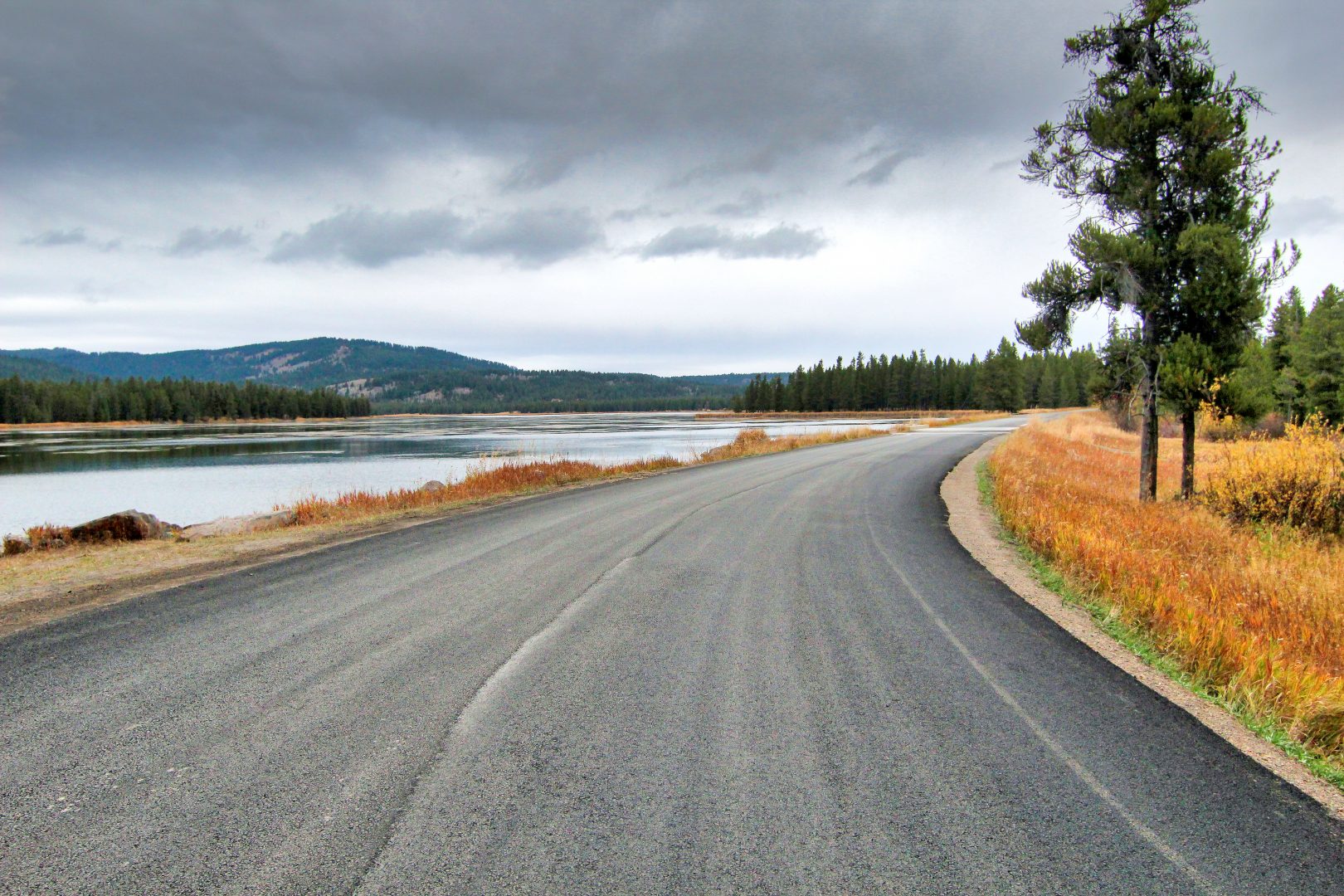
This was taken in Harriman State Park near Island Park. My wife and I had never been up here and we went into the park on a whim. Sister Esplin helped me edit it so that it will show up better when printed. She lighten the lights and did a few things with the shadows. I absolutely love it.

Unedited Final Picture

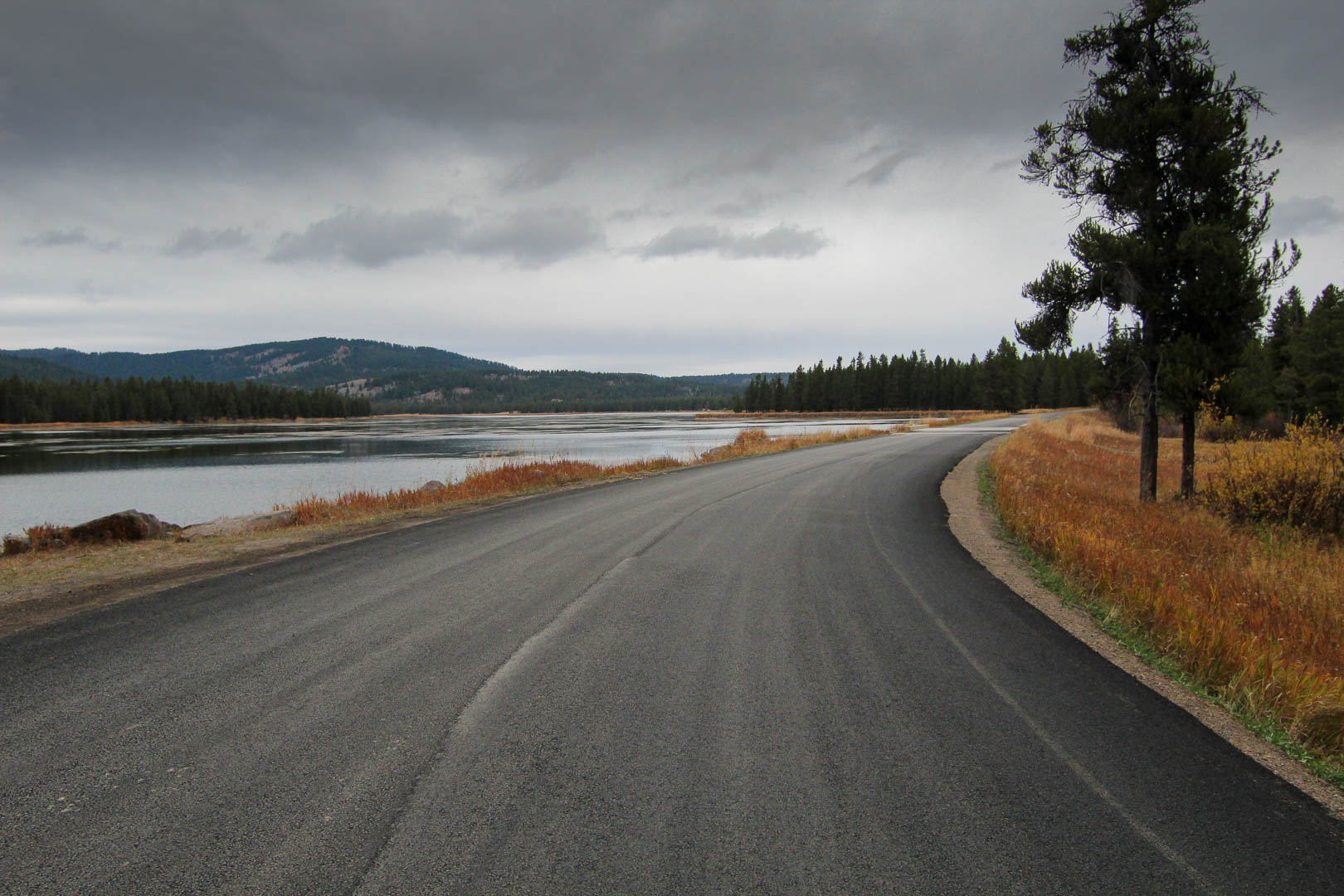
This is the unedited version of my final picture to be printed. I love how just out of the picture it is breathtakingly beautiful. Although I can see how when printed it would be dark and the sharpness would be lost.

ToP

Fifth Place

4th October, 2020 at Palisades Reservoir

I took this picture at a reservoir near where I live called Palisades Reservoir. The group that I was with walked down to the waters edge and found this old can. I asked if I could use it for a picture. This is what I captured, I call it “CAN”.

Fourth Place

6th November, 2020 at Brigham Young University – Idaho

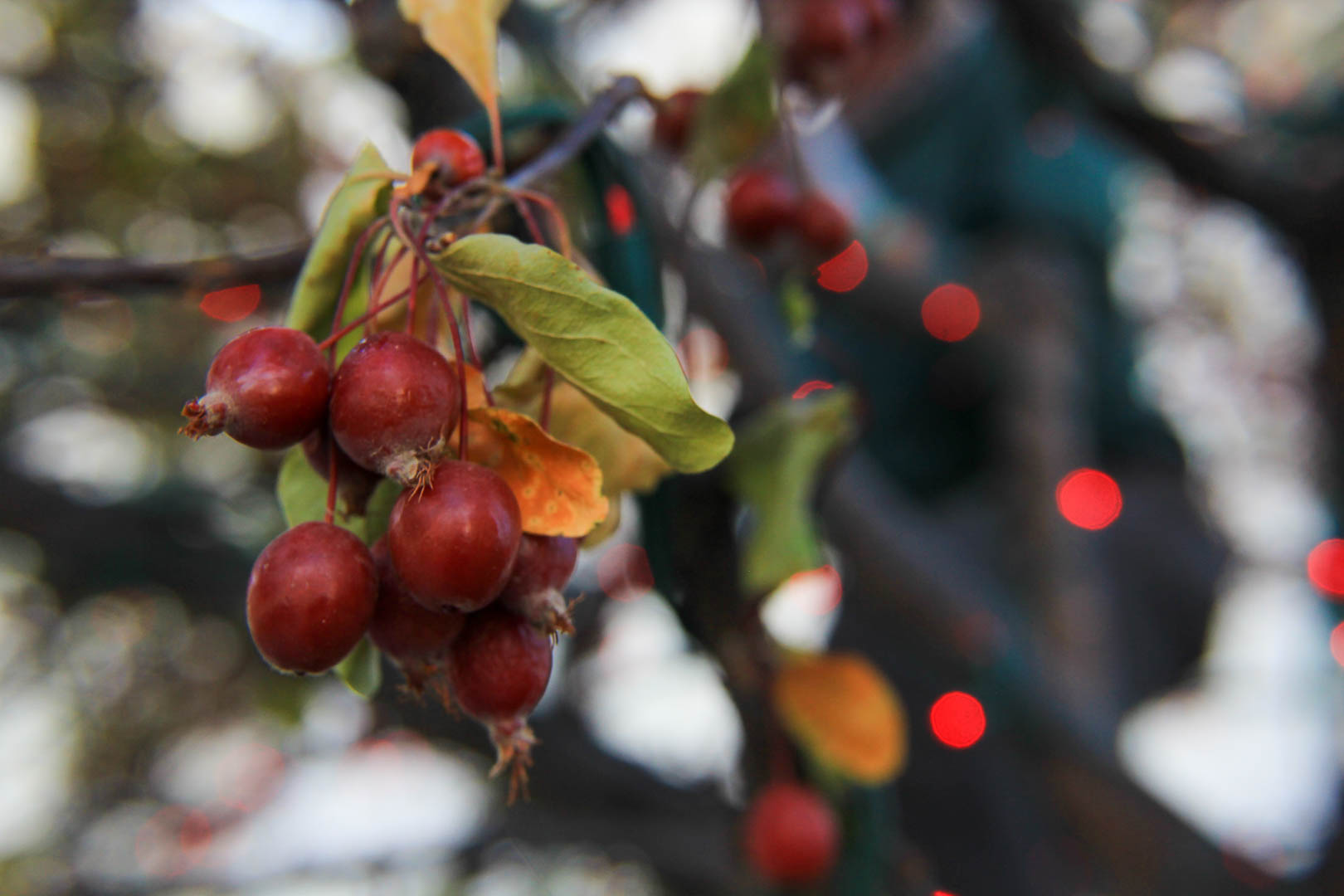
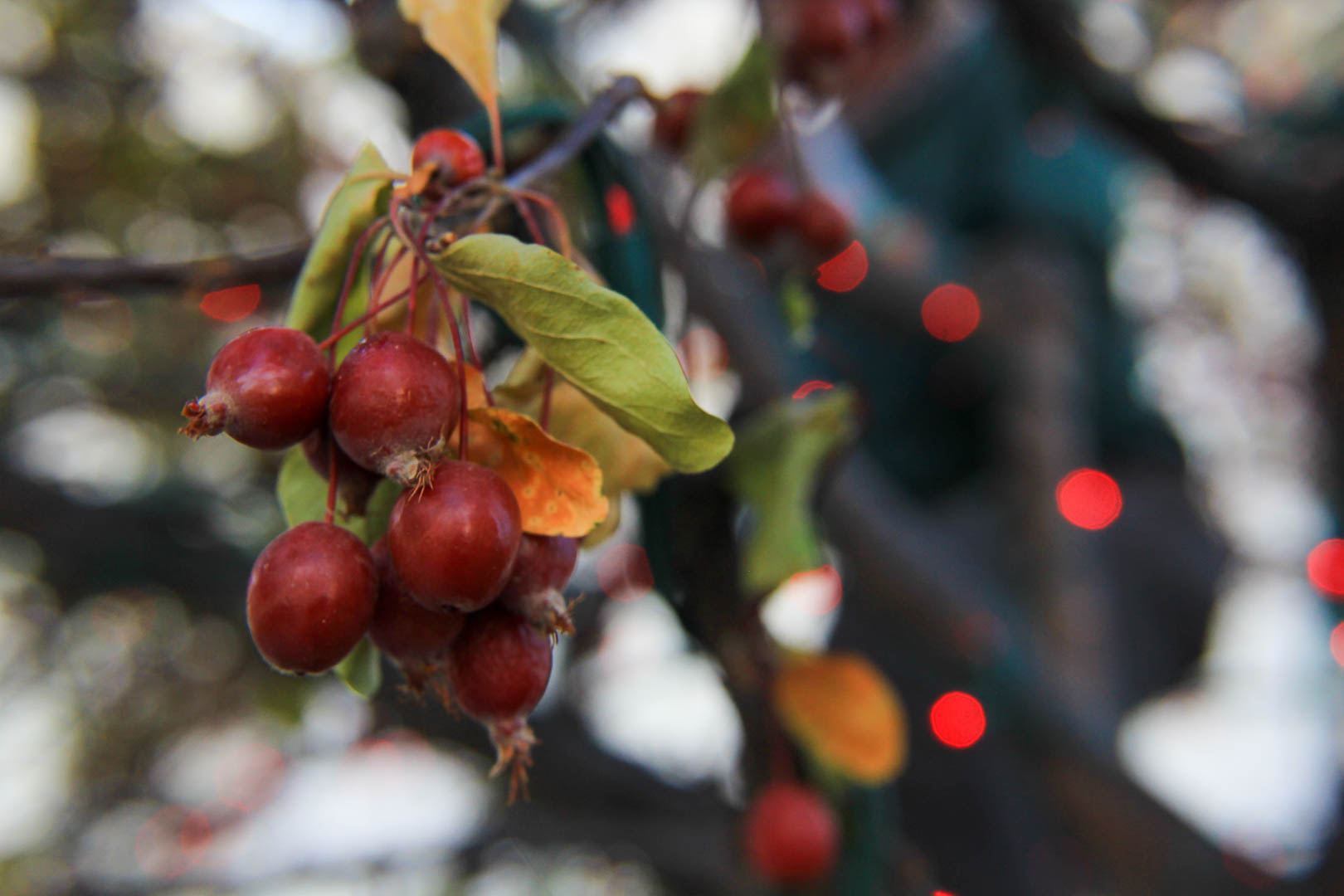
It’s beginning to look a lot like Christmas. I saw a gardener stringing Christmas lights on a tree near my house but the tree still had green leafs and fruit on it. I thought this was ironic so I snapped a picture of it. I love the red lights with the man in green in the background. I call it “Christmas in November”

Third Place

6th November, 2020 at Brigham Young University – Idaho

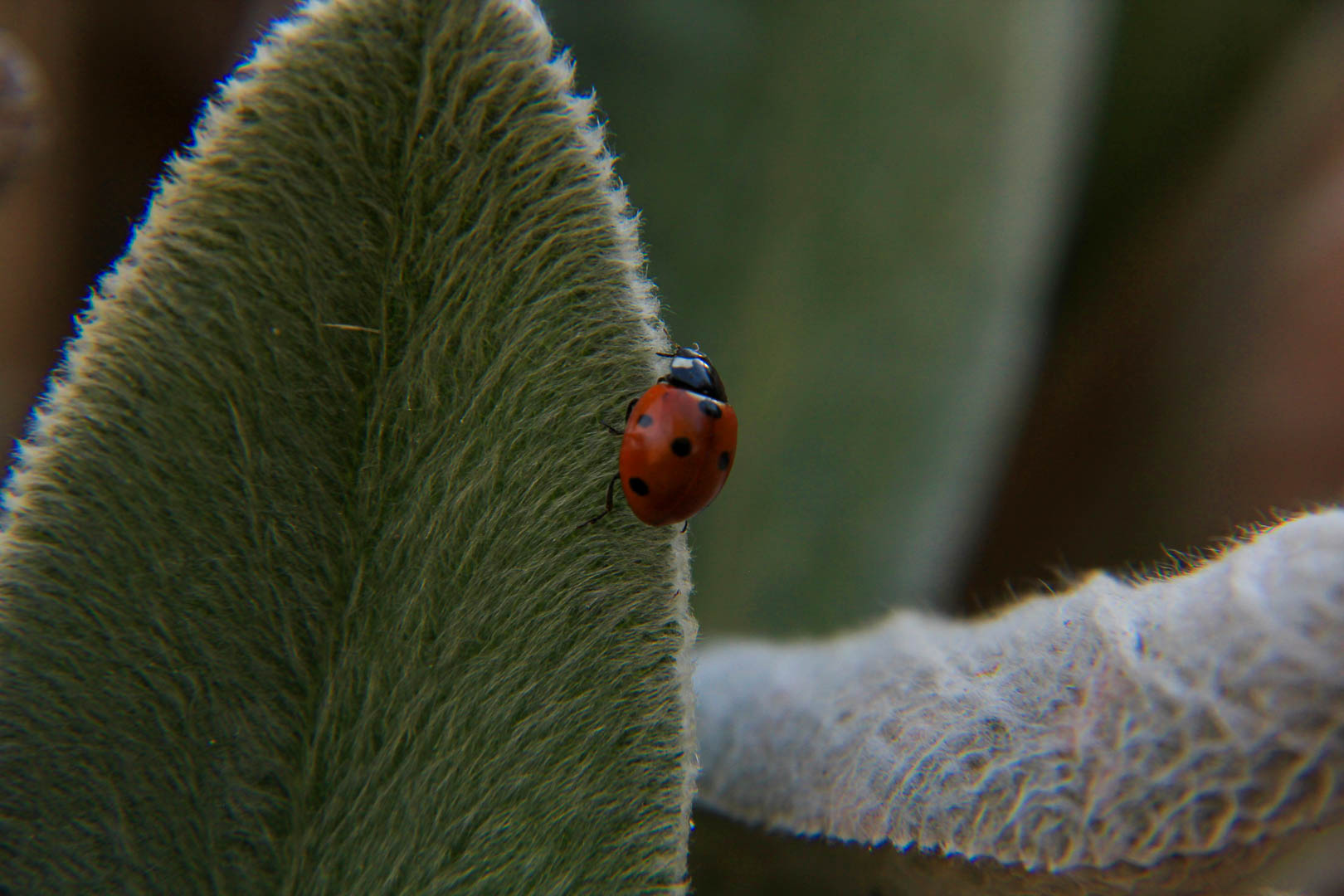
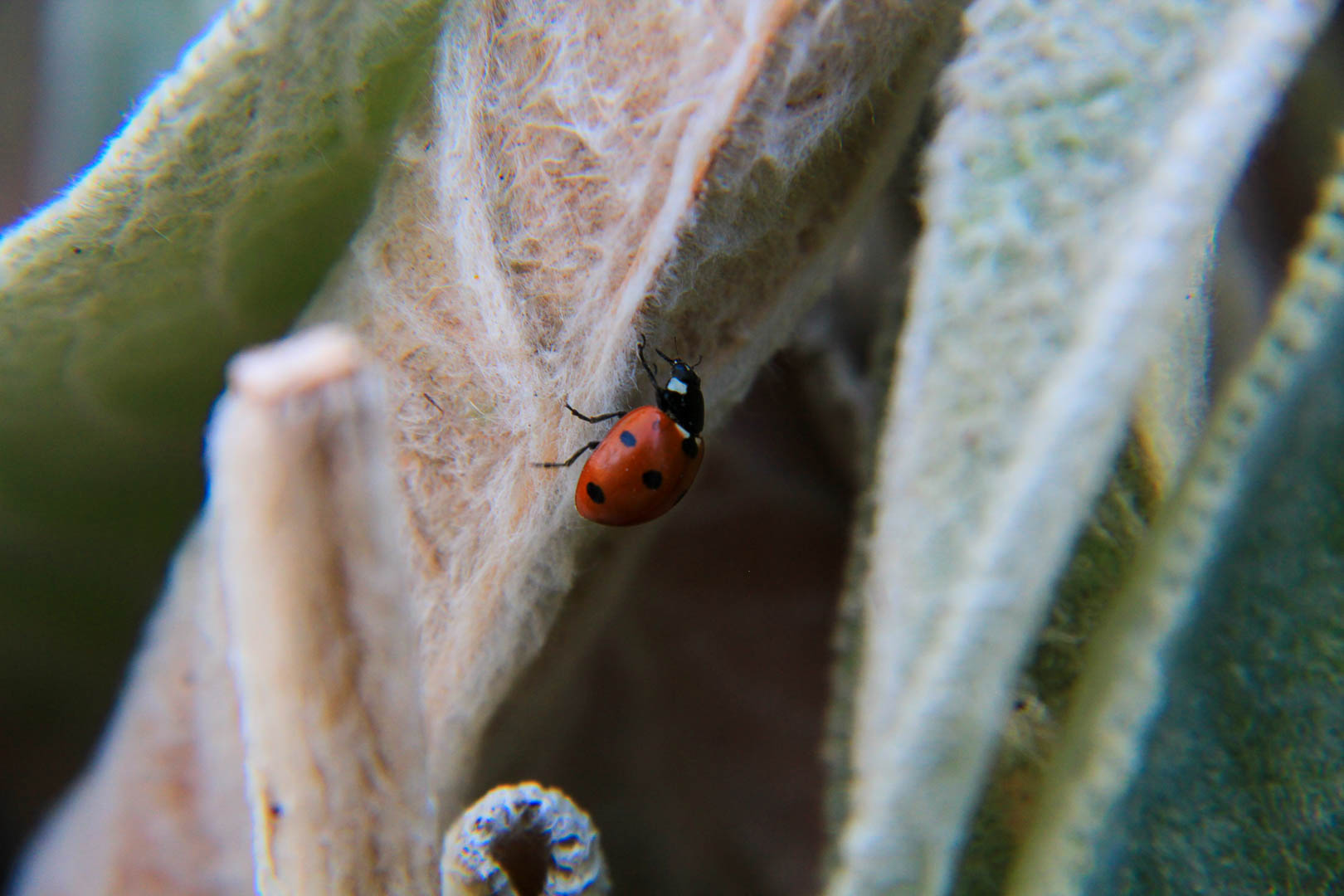
Normally, at this time of the year in Rexburg Idaho you would have already had the first snow of the year. This year it came in the second week of November instead of the first week. I was able to find this ladybug in the gardens on this furry plant. I love the color difference between the plant and the bug, it makes the ladybug pop. This is called “lady”.

Second Place

17th October, 2020 in Harriman State Park

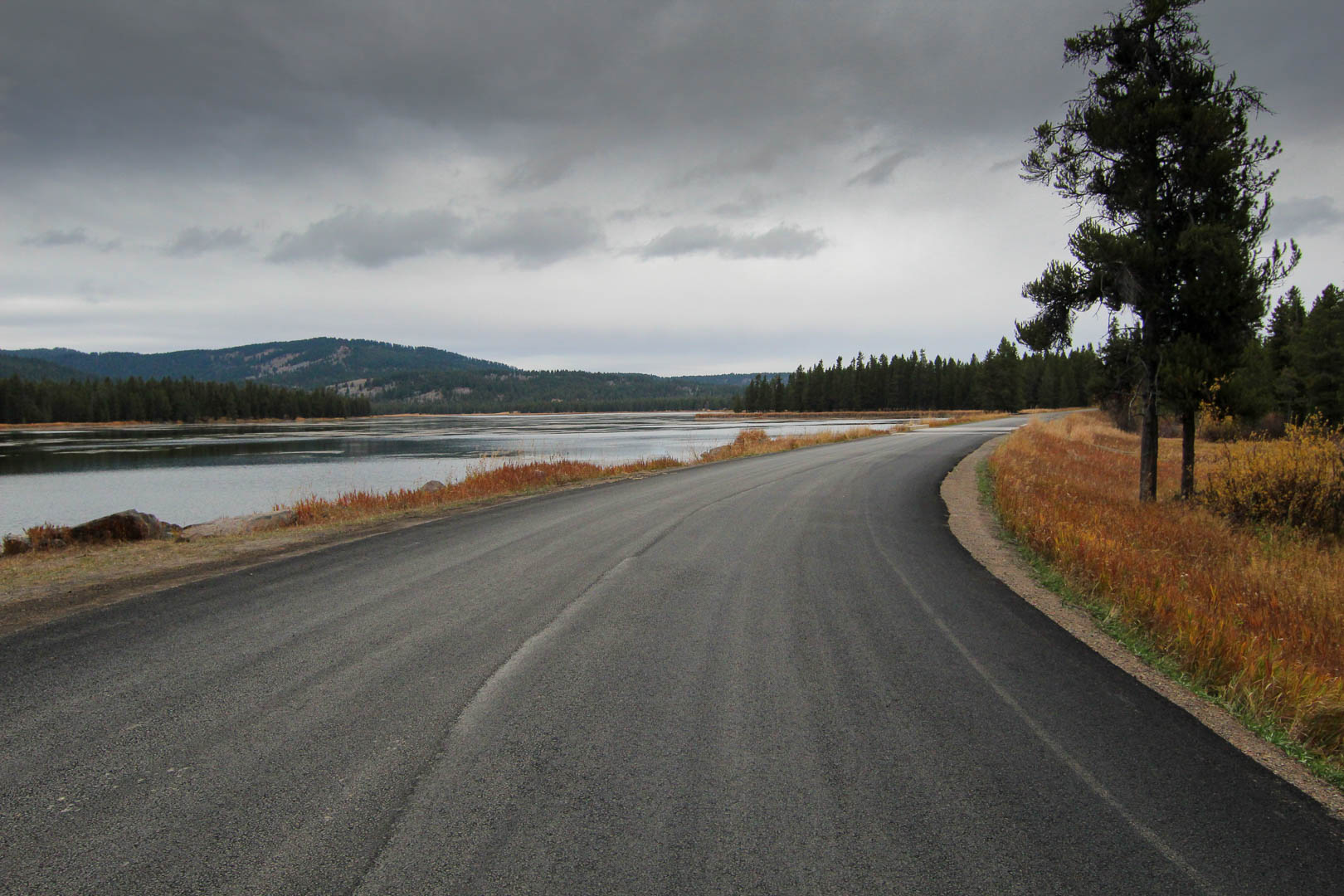
While on our way home from Yellowstone, my wife and I found this state park we had never heard of called Harriman State Park. We couldn’t believe the beauty and seclusion we found while there. The lake found in the photo above is called Silver Lake.

First Place

4th October, 2020 in Swan Valley

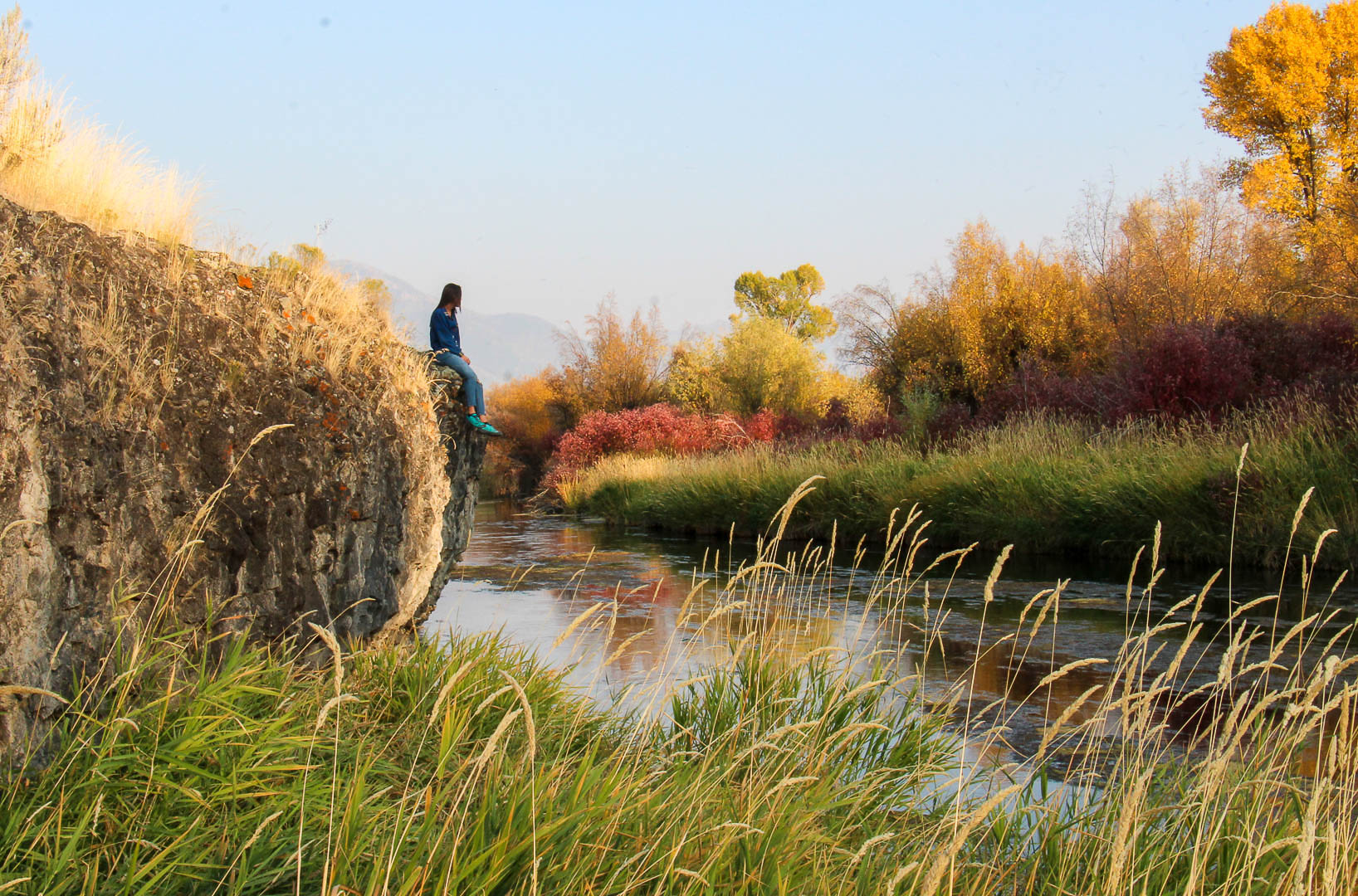
This was taken off the highway near Swan Valley Idaho. The color contrast in this picture is beautiful and I love the slow flowing stream in it as well. To take this, I had to walk into a marsh and get my feet wet. It was well worth the effort to capture such a beautiful picture.
8c

Lights

This picture tells a story, at first glance you can see the red cherries hanging off the branch because that is what is in focus. Then you may notice the red lights, then you may see the shape of a man in the tree. This is a student hanging lights at the Taylor Quad.

Rose

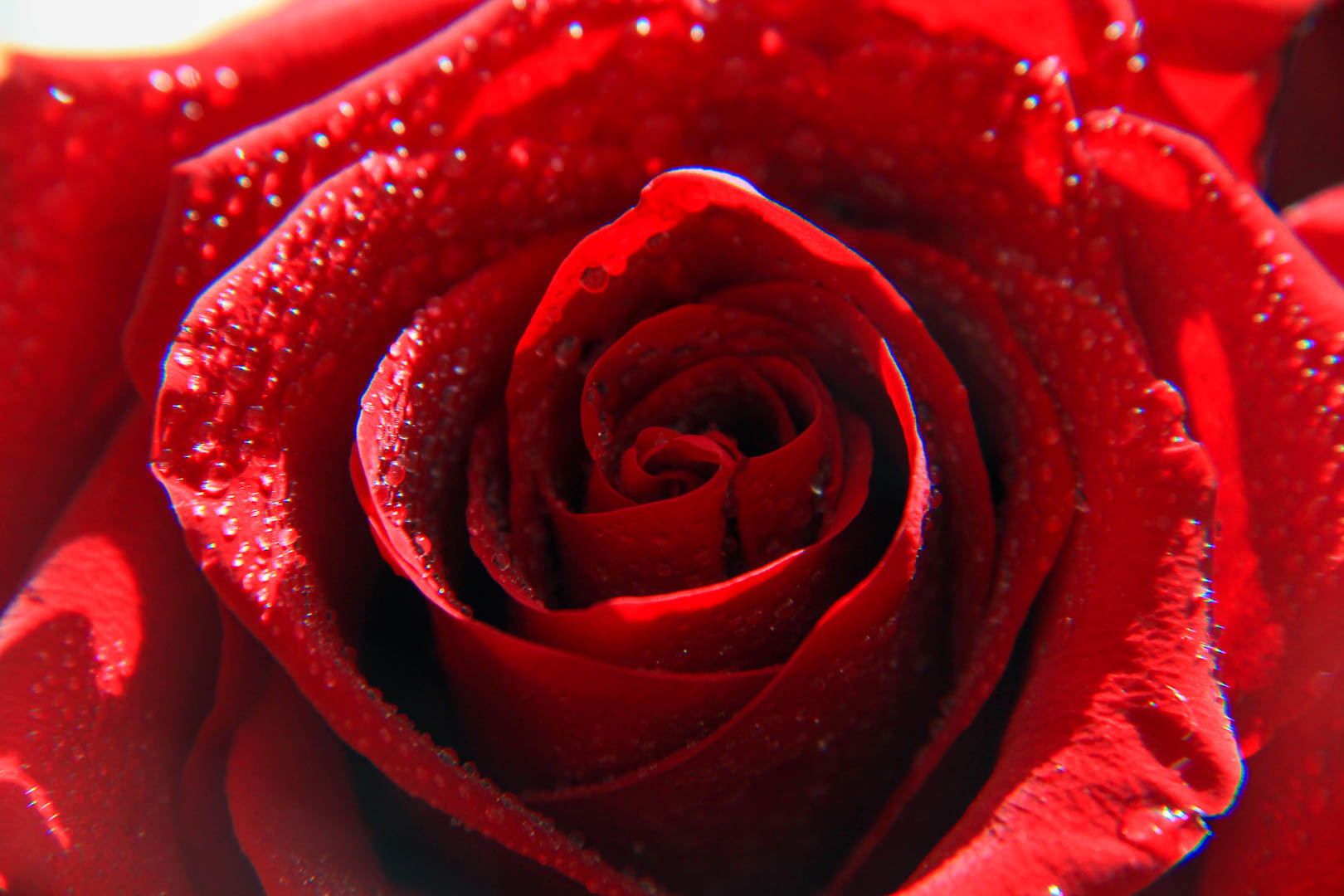
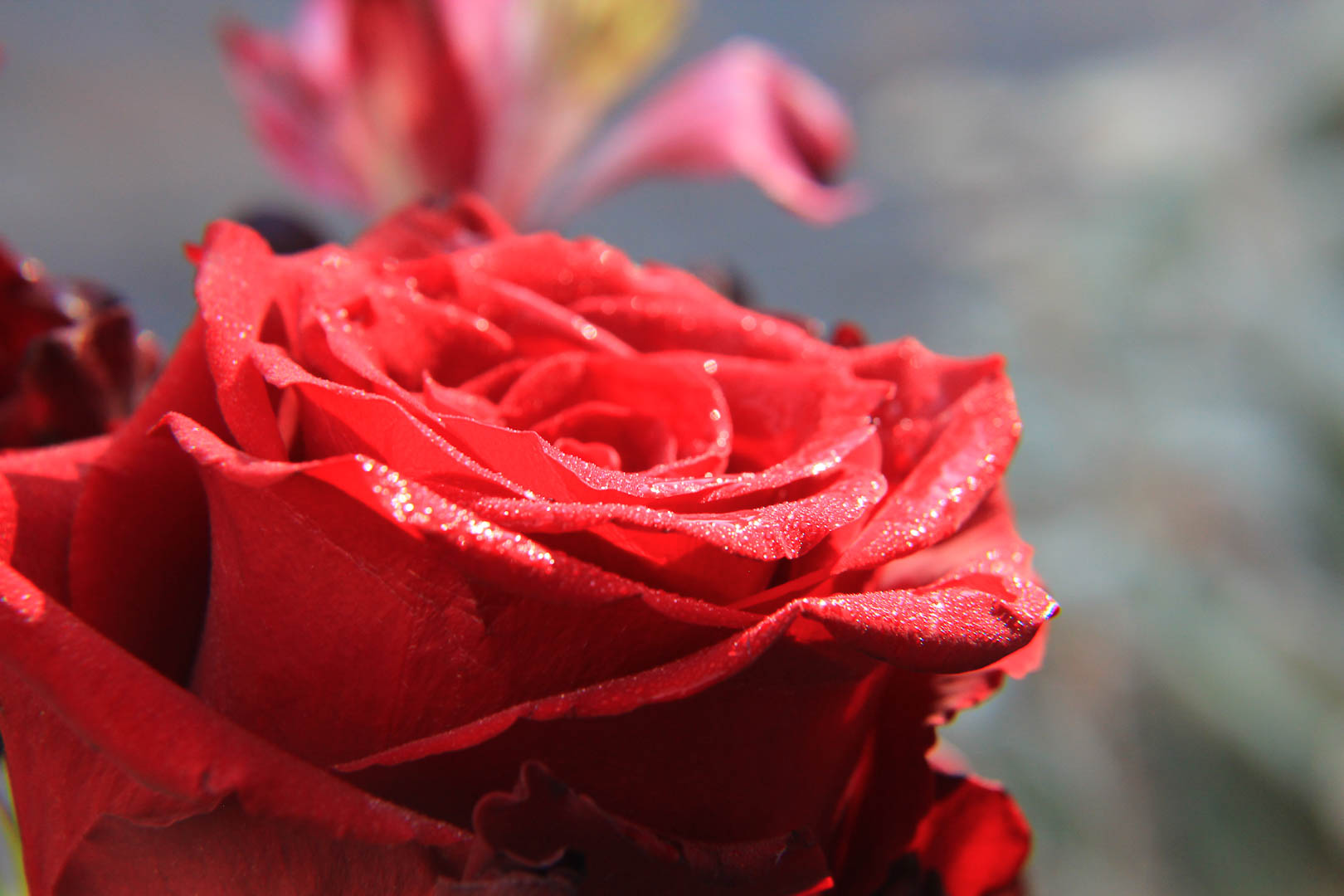
I love the light refraction in this photo. I can’t believe I was the one that was able to capture this.

Last lady Bug

I found this ladybug crawling around some furry leafs. The red and black stand out, what a beautiful lady. I was about 3 inches from this little one. Can’t believe it didn’t bite me or something.

Texture

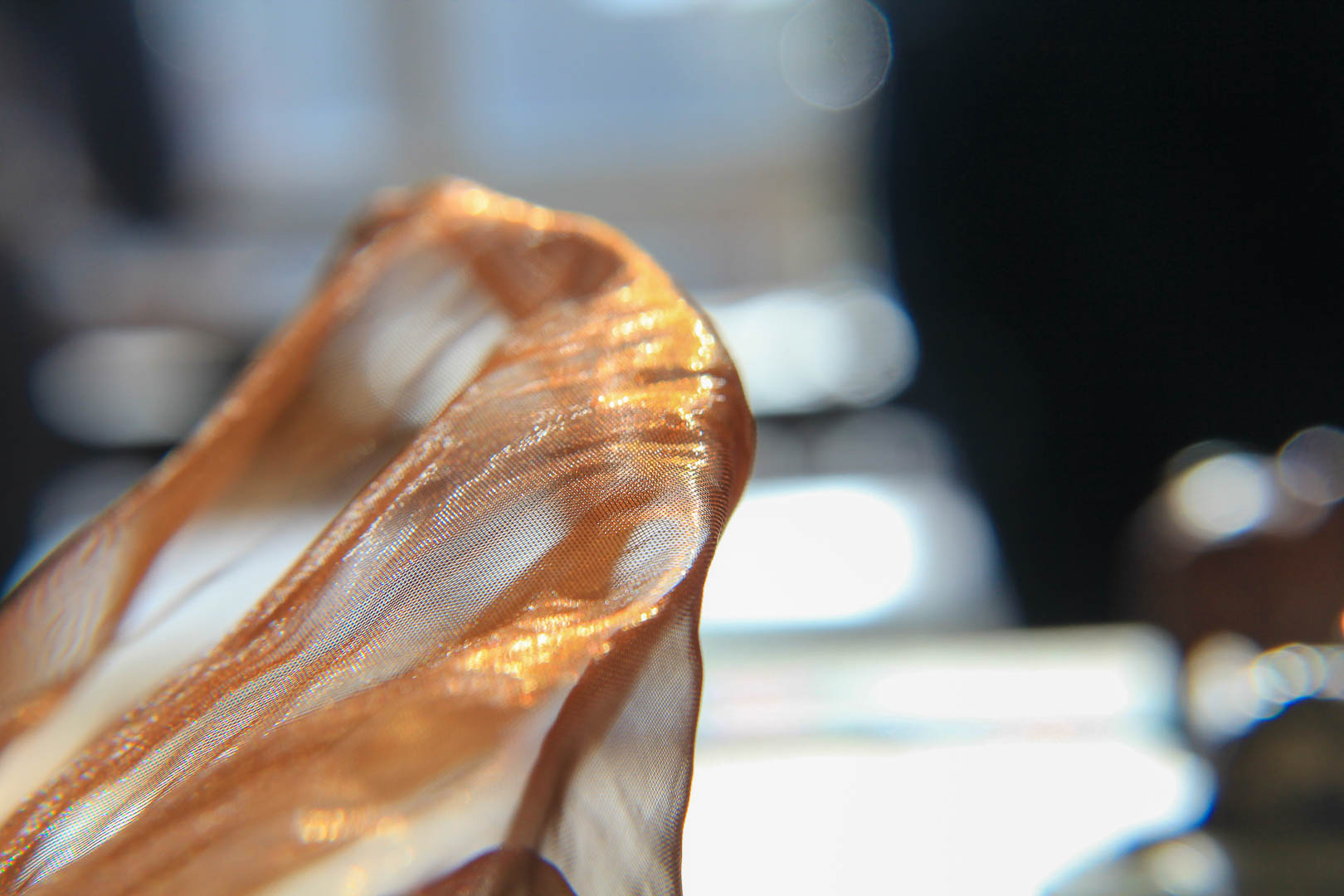
The light moving through this rusty Chiffon is beautiful. I think the texture shown here is just amazing, you can see it so easily too. I also think it is good knowing how the light was coming into this room.

Pomegranate

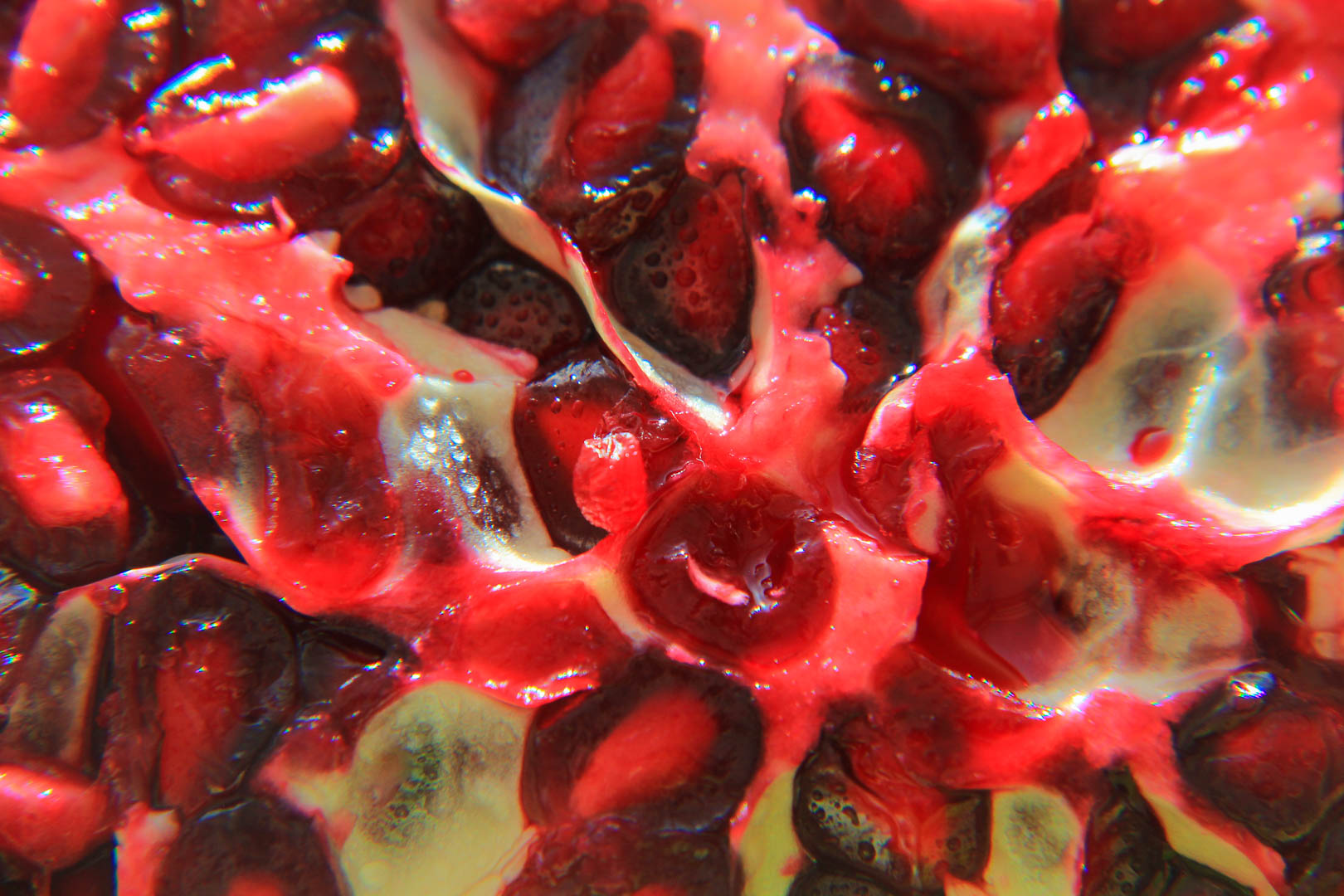
The droplets on this Pomegranate I think are AWESOME. I love how even when I am so close to the pomegranate you are still able to see the water droplets. The water on the seeds are just breath taking.
Reach

This ladybug was running away from me, because I was so close I assume. I as able to capture it going from one leaf to another and it almost seemed like it would fall, but the ladybug made it. I love the contrast between the green leaf and the whiter leaf and the red of its shell.

Lame table texture

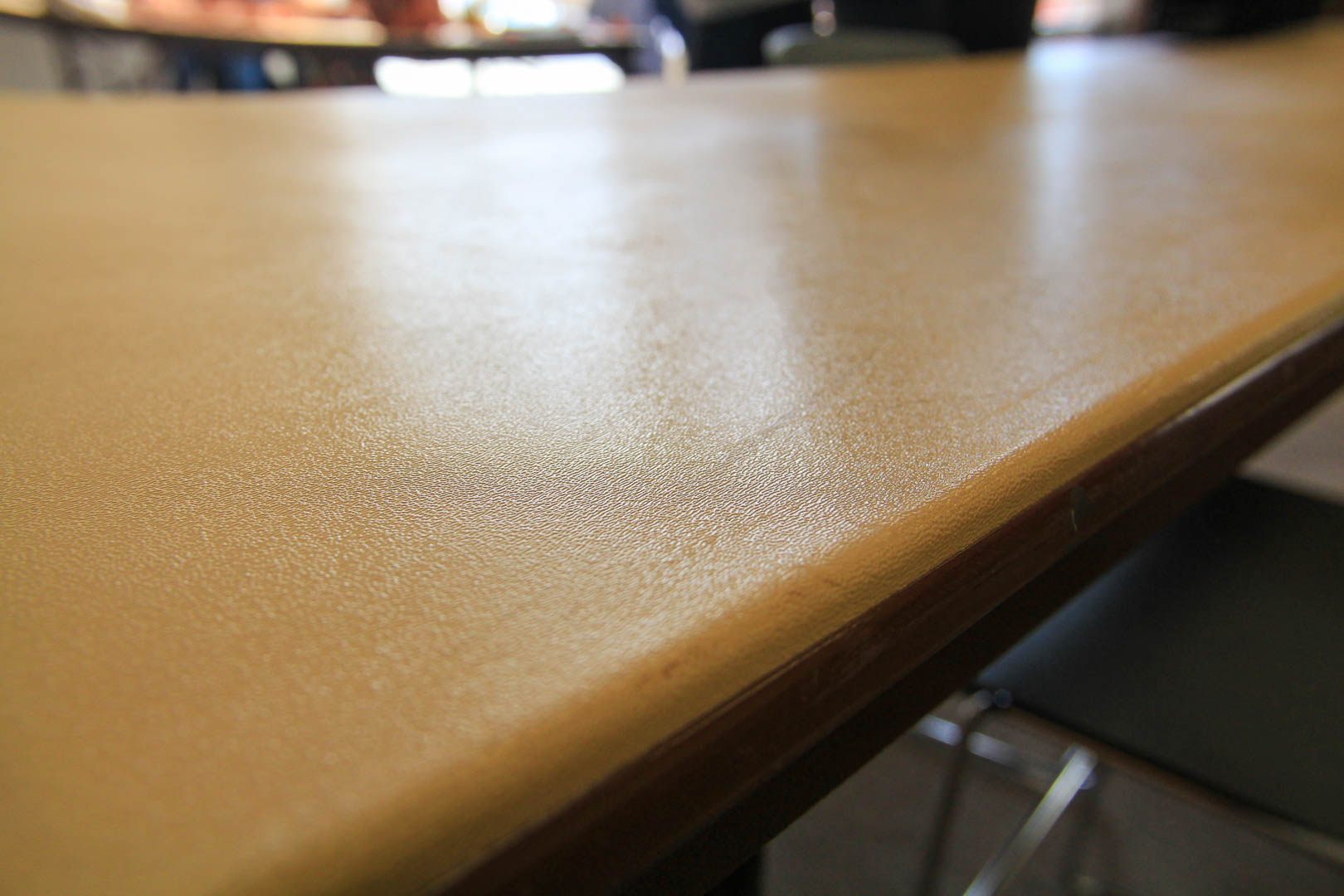
I am using this because I honestly think it is a great texture shot. You can really see the blur in the back ground and the sharp texture in the foreground. As your eye moves from the foreground to the back ground, the sharpness of the photo falls off, I absolutely love that.

Rose 2

This is my last of the droplets photo I thought worthy of posting. I love the flower the is blurred in the back ground. Also the light reflecting on the water droplets on the rose pedals is cool too.

lastly

I just wanted to post this one, I love how we still have green leafs when its NOVEMBER. The orange really stands out here, too bad this picture doesn’t fulfill any of the assignment requirements.

Hold the Phone

For this assignment, I used the Application called Snapeseed. I downloaded the other apps Sister Esplin suggested, but I feel this one is the best. I will be showing the finished product and then the before photos, just to show you my edits. You can also find one of my photos on my Instagram.

pano

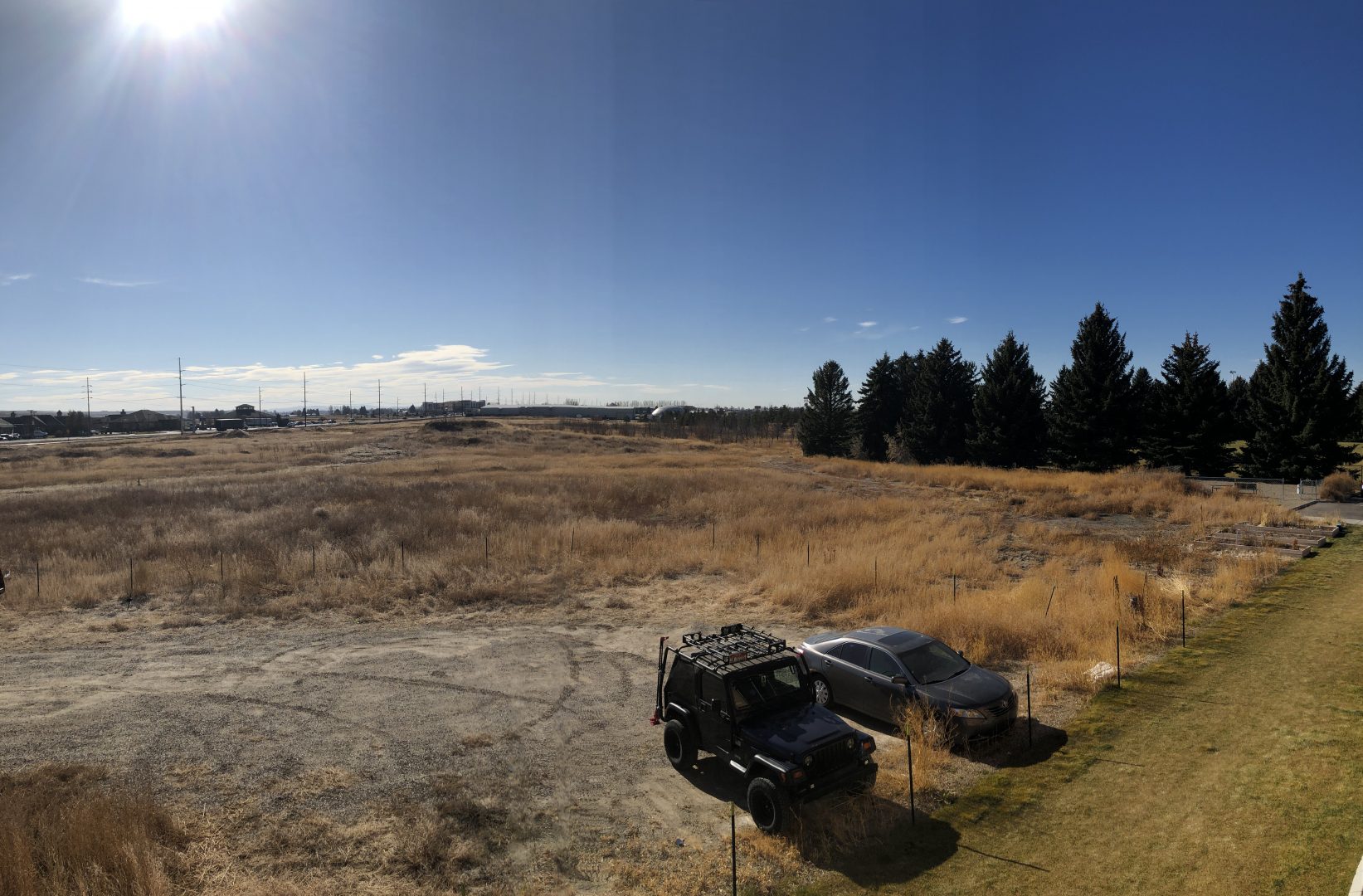
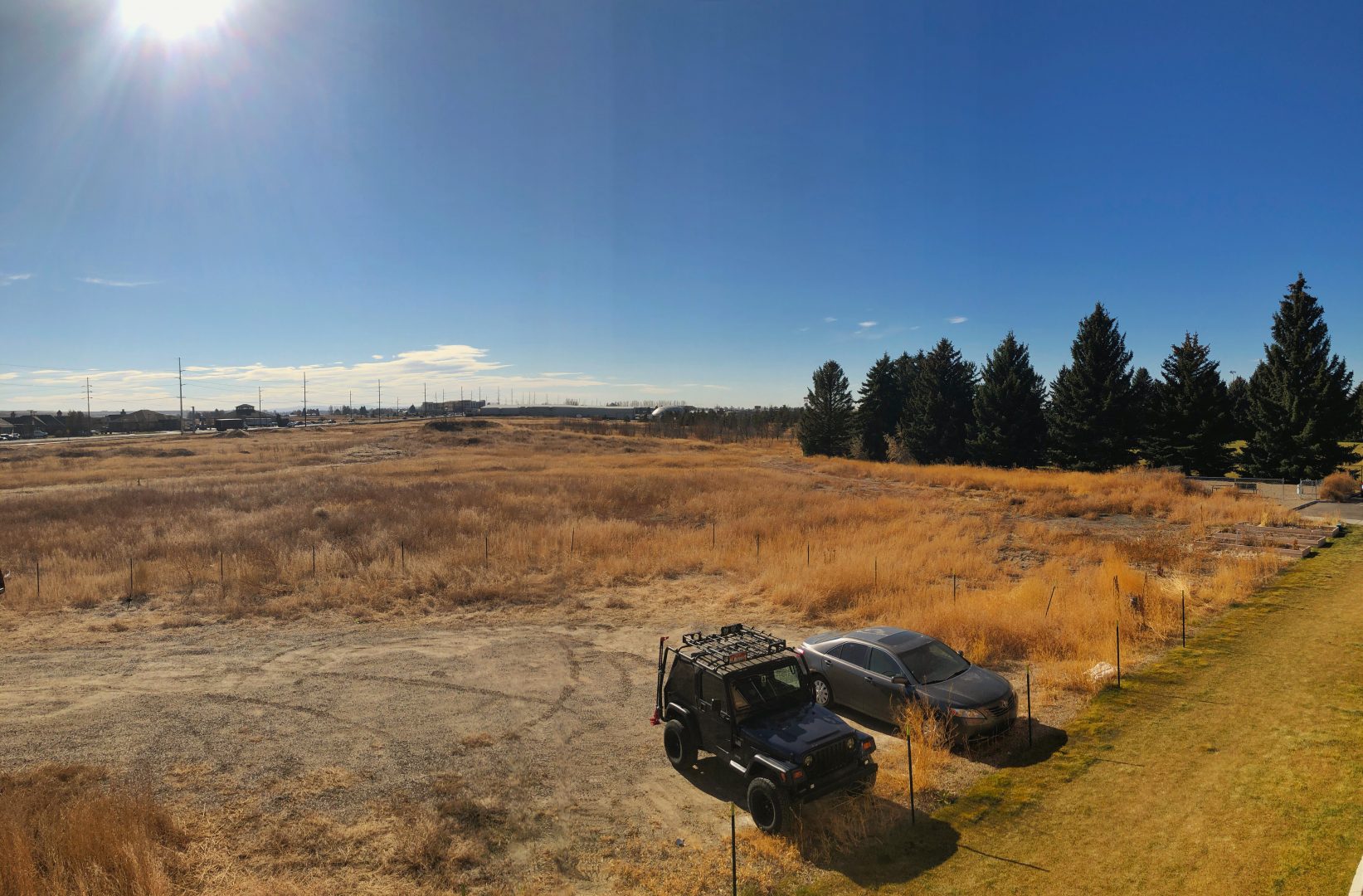
I like the edits I did to this picture, I took it off the balcony at my apartment. I warmed up the image, took out some of the dung in the grass. I love the sun flare i was able to capture.

Before

This is the before photo, I just felt like it was dull and the trees didn’t stand out at all. I also didn’t like the color of the bushes, looking at the bushes with your eyes, they are much more vibrant.

Hawaiian Sun

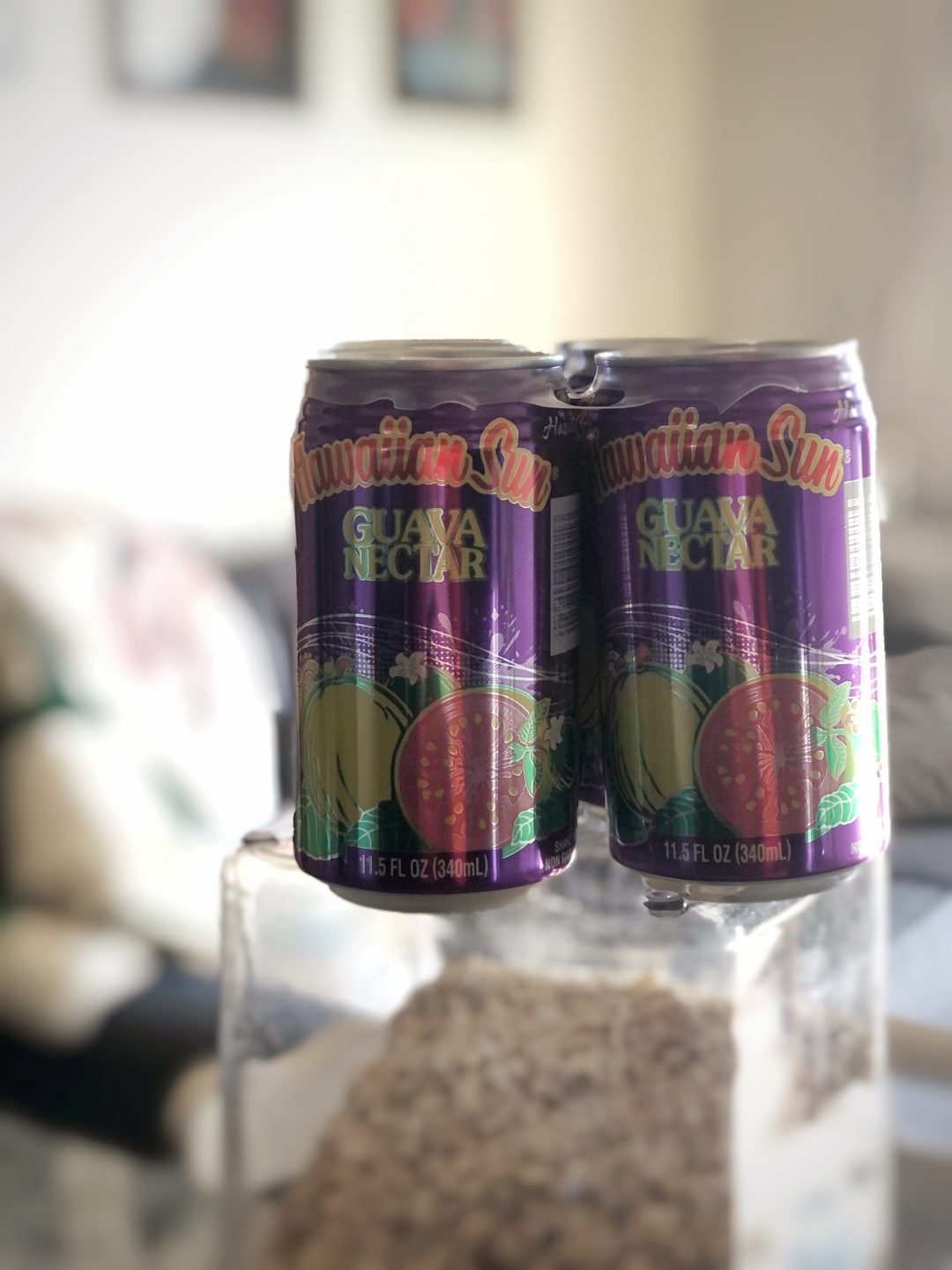
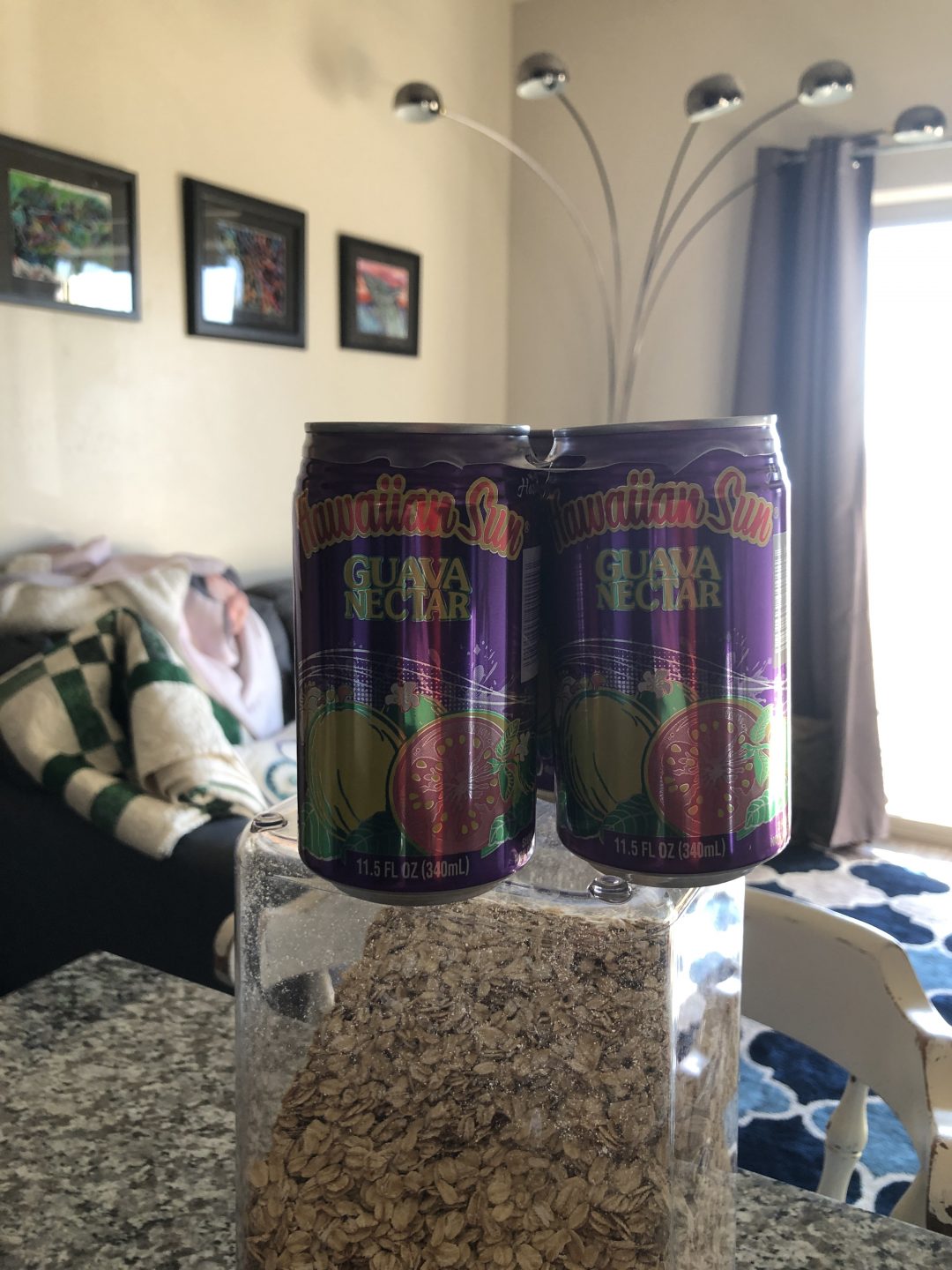
This is my portrait photo, I thought everyone would do a person for this shot. I thought out side the box and decided to take a picture of my favorite drink Hawaiian Sun Guava Nectar. This is after edits.

sunhawaiin nectar guava before

So in the Snapeseed application, I was able to blur the back ground just a little more after using portrait mode on my phone. I also yet again changed the warmth on my photo. What a great app, thank you for showing us it Sister Esplin

A new Point of View

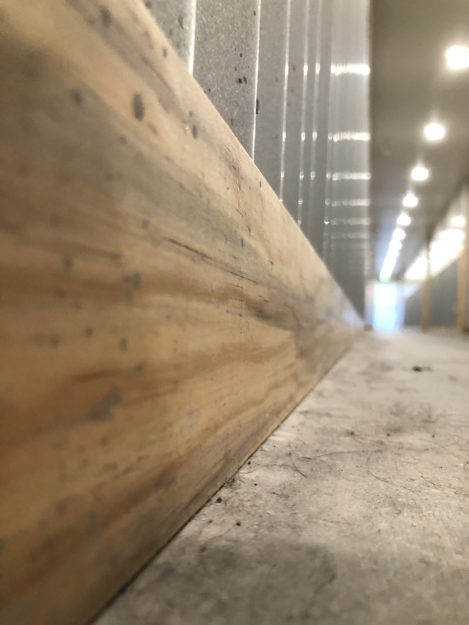
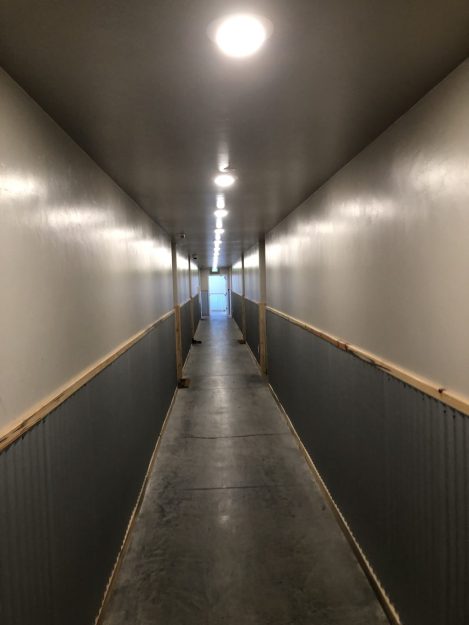
This was taken in the hallway of my apartment building, it feels industrial and I love the lighting. I warmed up this photo and took out some of the dust and hair on the ground. I left a little bit for you there.

Worse Point of View

This is the unedited point of view from the center of my hallway. This looks like a gross, storage unit place. But none the less, I live here. I like how in this photo you can see the texture of the wood slightly but above you can really make it out.